
AI Poster Maker APK helps marketers and other users create posters, flyers, banners, and social media graphics without requiring formal design experience. The app combines templates, fonts, patterns, images, layout controls, and AI-assisted tools so users can develop visual materials for businesses, products, events, education, agriculture, and other uses.
Poster and Graphic Creation
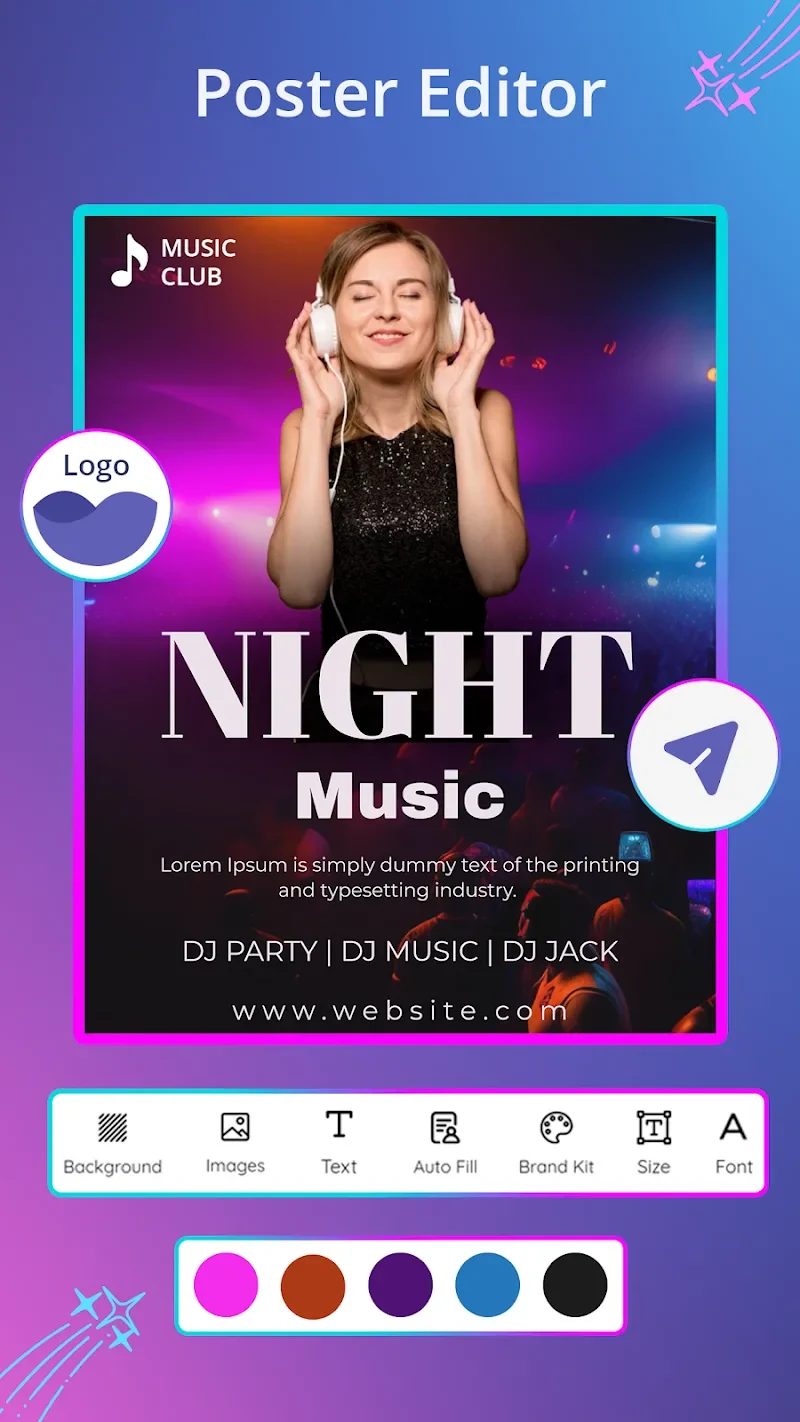
Users can begin with a poster, flyer, banner, or social media design and adapt it to the intended purpose. The editor supports digital posters for online use as well as designs prepared for printing. Text, images, layouts, sizes, styles, and color schemes can be adjusted to match a particular message or visual direction.
The canvas editor allows objects to be moved, while layout and alignment tools help organize the design. Users can also upload their own images and include them in posters. These controls make it possible to modify a selected design instead of relying entirely on its original arrangement.
Templates for Different Industries
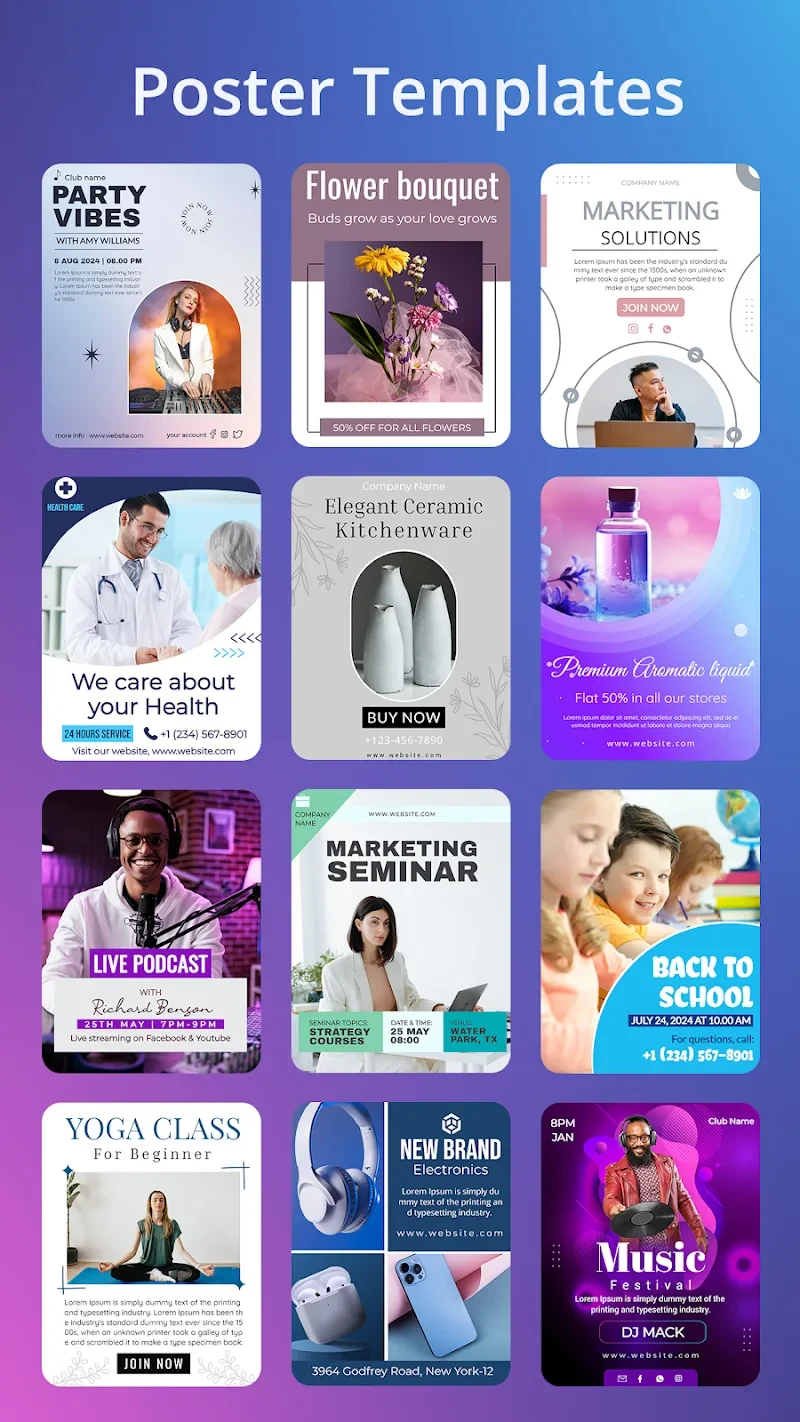
The app provides thousands of customizable templates covering a broad range of categories. Examples include sales, travel, music, food menus, festivals, parties, education, ecommerce, products, and business marketing. It also includes templates intended for social platforms such as Instagram and Twitter, along with designs for Shopify and other ecommerce-related uses.
This template library gives users a starting point for different communication needs. A marketer can adapt a business promotion, while another user can prepare an event invitation, announcement, product graphic, or social media post from a related design foundation.
AI-Assisted Content and Visual Tools
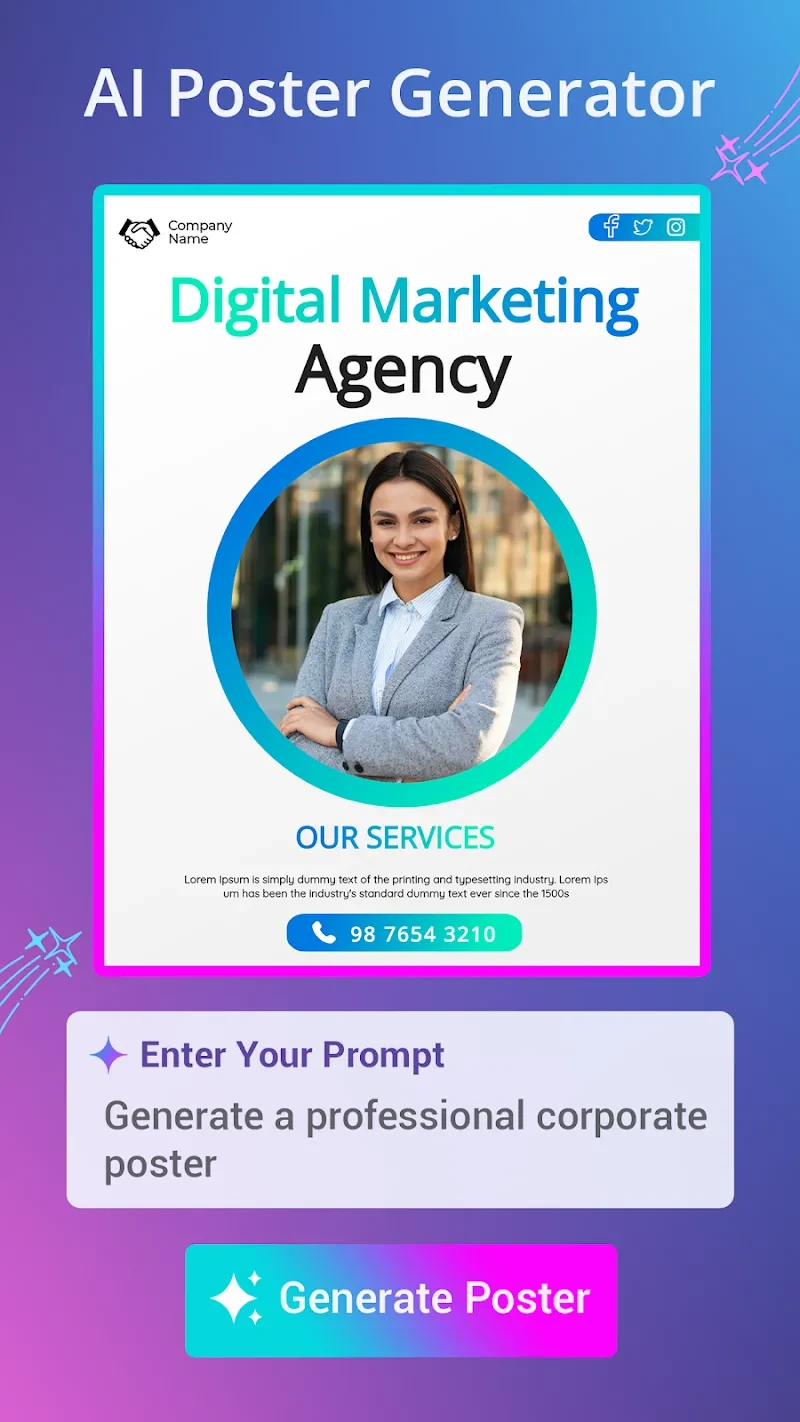
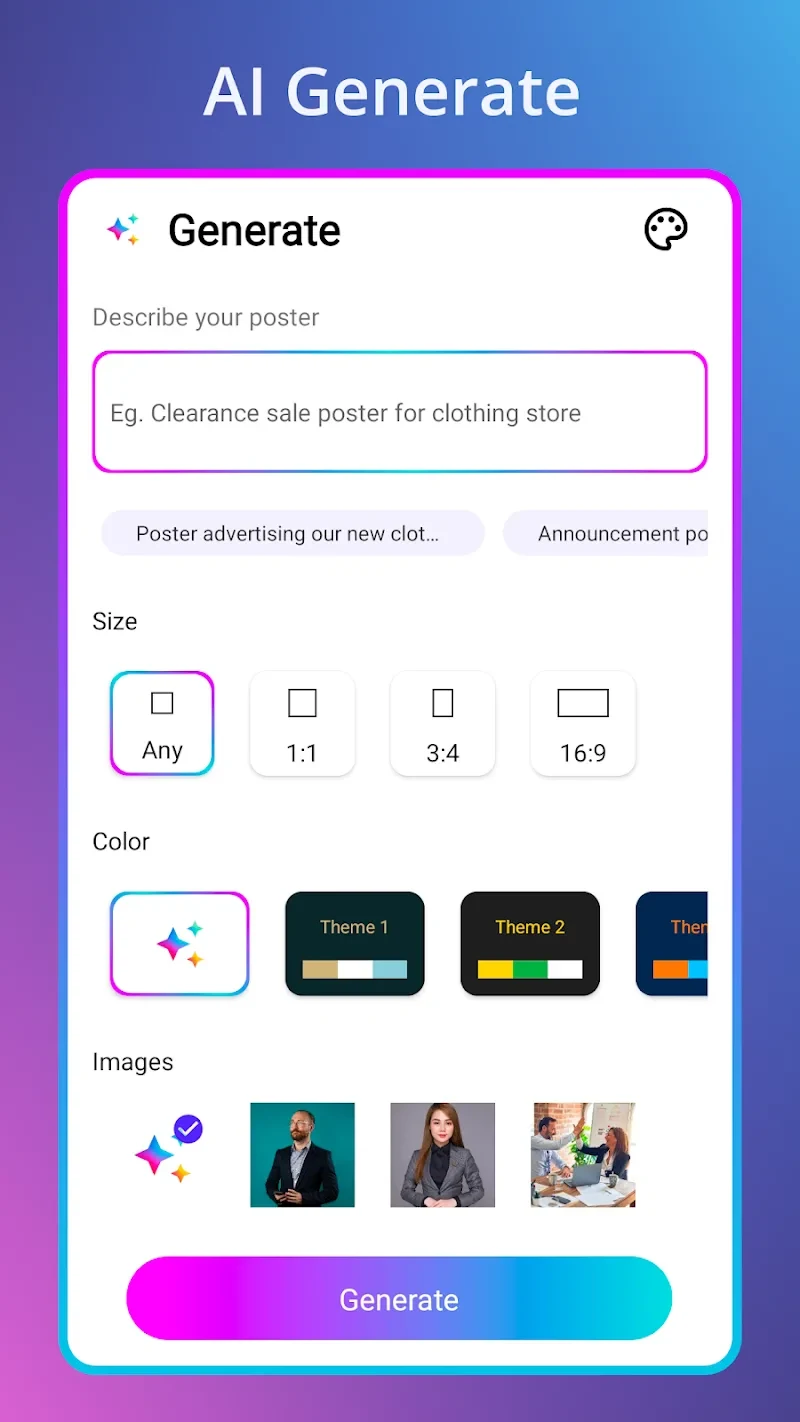
AI features support both visual design and written content. The app can provide content suggestions and titles for posters, including business headings, flyer text, product descriptions, and motivational quotes. Its AI image-generation tools can also be used when creating artwork for a flyer or other graphic.
Alongside these AI functions, the app offers images, icons, and illustrations for enhancing designs. The source describes this collection as royalty-free, allowing users to select visual elements from the available library when developing their graphics.
Branding and Custom Controls
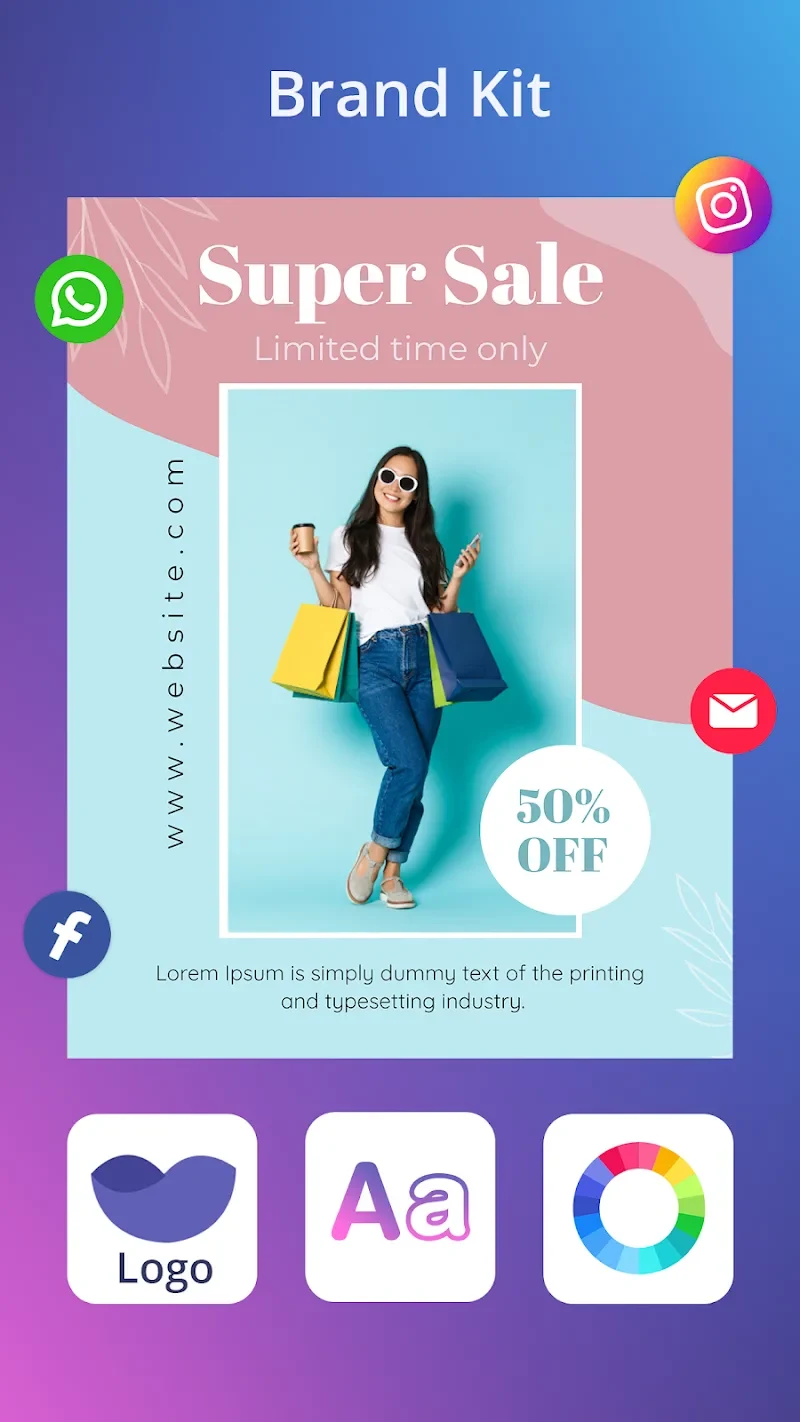
For users preparing multiple marketing materials, the brand kit provides pre-designed color palettes, fonts, and logo elements intended to support consistent branding. The app also allows users to personalize templates through custom settings and adapt their visual treatment to different campaigns or content types.
Design adjustments include choosing colors, changing styles, setting suitable sizes, editing layouts, and arranging objects. These options support both straightforward template edits and more individual designs built around a user's preferred appearance.
Exporting and Sharing Designs
Completed designs can be exported in PNG, JPG, and PDF formats. These formats cover image-based sharing and document-style output for the designs created in the editor. Users can also share finished work with friends or on other social platforms through the app's sharing function.
The supported output and sharing tools connect the creation process with common publishing needs. A finished poster can be prepared for online posting, while a suitable export format can be selected for a design intended for printing or later use.
Use for Marketing Materials
AI Poster Maker APK is focused particularly on marketing-oriented graphics. Users can create business posters, promotional flyers, product posters, social media posts, event announcements, invitations, and other visual messages. The source also describes controls for producing clear designs with sharp images and vibrant colors for both digital and print contexts.
The app is presented as accessible to beginners as well as more experienced users. Templates and guided controls can provide a starting structure, while the editor's text, image, layout, color, brand, and AI features allow the design to be developed further for a specific promotion or communication goal.