
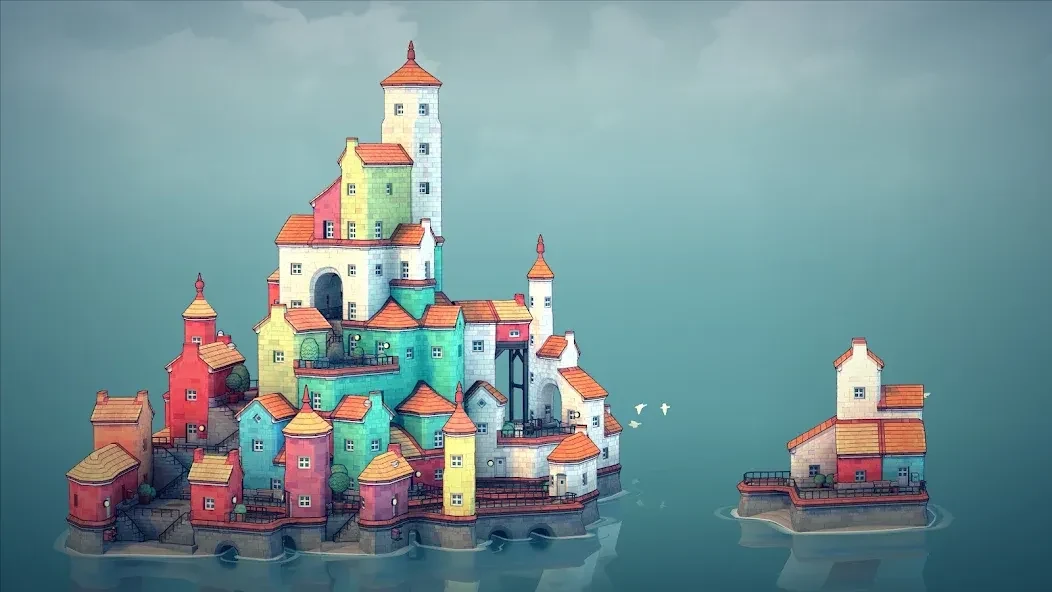
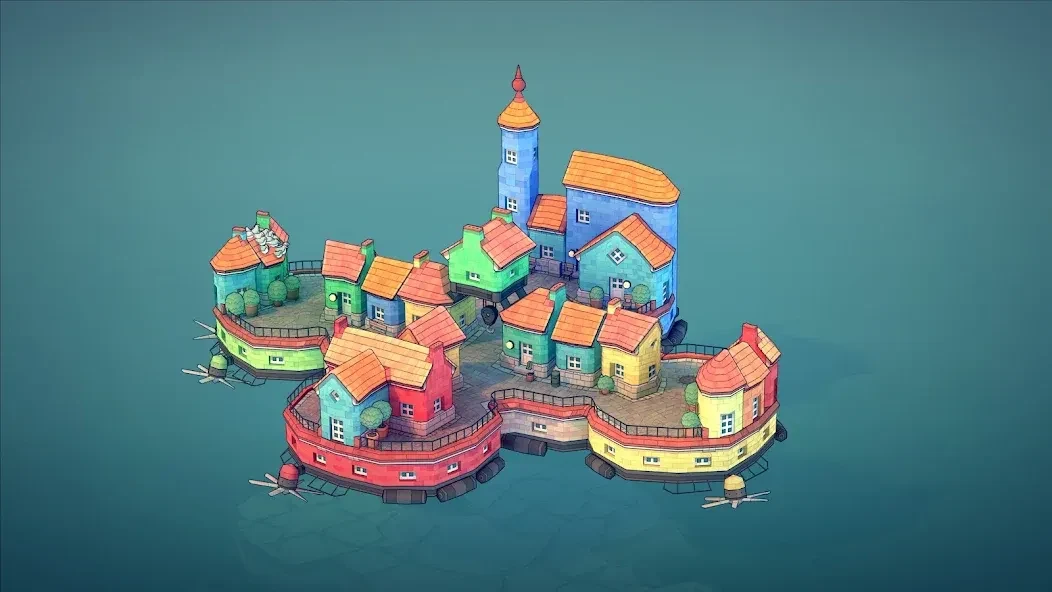
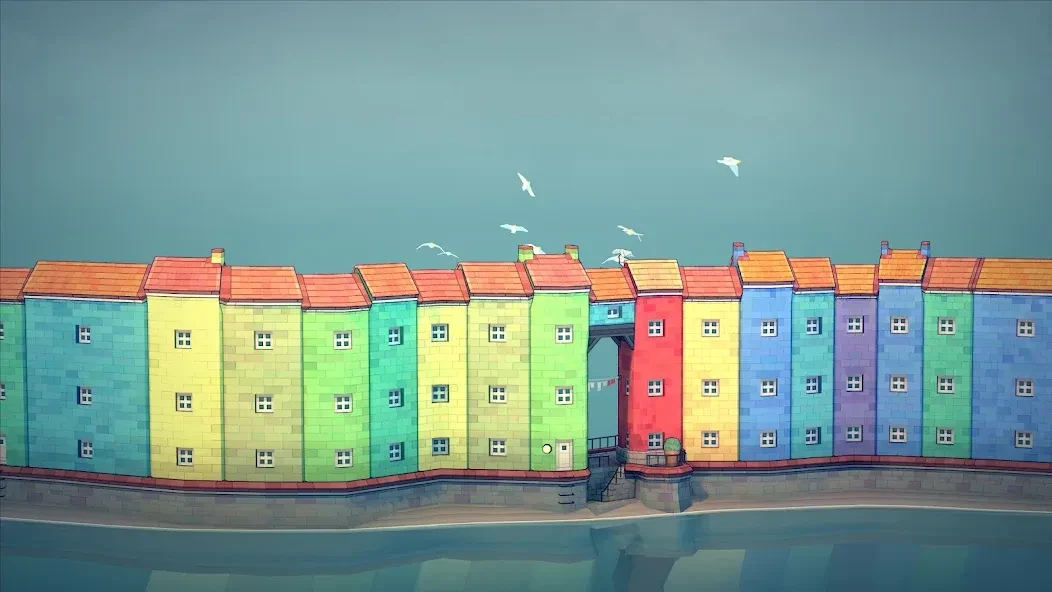
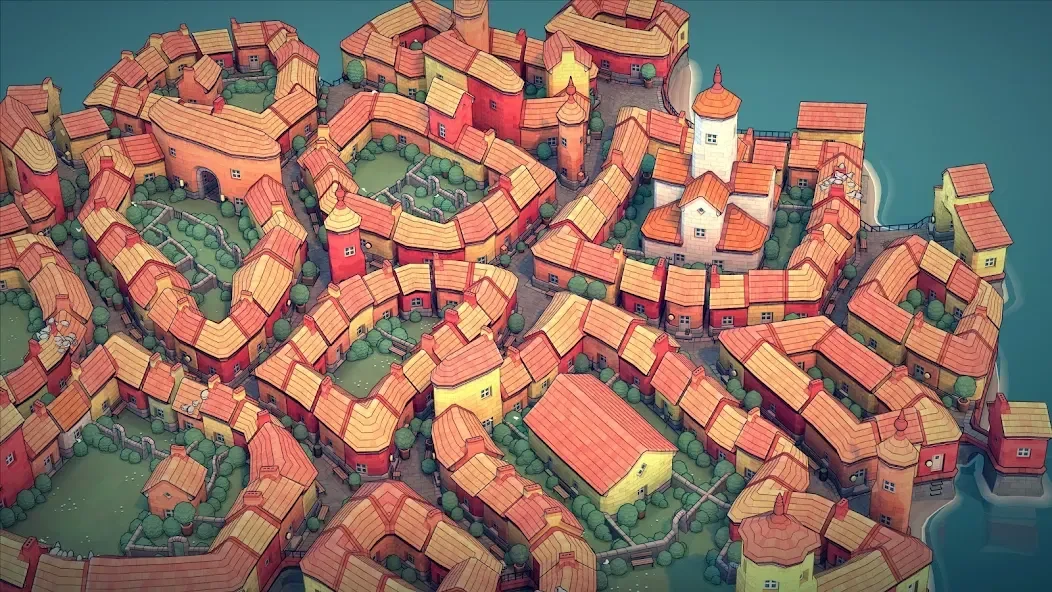
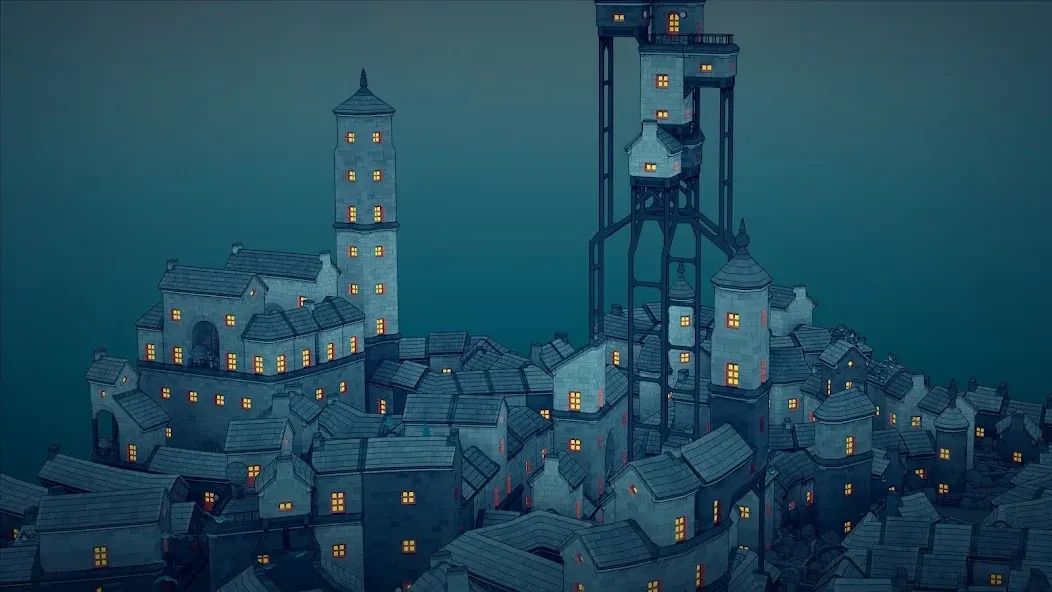
Townscaper is a city-building game that turns simple block placement into colorful coastal architecture. Choose a color and place blocks to create buildings and connected town layouts; the game automatically generates details such as houses, doorways, stairs, and bridges according to their arrangement. There are no resources to collect or objectives to complete, so the main task is simply to shape a town as you imagine it. Its clearest appeal is this low-pressure creative process, supported by detailed, varied structures that emerge from straightforward building choices.
Is there a goal to complete, or resources to manage?
There is no stated campaign, win condition, or required task in Townscaper. The source describes it as a creative game rather than a conventional city-management simulation: players do not gather materials, meet objectives, work against a timer, or earn a score by completing challenges. You can build at your own pace and decide for yourself when a layout feels finished—or start again with a different arrangement.
This open-ended format puts the focus on making and adjusting a place rather than maintaining a city or following instructions. It may suit someone looking for a relaxed building activity, but players who want missions, resource systems, or a defined progression should know those are not part of the described experience.
How do block placement and color choices shape a town?
Building begins with selecting a color and placing blocks. The game uses those placements to generate structures automatically, so the resulting architecture depends on how the blocks are arranged rather than on choosing each building component from a menu. Houses, door frames, stairs, and bridges are among the forms described. Color choices also help establish a town’s visual scheme, while the placement of buildings can affect how connected spaces and other details appear.
The source presents experimentation as the way to discover what different layouts produce. You can form rows of buildings and streets, connect sections, or try unusual corners and gaps to see what the game creates. Building types are not described as manually selectable: instead, placement and configuration influence the generated results. That means the creative control comes from trying different combinations, rather than specifying every architectural feature directly.
What details and small structures can appear?
Townscaper’s generated towns are described as Mediterranean coastal settings, with individual buildings rendered in three dimensions and small environmental details around them. Examples in the source include pigeons on a roof, a mailbox, grass in a backyard, and a covered porch. It also notes that roof pigeons can react when a player touches the roof to continue building. The exact details vary with the structures and spaces created, giving a simple block layout more visual character.
Some details depend on the shape of the surrounding buildings. A closed area formed by connected buildings can develop grass, along with items such as bushes and wildflowers. If a gap is made in the enclosing wall, the grass disappears. Within grassy areas, placing buildings near one another without connecting them can create decorative walls with greenery; their spacing, size, and position affect the result. These behaviors give players additional ways to explore layouts beyond placing standalone houses.
Can you build vertically or create stairs and flags?
Vertical construction can produce colorful flag buntings between buildings. According to the supplied tips, these can appear when buildings are one space apart and can stretch across a gap of up to two spaces. The colors depend on the buildings they connect: matching colors produce a corresponding scheme, while differently colored buildings can create hybrid-colored flags. This makes the placement and palette of neighboring structures relevant to the appearance of these accents.
Stairs require attention to the foundation and the gaps between buildings. The described method is to create a foundation at the sandy base or one level above it, then place two buildings at its edge. A one-space gap can generate one staircase, while a two-space gap can generate two staircases facing each other; a gap of three or more spaces is too wide for this result. The source also describes larger staircases as possible with a plaza behind them and buildings at least two blocks high.
Who may find this building game useful?
The game may appeal to players who enjoy shaping a town without managing supplies or pursuing a checklist. Its automatic generation, color choices, and responsive architectural details leave room to experiment, while the absence of set objectives lets each player decide what to build. The source also describes a community where players share creations and exchange likes and comments, which may offer inspiration for further designs.
There are some boundaries to keep in mind: the described experience is single-player, and building styles are generated from placement rather than selected individually. The supplied material also describes experimentation as the main way to learn the building system. Townscaper is therefore centered on personal construction and discovery, not on multiplayer play or detailed control over every building part. Its fit depends on whether that open-ended, block-based approach matches what you want from a building game.