

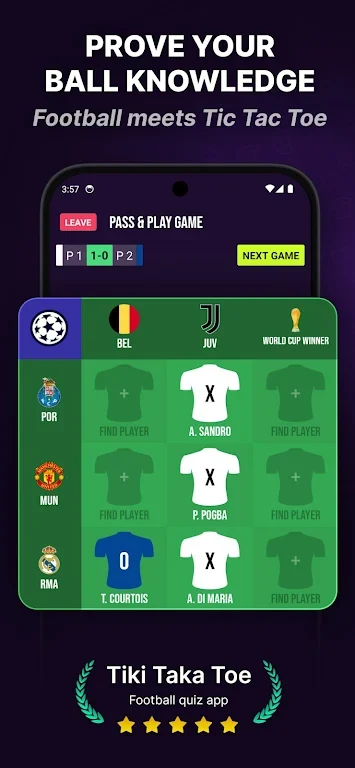
Tiki Taka Toe turns a familiar three-by-three grid into a test of soccer knowledge: to claim a square, name a real player who fits the categories shown for its row and column. The aim is still to make a line of three, but choosing a valid answer adds a trivia challenge to every move. You can set up a quick local game, practice against AI, or play online, making the format suitable for a short solo session or a head-to-head match with a friend.
How a turn combines trivia and tactics
Tap a cell, enter a player’s name, and confirm to place your mark. The game checks whether the answer is valid for the selected leagues and categories, and provides feedback when an entry does not qualify. Name suggestions can help speed up input. Because each answer must satisfy both the row and column criteria, a move depends on more than finding an open space: you also need to consider which squares you can answer and which ones might let an opponent complete a line. Players can pursue their own three-in-a-row or block a likely winning move.
League choices and match setup
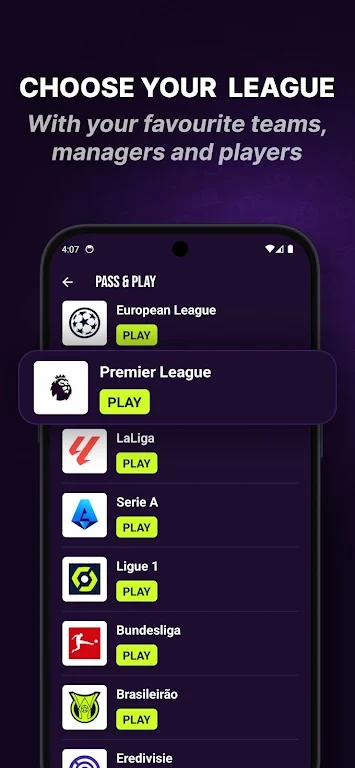
Available competition and club-roster options cover England, Italy, Spain, Germany, France, the Netherlands, Brazil, and Argentina. You can choose which leagues or category types apply to a match, changing the pool of answers and the constraints on the grid. Match settings also let you decide who starts, so players can try different approaches to the opening turn. These filters give roster knowledge a practical role: choosing a familiar league can make answers easier to recall, while other selections can make a round less predictable.
Solo practice and playing together
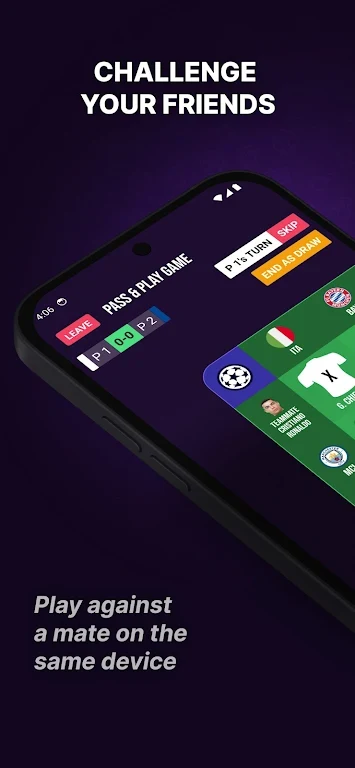
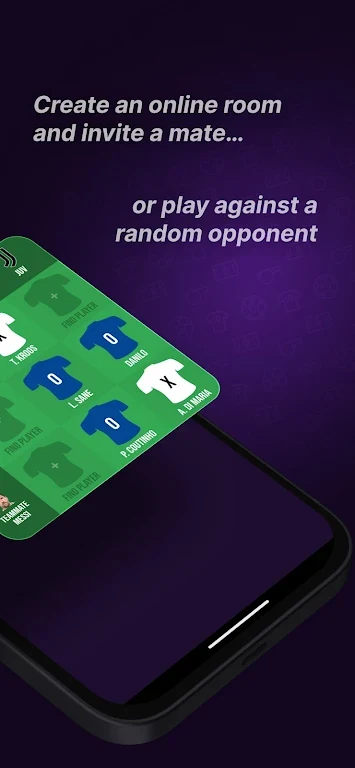
For offline play, Tiki Taka Toe includes pass-and-play on one device as well as a single-player mode with multiple AI difficulty levels. The AI settings let you choose a different level of challenge while practicing both player recall and grid strategy. Pass-and-play keeps the match on a shared device, making it an option for a casual game in person. Online play offers private matches arranged with room codes and an option to find a random opponent. The modes support different situations without changing the central task of supplying a qualifying player for each chosen square.
Readability and replay
The interface uses category and team indicators, clear typography, and simple icons to present information on the grid. Text-size adjustment and high-contrast modes are available for readability, while prompts guide new players through early rounds. Validation messages help clarify rejected answers, and name suggestions and recent-player history can reduce typing for familiar entries. Replay comes from changing league and category selections, varying AI difficulty, and facing different opponents; improvement centers on learning more rosters and finding flexible answers that preserve several possible routes to a line of three.