
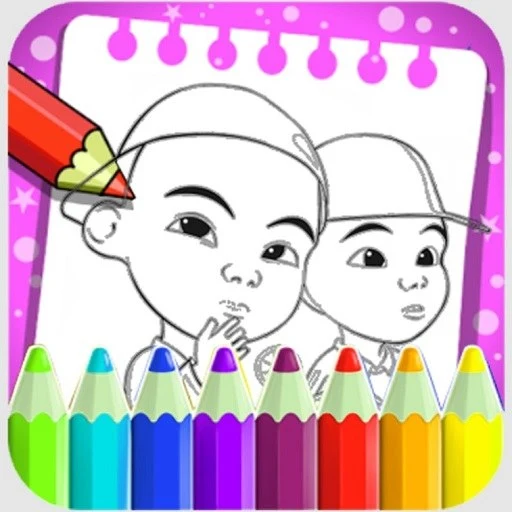
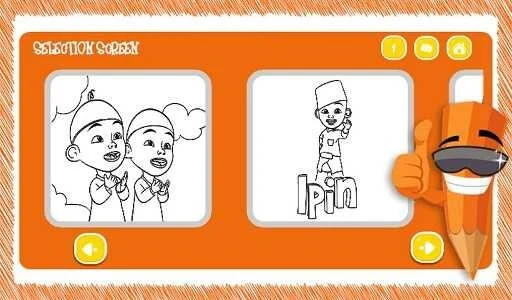
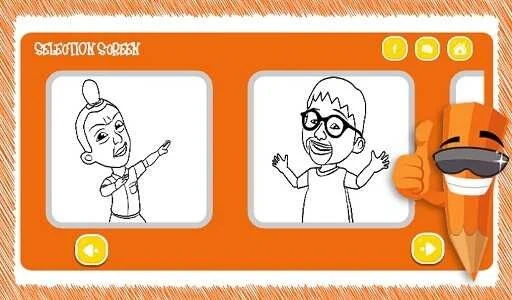


Si Kembar is an educational game for Android that gives young children a simple space for coloring, touch-based interaction, and playful learning. Its main activities are intended to support motor coordination, hand-eye coordination, color and shape recognition, creativity, memory, and concentration through repeated drawing and play. The app does not require a login or personal information, and its offline design keeps play from depending on an internet connection. Alongside coloring controls such as color selection and brush-size adjustment, the source also describes a run in which twin characters move through a course while collecting fried chicken and building a score.
What can children do in the coloring activities?
Players can choose a drawing, select colors, adjust brush sizes, and fill the artwork with simple touch controls. The illustrations have a twin-themed focus, while the unrestricted color choices allow a child to decide how each picture should look rather than being corrected or directed toward one fixed result.
The drawing actions are described as practice for grip stability, pressure control, and directional movement. Over time, these activities are intended to support smoother, more deliberate strokes and hand control relevant to early writing and everyday tasks such as holding a pencil, tying laces, or cutting paper.
How does the app support early learning?
Si Kembar connects coloring with recognition of colors, shapes, contrast, tone, and composition. Completing pictures also gives children opportunities to follow a sequence, return to unfinished work, compare earlier and newer drawings, and notice their own progress. The source presents this repetition as a way to encourage patience, memory, attention, and concentration.
Does Si Kembar include a separate play mode?
The documented play instructions describe opening the main menu, starting a new run, and guiding twin characters with on-screen controls. During the run, players collect fried chicken while watching the score update and adjusting their path to pick up more items when possible.
When a run ends, the final score is shown. It can be compared with a previous best or with a friend's result, giving this mode a score-based activity alongside the app's coloring functions.
What privacy and viewing features are documented?
The app requires no login or personal information to play. Its features are described as fully usable offline, with no distracting ads or links and no exposure to external content. The simple layout is intended to make independent use possible, while parents can control the game at any time.
Who may find this game useful?
Si Kembar may suit young children, toddlers, preschoolers, and early learners who enjoy friendly illustrations, touch-based coloring, and imaginative choices. It may also interest parents seeking an offline activity that encourages active creation rather than passive watching. The twin-character run and score comparison provide an additional option for children who enjoy simple movement and collection challenges.