

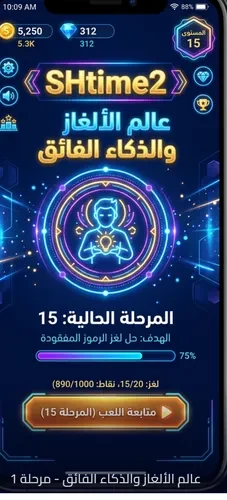
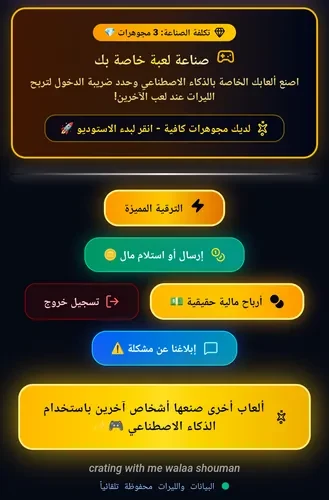
Shtime-2 play is a creative sandbox that helps users design, test, and publish playable game scenarios with visual tools and AI-assisted behaviors. Its main task is to make rapid game prototyping possible without requiring heavy coding knowledge. Creators can combine modular components, logic connectors, actors, triggers, and adjustable parameters to shape short experiences, while players can explore scenarios made by the community. The clearest benefit is the ability to move from an idea to a testable design through an editor that supports iteration, local saving, and project versioning.
How does Shtime-2 play help you create a scenario?
The visual editor uses modular components and simple logic connectors instead of requiring raw scripts. Designers can place actors, define how they respond to player actions or environmental states, and adjust values such as aggression, speed, and interaction ranges. AI assistance can suggest variations for enemy behaviors, level layouts, and event triggers based on a chosen design intent.
Scenarios can be shaped into puzzle-like progressions, timed challenges, or open-ended sandbox experiments. The editor also supports layering and z-ordering for scene composition, while visual presets can apply a consistent aesthetic across multiple levels.
What can you adjust during playtesting?
Testing is built into the creation process, allowing designers to try a project before publishing it. Touch controls support drag-and-drop placement in the editor and tap-and-drag camera movement during tests. Sliders and numeric inputs provide more precise control over parameters, and contextual tooltips explain the purpose of individual controls.
Projects can be saved locally, duplicated for branching experiments, and rolled back to earlier versions during playtesting. Difficulty can be tuned through exposed parameters, while configurable objectives, time limits, and optional secondary goals give creators more ways to shape a challenge. Players testing community content can select easier or harder variants where those options are provided.
What kinds of visuals and gameplay content are supported?
Shtime-2 play uses modular asset packs with distinct palettes and simple models. Creators can customize actor appearance, particle effects, and environmental tiles, and many elements can be changed through parameters rather than replaced entirely. This makes it possible to shift the mood of a project while keeping its underlying structure.
Levels are compact scenarios that typically last a few minutes. Their replay value comes from configurable challenges, AI-driven unpredictability, community-created variations, and the ability to modify existing designs. One playthrough may emphasize puzzle solving, while another may focus on emergent behavior from AI-assisted agents.
Can you create and test projects without an internet connection?
The editor and testing modes work offline, so projects can be designed and refined without a network connection. Publishing requires returning to the sharing workflow when you are ready. Once a project is prepared, creators can package it, add a short description and tags, and choose visibility settings before sharing it with the community.
As users experiment and publish projects, they unlock additional templates, behavioral presets, and visual assets for prototyping. This progression focuses on expanding creation tools rather than traditional experience points or locked gameplay content.
What is available for community sharing and accessibility?
Players can browse and play user-made scenarios, while creators can receive feedback through in-app comments or ratings systems. Basic content filters and reporting tools are included to help manage inappropriate material. Community publishing also supports multiple versions of a level, allowing creators to explore different mechanics or themes.
Accessibility options include adjustable text sizes, color-contrast modes, and simplified control presets. Standard touch controls cover movement and actions, with optional on-screen buttons that can be rearranged for different device sizes. These features make the app relevant to hobby designers, players interested in unusual short experiences, and users who prefer experimenting with game systems rather than following a fixed progression path.