
Overview
Rusted Warfare brings real-time strategy to Android with battles built around managing resources, positioning forces, and reacting as the front line changes. Players can command land, sea, and air units, or shape a match by adjusting terrain, the balance of land and water, map size, and the creatures on it. Campaigns and other solo modes provide options against AI, while multiplayer supports competition with other players. The game also includes map-sharing tools, zoom controls for surveying the battlefield, and ways to direct groups of units. Its emphasis is on tactical decisions rather than elaborate presentation.
What You Can Do
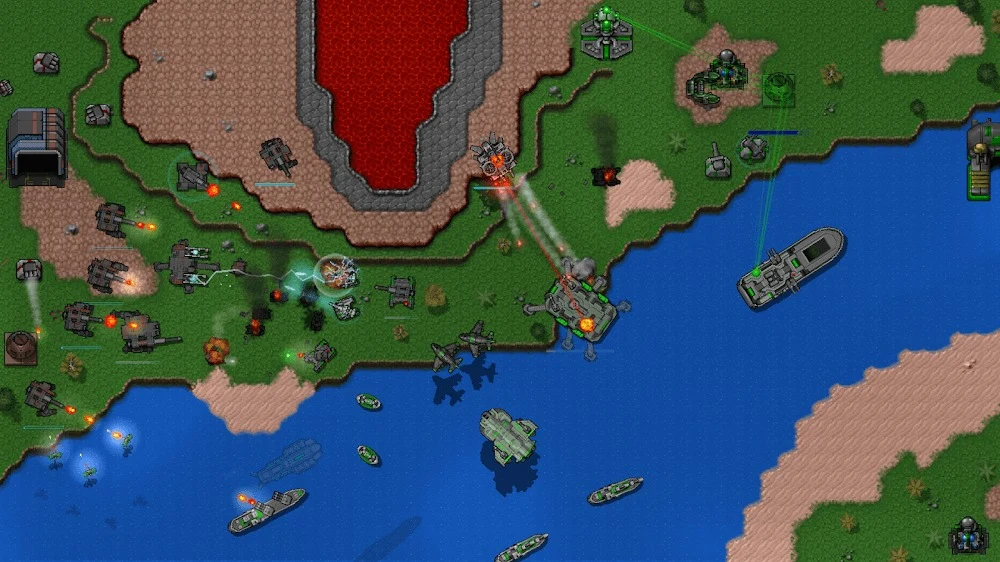
⭐ Build and command a mixed army. The game lists more than 40 land, air, and sea units, including Combat Engineers, Amphibious Jets, Shielded Hovertanks, and Flying Fortresses. Different unit roles give players choices about how to defend, attack, and respond to an opponent’s forces.
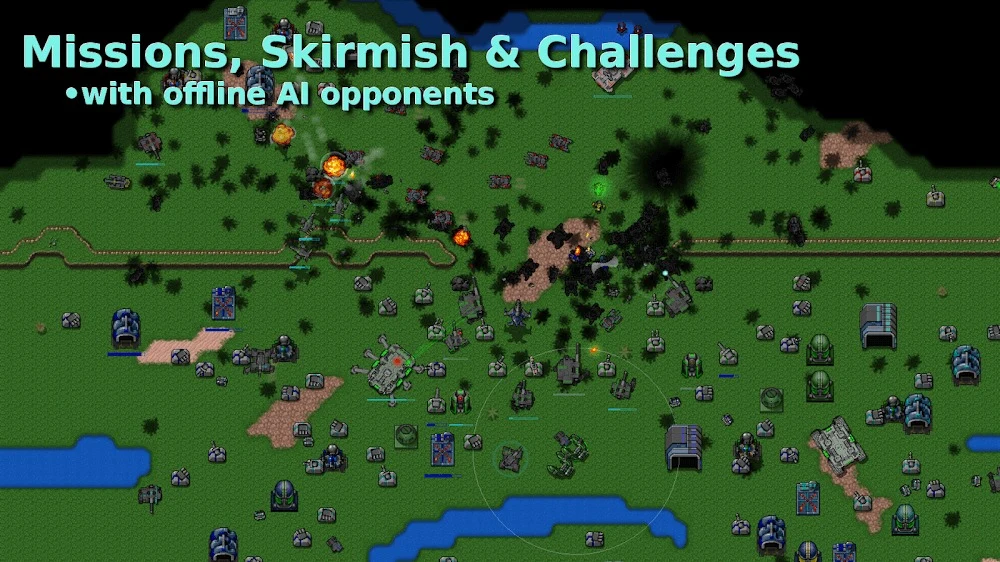
⭐ Play several kinds of solo matches. Campaign, skirmish, survival, and challenge missions let players take on AI opponents. These modes provide different ways to approach a battle, from campaign progress to standalone matches and survival-focused play.
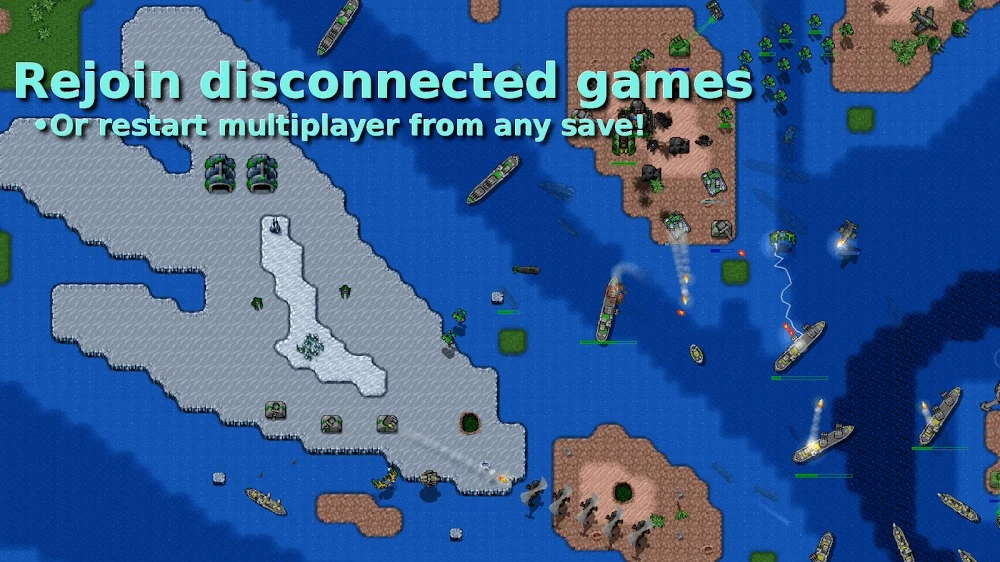
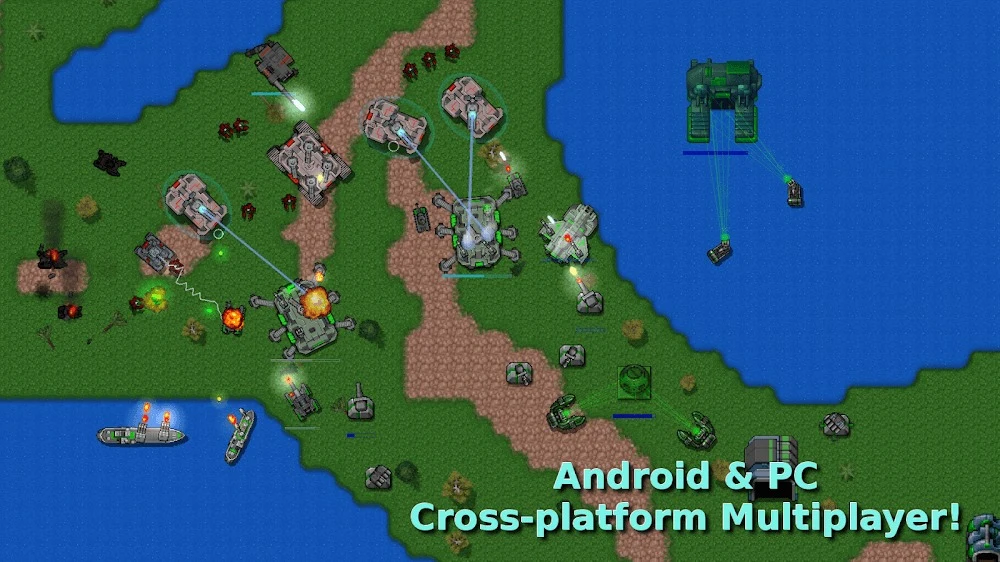
⭐ Compete in multiplayer, online or offline. The source describes multiplayer options for both kinds of play and says multiplayer games can be saved, loaded, and reconnected after a dropped connection. This allows a match to continue without requiring every session to run without interruption.
⭐ Create custom maps and scenarios. Map tools let players adjust terrain, land-to-water proportions, map size, and the creatures inhabiting the world. The sandbox editor can also be used to set up battles and scenarios, giving players room to build encounters around their own layouts.
⭐ Exchange maps with other players. Custom maps can be shared with friends or the community, and maps made by others can be downloaded directly into the game. User-created layouts offer additional places to play beyond the maps included with the game.
⭐ Use battlefield controls and support hardware. The game has a zoomable map, map scrolling, group selection, rally points, and multi-touch controls for managing units on a touchscreen. The source also lists external keyboard and USB control support. Experimental units and nuclear missiles add further options for large battles.
Using the App
A typical match involves balancing resource gathering with building a force and deciding where to place it. The supplied strategy guide describes starting with a Command Center and builder, then using Combat Engineers to construct Extractors on resource deposits and defenses around the base. It recommends placing anti-air defenses behind ground turrets and arranging defensive positions so they can support one another. The exact layout depends on the map: an island may call for defenses spread around its perimeter, while an all-land map can suit a more square arrangement.
As a base develops, the guide suggests adding unit builders and more Extractors, then using Repair Bays near buildings that need protection. It also describes upgrading some ground turrets and anti-air defenses as a match progresses. These are examples of possible tactics rather than required steps; players still need to adapt their economy and defenses to the map and opposing forces. Zooming and scrolling help with switching attention between a local engagement and the wider battlefield, while unit groups and rally points help organize commands.
Map creation and sharing are part of the play cycle, not just a match setup option. Players can make a scenario, play it, and pass the map to friends or the wider community, or bring in maps created by others. Progress is described as saving automatically, making it possible to resume a campaign after logging in from different accounts. The source also says multiplayer matches can be saved, loaded, and reconnected after a dropped connection.
Why It May Appeal
✅ The game offers a substantial range of strategic choices for players who enjoy classic RTS systems. Resource allocation, unit positioning, specialized forces, and changing battle lines all contribute to how a match develops.
✅ Its varied modes support both planned solo play and competition. Campaign, skirmish, survival, and challenge missions are available against AI, alongside online and offline multiplayer options.
✅ Custom-map tools extend beyond adjusting a single setting. Players can shape the terrain and proportions of land and water, build scenarios, and exchange maps with friends or other players.
✅ The interface prioritizes practical battlefield control. Zooming, scrolling, multi-touch, groups, and rally points address the challenge of directing an army on a mobile screen; external keyboard and USB controls are also listed.
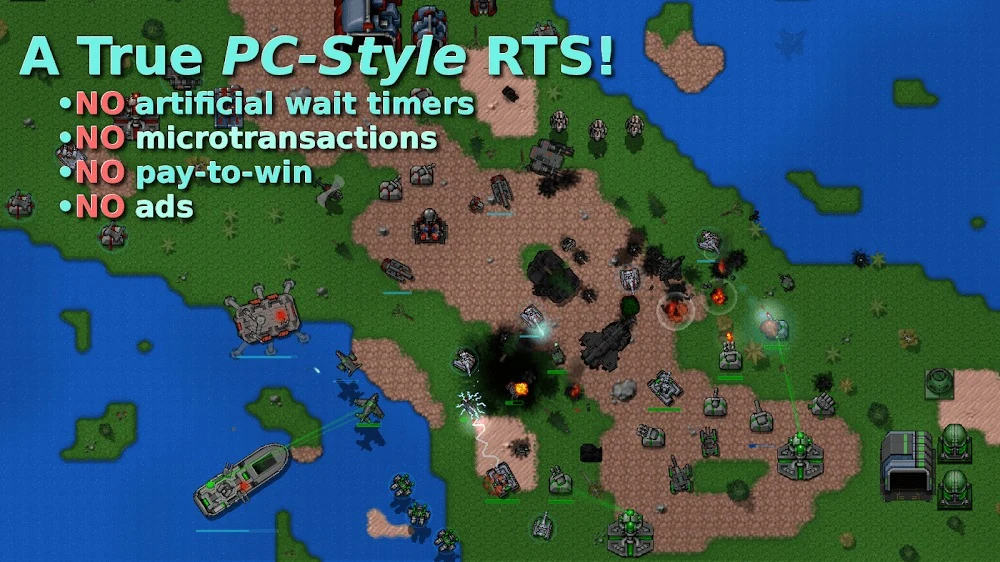
✅ The supplied feature description states that the game has no microtransactions. That may suit players who prefer battles not to be tied to recurring in-game purchases.
Things to Consider
❎ The pace and number of simultaneous decisions may be difficult for newcomers to real-time strategy. The source specifically notes that experienced RTS players are likely to be more comfortable with its tactical demands.
❎ Some players report difficulty with the mobile controls, so managing a large battle on a touchscreen may take adjustment. Keyboard and USB control support is listed, but the source does not give further setup details.
❎ The visuals are described as minimal rather than modern or elaborate. Players looking for graphical spectacle may find the presentation less appealing than the strategic gameplay.
❎ The supplied player comments mention a desire for more guidance for beginners. The source does not establish that a tutorial is available, so new players may need time to learn the units and systems through play.
Approach to Early Defenses
The included strategy advice focuses on securing a base before committing heavily to an attack. It recommends placing ground turrets around the perimeter, with anti-air defenses behind them, and arranging their ranges so neighboring defenses can provide support. On islands, the guide suggests spreading defenses to cover the available perimeter; on a coastline, it advises accounting for air units that may approach from different directions. On an all-land map, it proposes a roughly square defensive arrangement around the base.
Repair Bays are another part of that approach. Placing them near defenses and within the base can help repair buildings after an assault, according to the guide. Later, it proposes upgrading most ground turrets while keeping some at a lower tier, changing selected defenses to artillery, and improving anti-air turrets. These recommendations are examples from the supplied guide, not a guarantee of success; the map, starting resources, and enemy activity affect what a player can build and when.
Who It Suits
Rusted Warfare is aimed at players who want hands-on control over armies and enjoy adapting a plan as a real-time battle unfolds. Its unit variety, configurable maps, and multiple match types give strategy fans several ways to play. The same depth can make the opening learning period demanding, and the restrained visuals put function ahead of spectacle. Players who value experimentation can use the map editor and community map exchange to change the settings and scenarios they encounter.