

Overview
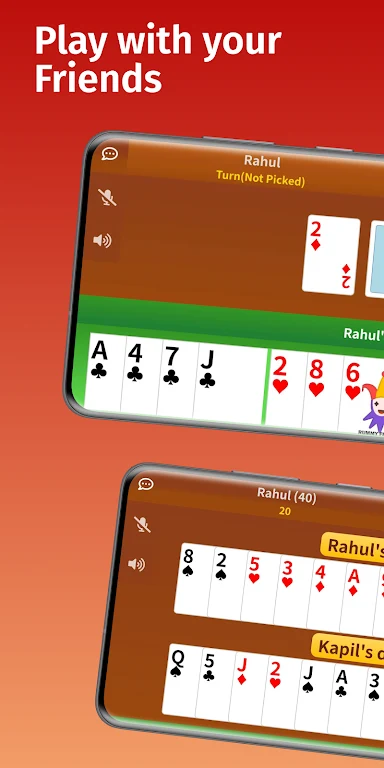
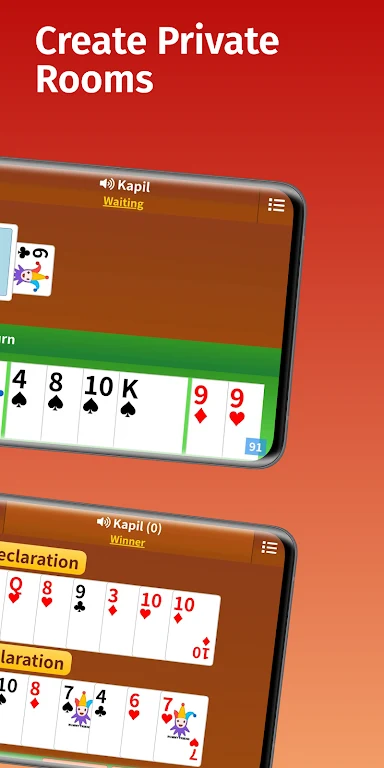
Rummy Friends is an online multiplayer rummy app that brings friends and family together around private, customizable card tables. Hosts can create a room, choose the rules, and invite players with a room ID or shareable link. Participants may join from an Android device or a web browser, while built-in voice and text chat keeps conversation alongside the game. The interface is designed for readability, with clear card faces, visible turns, and touch-friendly controls. Low data use and a compact installation make it practical for casual groups, including players using older devices or limited data plans.
What You Can Do
⭐ Create private rummy rooms for one-on-one challenges or group sessions with friends and family. Sharing a room ID or link gives invited players a direct way to join the same table.
⭐ Configure the rules for each room. Hosts can select the number of decks, decide how jokers work, and set scoring or point targets to match familiar home variations.
⭐ Adjust match structure with turn timers, the number of deals, and open- or closed-hand options. These settings allow groups to choose between a relaxed game and a more structured challenge.
⭐ Play with familiar rummy controls by drawing cards, forming melds, and discarding until the required sets are complete. Valid melds are highlighted to help players organize runs and sets.
⭐ Join games across devices. Players using a browser can participate in the same private room as people using the native mobile app, without needing the Android client on every device.
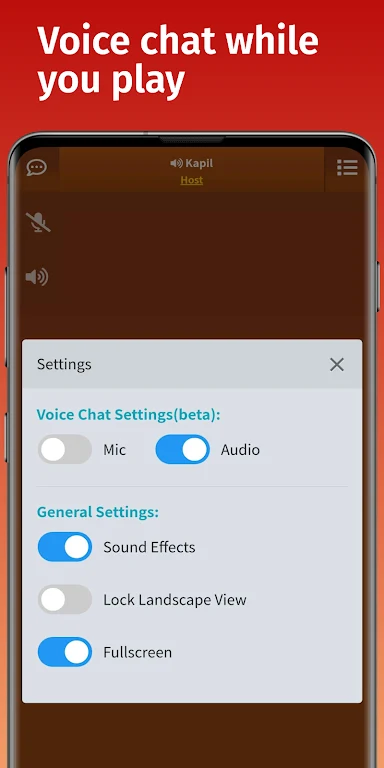
⭐ Use built-in voice and text chat during a match. This keeps social conversation, strategy talk, and general table banter within the game rather than requiring another communication app.
⭐ Review match history and basic statistics, including wins, common opponents, and session frequency. These records provide a simple way to look back at previous play without turning the app into a formal ranking system.
⭐ Find opponents through public tables when friends are unavailable. Private rooms remain central to the experience, while public games offer another way to play.
Using the App
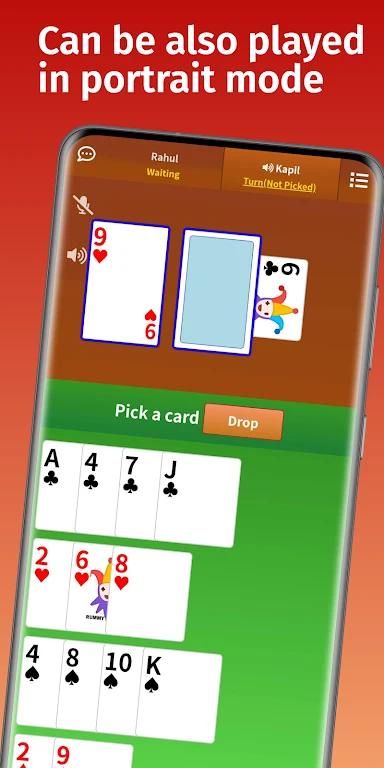
The game is controlled through taps and simple gestures. Players can tap to draw or discard and arrange cards when building runs and sets. The interface indicates whose turn it is and highlights valid melds, helping newer players follow the flow of a hand. Optional timers can keep turns moving, while deal limits and other room settings give hosts control over the pace and length of a match.
Room-level settings apply to the whole table, so everyone plays under the same selected rules. The combination of adjustable decks, jokers, scoring, timers, hand settings, and deal counts lets groups recreate different styles of rummy rather than being limited to one fixed format. If a player needs to step away, the source indicates that table state is retained so the game can resume from where it paused.
Rummy Friends is designed for phones and larger displays such as tablets. Readable cards, clear table contrast, and controls sized for touch screens support longer sessions and help reduce accidental taps. Its low data consumption is intended to help it work across a range of mobile connections, while browser access gives participants another way to enter a live match.
Why It May Appeal
✅ The private-room format is useful for groups that want to play together without relying on a formal competitive ladder. Room links and IDs make invitations straightforward for family members and friends.
✅ Flexible rules are a practical advantage for players accustomed to different household versions of rummy. Hosts can adjust several parts of the match instead of adapting their preferred style to one preset.
✅ The uncluttered layout, legible text, visible turn indicators, and clear card presentation can make the game easier to follow for players with different levels of experience.
✅ Voice and text chat support social play inside the table, while public games provide an alternative when a regular group is not online.
Things to Consider
❎ The app focuses on mobile and browser play and does not provide a separate native desktop client. Desktop users who want the native experience need to use a mobile device, although browser participation is available for supported matches.
❎ Offline single-player practice is not the main focus. Rummy Friends is intended for live games with other people, so it is not positioned as a full offline tutorial or solo practice app.
Developer and Version
Rummy Friends is listed with Tomatofry as its developer. The supplied app information identifies version 7.5.7; no update history or additional version details are provided.