
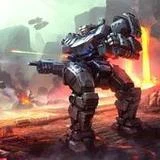
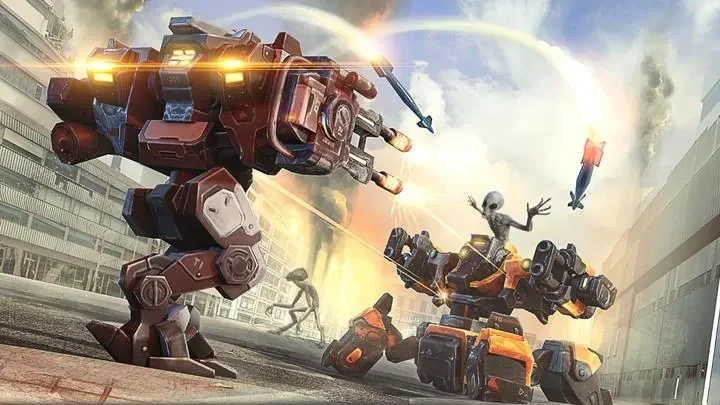
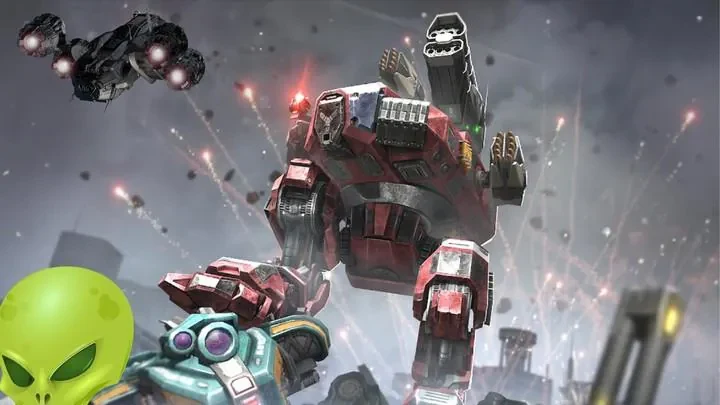
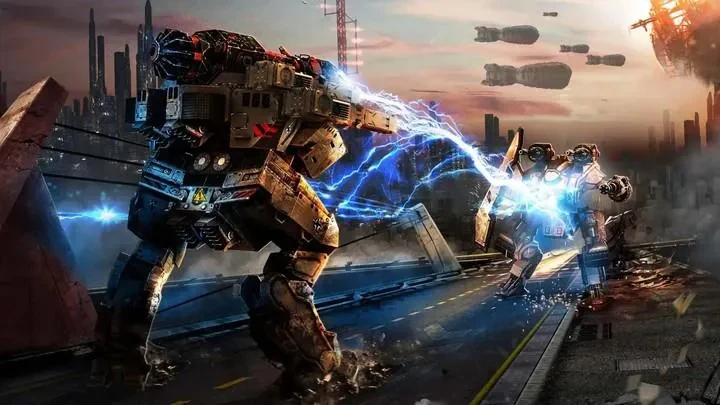
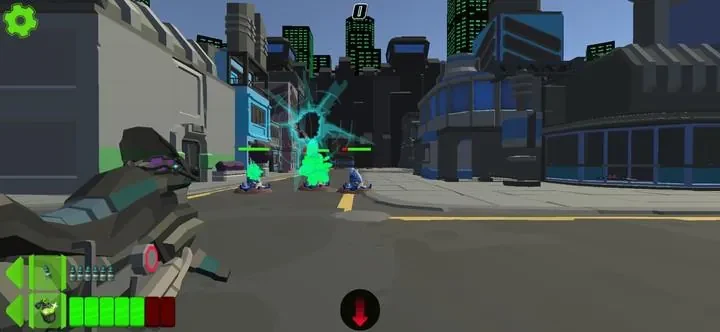
Robots vs Aliens - Robowars places the player in a customizable battle mech and centers play on fighting alien forces in compact arenas. Missions combine shooting, close-range melee attacks and special abilities, while ammunition, heat and repair supplies must be managed between enemy waves. The game is designed for offline play, and its encounters include both short arena missions and multi-stage battles.
Entering an arena and controlling the mech
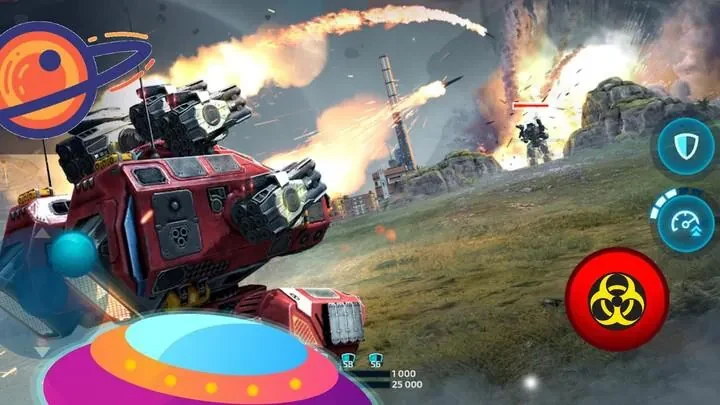
Movement uses a virtual stick, with a context-aware fire button and separate controls for melee and special abilities. Players can switch weapons during combat and choose between assisted aiming with lock-on options or manual aiming. The interface can be adjusted by moving buttons and changing their size, including for different hand sizes or device orientations. Short tutorials cover movement, weapon switching and energy management before the difficulty increases.
Fighting waves and changing tactics
Combat takes place at medium range with firearms, at close range with melee strikes, or through the use of equipped abilities. Arena layouts emphasize positioning and awareness rather than long-distance traversal. Early missions introduce basic enemy types and their counters, while later encounters combine swarms, artillery support and elite units. These combinations require the player to reconsider equipment and positioning as the opposition changes.
Boss encounters and challenge choices
Boss battles use telegraphed attacks and distinct phases. As a result, the player can observe attack patterns and adjust tactics during the encounter rather than facing an identical sequence throughout. Difficulty settings and optional challenge modifiers provide additional ways to set the level of challenge. Wave compositions are randomized, so repeated missions can present different groups of hostile units.
Building a mech in the garage
The garage is used to equip parts, tune loadouts and preview changes before deployment. Customization affects the mech's battlefield role rather than serving only as a visual change: players can replace chassis components, armaments and core modules. Weapon categories include burst rifles, heavy cannons, energy blades and utility systems, each with upgrade paths that can improve statistics or add secondary effects.
Using salvage and technology parts
Missions provide salvage and tech parts for spending at the upgrade bench. These resources are used to unlock higher-tier equipment and make upgrade choices that involve trade-offs. Multiple saved loadouts allow players to keep preferred configurations while preparing alternative builds for other missions. Parts and investments can support tank, skirmisher or glass-cannon approaches, depending on the selected equipment.
Presentation and readable feedback
Industrial and futuristic environments provide the setting for detailed mech models and particle effects. Enemy classes use different audio cues, while weapon sounds communicate information about range and damage type. Tooltips, progress indicators and readable numbers show upgrade information and resource costs. The HUD and aim-assistance options provide further control over how information and combat inputs are handled.