

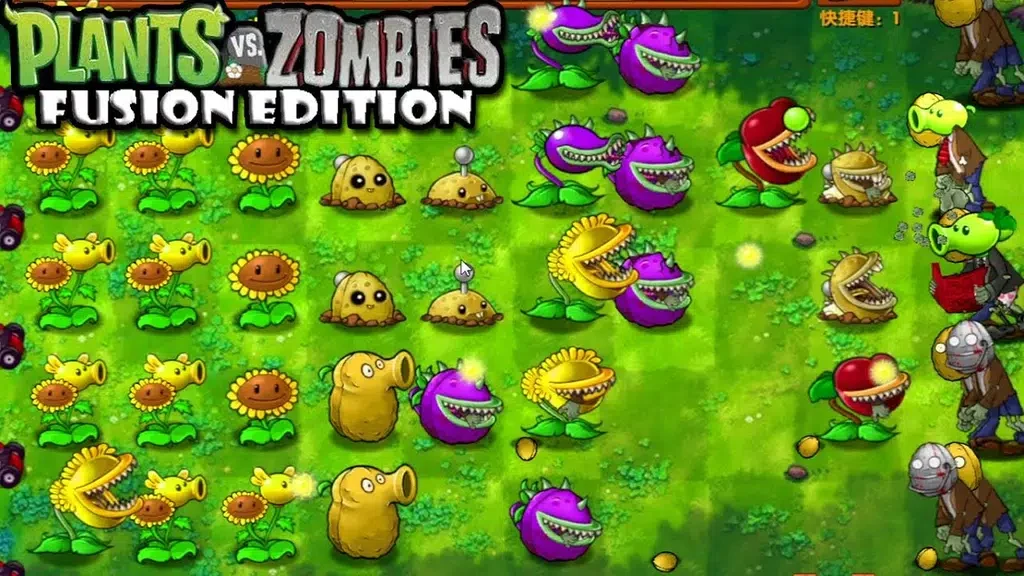
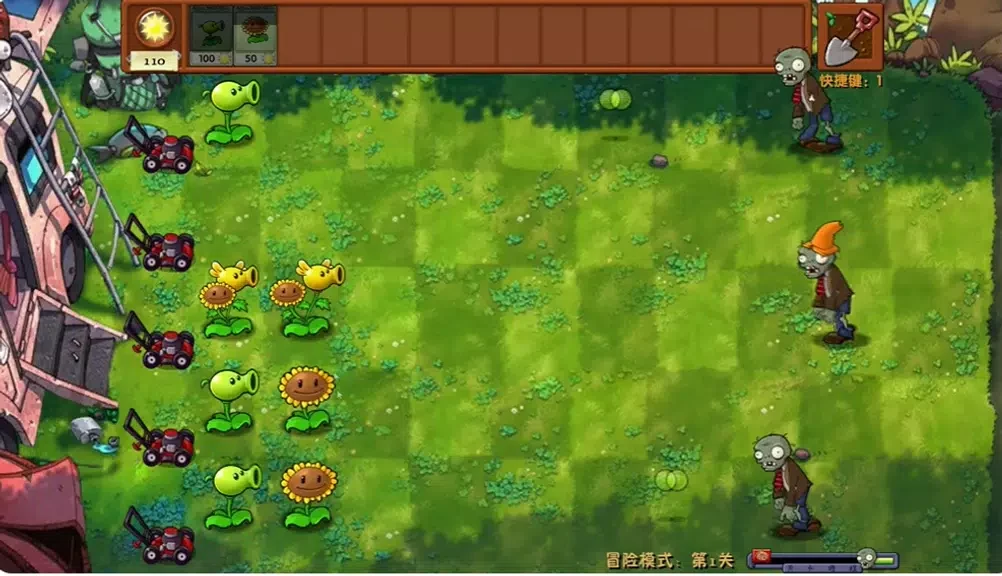
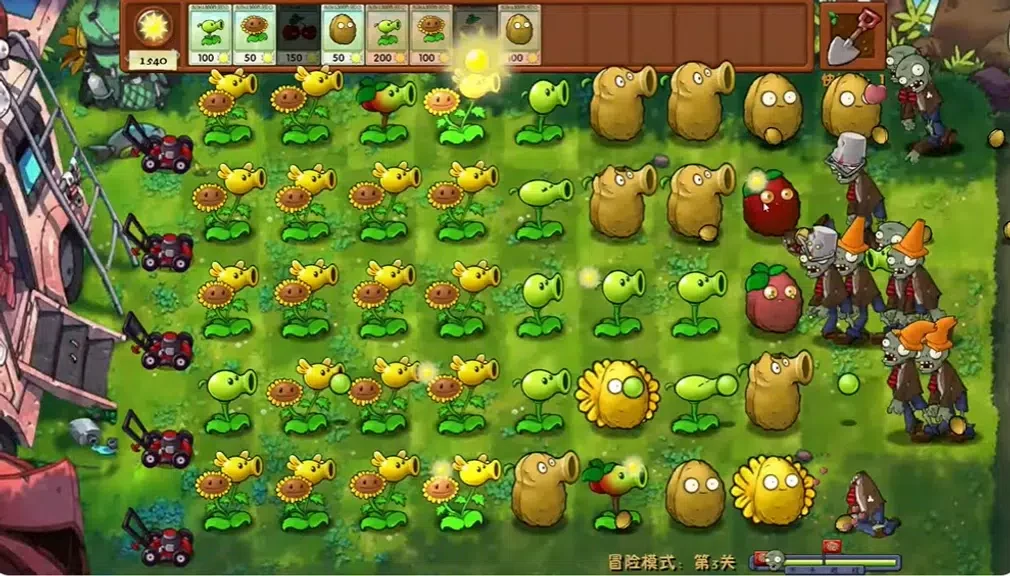
PVZ Fusion turns plant-versus-undead battles into a touch-friendly strategy game focused on careful placement, resource use, and quick decisions. Players can work through staged campaign encounters, experiment with special challenges, or test their endurance in endless survival runs. A broader range of plant roles and enemy behaviors makes lane management more varied than a simple offense-versus-defense setup. The free core experience provides a way to explore the game’s mechanics, while the enhanced edition adds deeper loadout and visual customization for players who want more control over how they approach each run.
Plant roles and changing lanes
The game expands its plant roster beyond basic attacking and defensive units. Support abilities, area control, and conditional effects can change the best way to manage a lane, especially when several abilities are combined. Enemies also affect positioning and timing: some encourage plants to be moved, while others punish slow resource spending. This combination means that a setup that works in one encounter may need to be adjusted when hazards, enemy behavior, or stage objectives change.
Touch controls and tactical combinations
Touch controls are built around a tap-to-select and drag-to-place flow. Quick-swap slots let players change the active lineup without leaving the battle, while active abilities can be triggered directly when their effects are needed. Passive effects reward preparation rather than constant tapping. For example, slowing or shielding effects can create an opportunity for area attacks, allowing several plant abilities to work together instead of being used independently. Levels also introduce modifiers and hazards that require decisions during a fight, so a fixed arrangement is not always enough.
Campaign, challenges, and survival
Level progression starts with shorter tutorial stages before moving into multi-stage encounters that introduce more mechanics. The campaign provides a structured route through the game, while rotating challenges change the objectives, available conditions, or reward opportunities over time. Other challenge formats can limit resources, add environmental hazards, or use themed enemy waves to alter the pace of a battle. Endless survival steadily increases pressure and is suited to players who want to test how long a strategy can remain effective.
Progression and saved loadouts
Completing levels and challenges provides rewards used to unlock additional plant types and passive upgrades. Cosmetic menu options are also part of the progression system. In the enhanced menu, players can arrange hotbars, save multiple loadouts, and toggle modifiers for custom runs. These tools make it easier to compare approaches, such as choosing different plant upgrades, allocating passive boosts, or preparing a lineup for a particular challenge. The free APK presents the progression pace before players decide whether the enhanced edition’s additional options are useful to them.
Clear presentation and accessibility options
Visual clarity is emphasized through distinct shapes and color accents for units and hazards, helping players identify roles during busy encounters. Animations indicate when abilities are active, and separate audio cues accompany events such as deployments, breakthroughs, and special actions. Interface options and control sensitivity provide some flexibility for different devices and play styles. Visual accessibility settings support colorblind players, while additional text cues can supplement audio prompts.
Offline play and optional competition
Most single-player content can be played offline, so campaign progress and practice do not require a persistent connection. Online PvP is available as an additional mode rather than a requirement for the main single-player experience. These head-to-head matches require an internet connection and active opponents, while players who prefer solo play can focus on the campaign, rotating challenges, survival runs, and experimentation with saved lineups.