


Shaping Clay on a Virtual Wheel
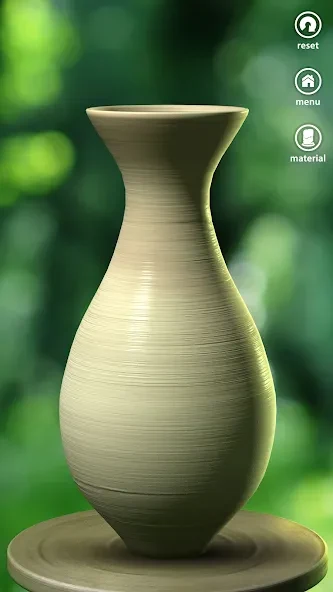
Pottery Game is an Android app that lets players form clay into vases, pots, and other ceramic items by using direct finger gestures on a turning wheel. The controls rely on simple touch input rather than complex button sequences, so users can focus on adjusting height, width, and outline while the clay rotates. This approach makes the shaping stage feel purposeful and accessible for those new to pottery simulation.
Players begin each session on the main creation screen and refine the basic form before moving forward. The game presents orders that gradually introduce more complex shapes, giving structure to early attempts while still allowing freeform adjustments later. The wheel physics respond to pressure and movement in a way that mirrors real clay work, supporting steady progress without requiring speed.
Applying Materials, Colors, and Glazes
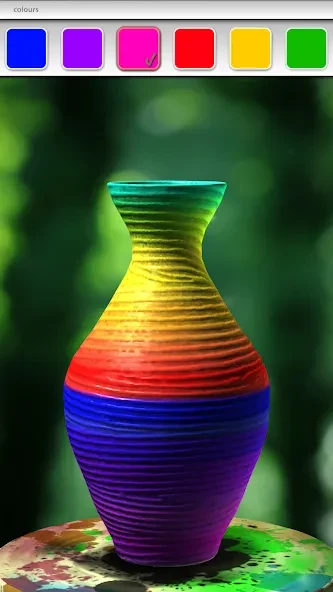
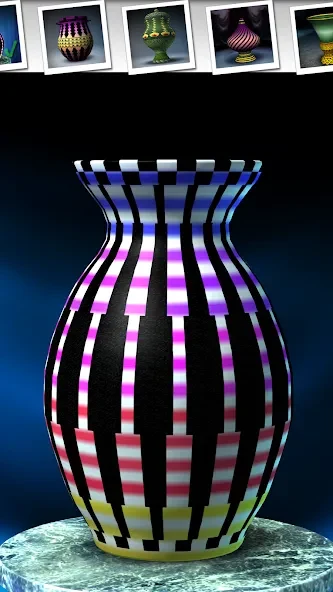
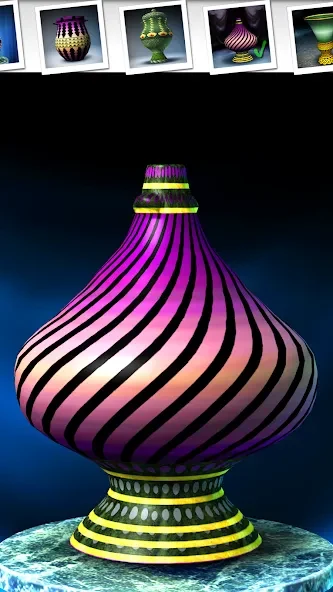
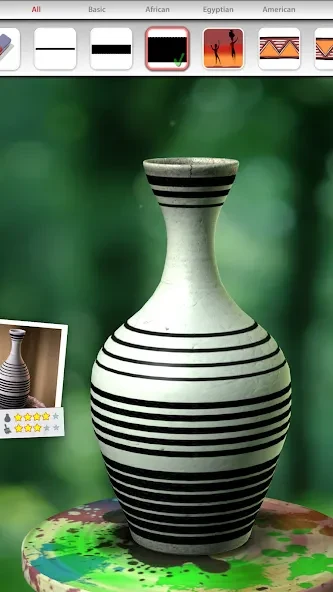
Once the basic shape is set, Pottery Game moves to a design stage where users select materials, colors, glazes, and decorative patterns. Longer presses during painting increase color intensity, and a range of historically inspired patterns can be placed on the surface. These choices let each piece develop its own character rather than following a single preset look.
The design tools work together with the earlier shaping steps: a tall narrow form might receive vertical patterns, while a wider bowl could use broader glaze areas. After decoration, the piece advances to firing, which completes the visual transformation and produces the final ceramic result. This sequence creates a clear sense of progression from raw clay to finished object.
Sharing Finished Pieces and Managing Progress
After firing, players can share the completed item with friends directly from the app. Sharing turns the solitary creation process into a social activity without altering the quiet pace of the game. Completed work can also be auctioned for coins that unlock additional colors and patterns, extending the available options over time.
Early play includes quests that guide users through basic tasks. Once those are finished, further progress depends on personal choices and the coins earned from auctions. The game includes background music and sound effects that accompany the wheel and painting actions, contributing to the overall relaxed atmosphere.
Limitations in Control and Content
Touch sensitivity sometimes makes fine gradient work difficult, limiting the precision available for detailed shading. Gallery space for saved pieces and the total number of unlockable patterns remain modest, so repeated sessions may begin to feel repetitive after many items are completed. These constraints are noted alongside the patient wheel controls and varied color options that the source material describes.
Supporting a Calm Creative Routine
The app keeps tasks unhurried, allowing attention to stay on small adjustments and visual changes that unfold step by step. This structure suits players who want a low-pressure activity that occupies the hands and eyes without demanding quick decisions. The combination of wheel shaping, surface design, firing, and optional sharing forms a complete loop that can be repeated at the user’s own speed.