

Overview
PC Creator is a computer assembly simulation game that places players in the role of a novice assembler who accepts client commissions, repairs faulty machines, and gradually expands a personal service center. The game teaches hardware compatibility through hands-on building, from selecting motherboards, processors, video cards, power supplies, RAM, and other parts to installing operating systems such as Linux, macOS, or Windows. Progress comes from completing orders that reward experience points and virtual coins, which are used to buy better equipment and additional rooms. The simulation emphasizes realistic constraints, including the need to match components correctly so the finished computer will power on and satisfy the customer. Players can overclock parts for higher performance and explore mining mechanics, though these introduce variability in part reliability. By following the workflow of purchasing parts, assembling them on screen, and configuring software, users gain practical insight into how computers function and how to avoid common compatibility issues.
What You Can Do
⭐ Build a complete PC from scratch by purchasing individual components in the in-game shop and installing them step by step, then loading an operating system along with drivers and programs.
⭐ Select from a wide range of modern parts including various motherboards, processors, video cards, power units, CPU, GPU, and RAM modules, with the ability to overclock selected components for improved output.
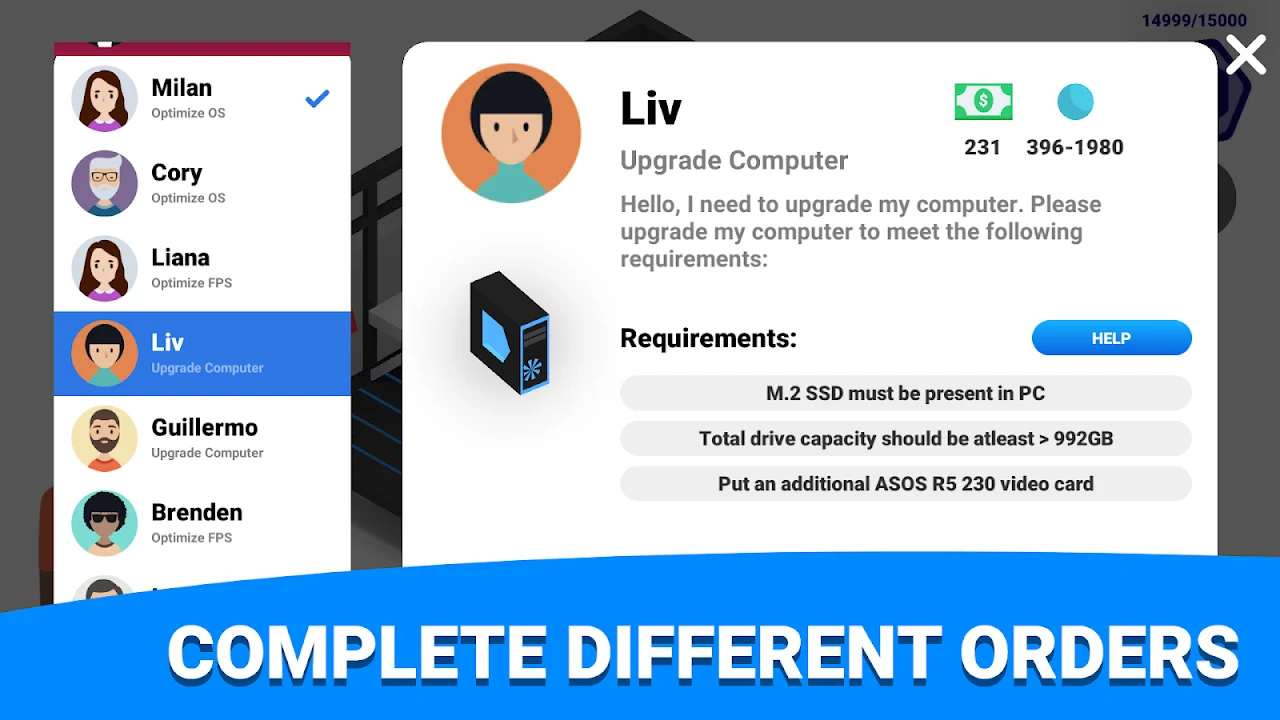
⭐ Accept commissions from different clients that require basic or more advanced machines, diagnose faults in returned computers, and perform repairs or part replacements to fulfill the request.
⭐ Expand the service center by purchasing new rooms and upgrading equipment with earnings, allowing larger or more complex orders to be handled over time.
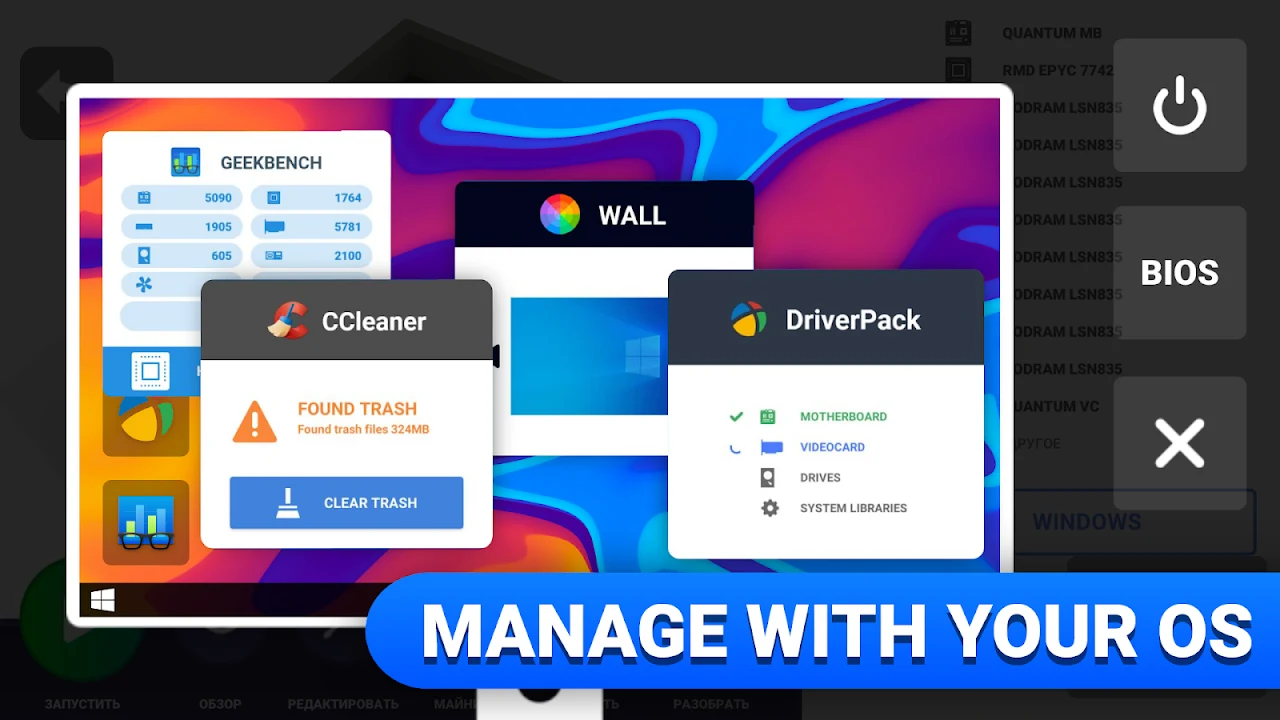
⭐ Install and configure popular operating systems in a process that mirrors real installation steps, providing practice with Linux, macOS, and Windows setup on assembled hardware.
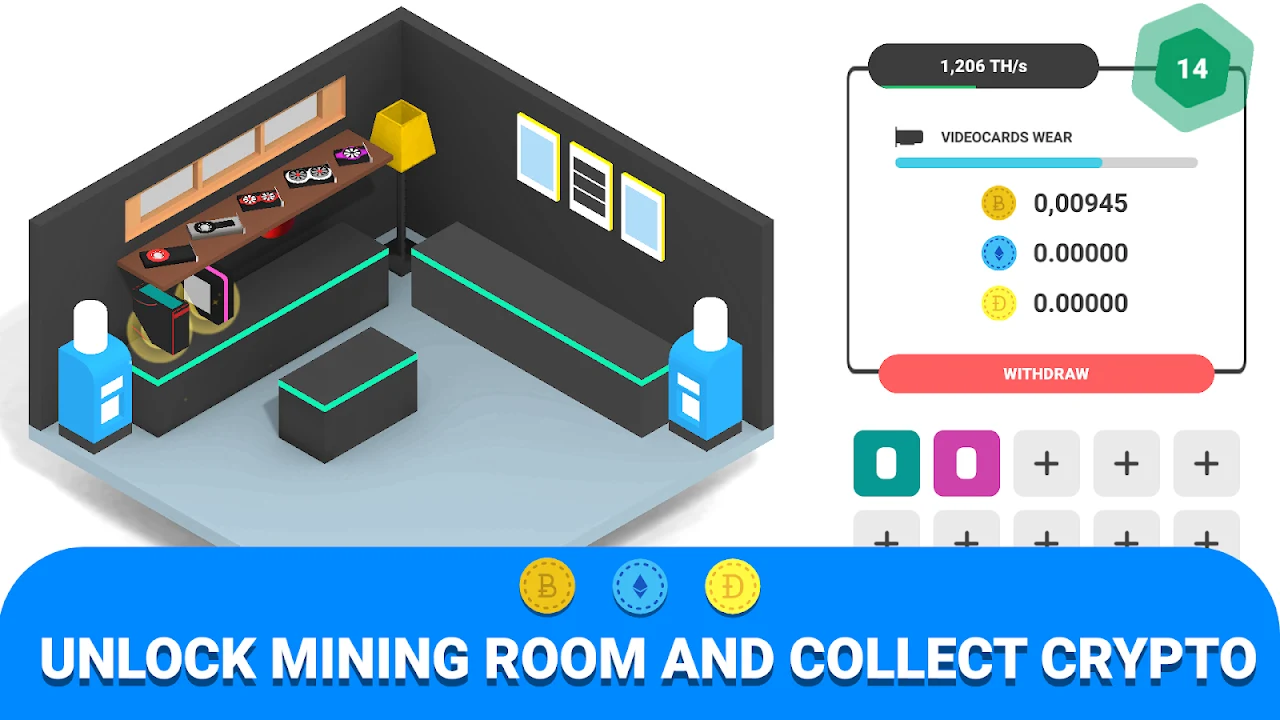
⭐ Experiment with mining configurations that use the built PC for virtual currency generation, though this carries risks of part wear or failure during operation.
Using the App
Gameplay begins with accepting initial client orders that specify basic computer requirements. Players open the parts catalog, locate the needed components on a receipt-style list, and verify compatibility before purchase. Assembly occurs by dragging or placing each part into the correct slot on the virtual motherboard, with immediate feedback if a mismatch prevents the system from starting. Once hardware is complete, the player selects and installs an operating system, adds essential drivers and programs, then delivers the finished machine. Subsequent earnings fund room expansions and equipment upgrades. The interface presents a clean list of available parts and a workspace for assembly, though locating specific items and confirming compatibility can require repeated checks. Mining runs can be started on completed systems but introduce random part degradation that may interrupt ongoing orders.
Why It May Appeal
✅ The simulation provides a realistic sequence of PC construction and operating system installation that rewards attention to component compatibility and produces working machines when done correctly.
✅ A large catalog of recognizable parts allows repeated experimentation with different builds, including overclocking and mining setups, without requiring physical hardware.
✅ Progressive expansion of the service center and equipment upgrades creates a steady sense of advancement tied directly to completed orders and earnings.
Things to Consider
❎ The game offers no quick reference for compatible part combinations, so matching components for each order can become tedious, especially for players without prior knowledge of PC hardware.
❎ Mining mechanics rely on random events that can cause parts to fail even on low-difficulty settings, sometimes breaking a machine while an order is in progress.
❎ Computer novices may find the initial learning curve steep because the interface assumes familiarity with part names and functions, and no tutorial shortcuts are provided for common builds.