

Horizon Modding Kernel helps Android players and mod creators customize mobile games without directly overwriting core game data. Its profile-based approach keeps worlds, configuration files, and mod assets in separate folders, making it easier to switch between mod packs, test changes, and maintain different progression setups. The platform combines systems for items, machines, crafting, custom interfaces, biomes, and dimensions, giving creators ways to expand gameplay while allowing players to choose how much additional content and complexity they want to use.
Profiles and independent mod packs
The app organizes modifications into separate mod packs and profiles. Players can select an active setup and switch between configurations without having to rebuild every change manually. Keeping worlds and mod assets in distinct folders also helps reduce conflicts between packs and makes rollbacks more straightforward. Before installation, users should back up important saves, check available storage and permissions, and place packs in the directories expected by the in-app manager.
Systems for items, machines, and recipes
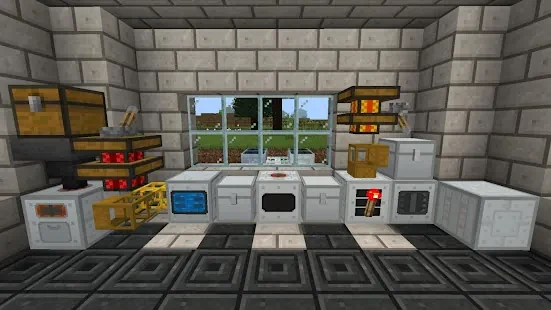
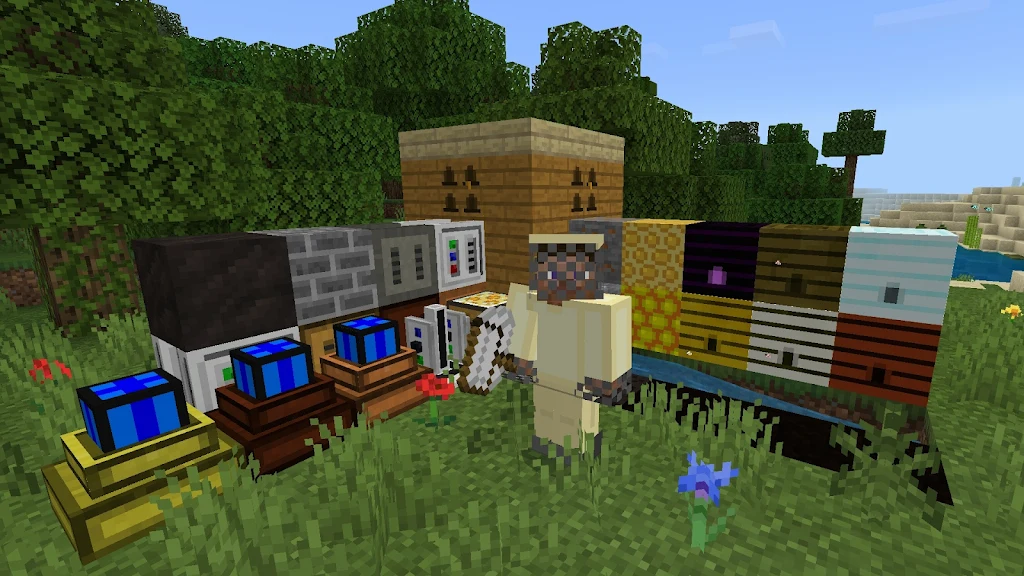
Horizon Modding Kernel gives creators tools to register new items, blocks, and machines, then connect them through crafting and processing systems. Mod packs can define unlimited crafting and furnace recipes, while machine chains can automate resource processing or introduce additional stages of progression. The platform also bridges several common modding APIs, allowing systems such as machines and recipe engines to work together when a pack is designed for that integration.
Gameplay interactions and progression
The framework extends gameplay rather than replacing the base control scheme. New interactable objects, crafting actions, and machine behaviors can use familiar Android touch or controller mappings. More advanced packs may add touch targets, configurable hotbars, or interfaces for multistep recipes and machine settings. These elements can form connected progression paths: new materials may lead to crafting chains, machines can support automation, and later recipes can build on tools or resources introduced earlier in a playthrough.
Biomes, dimensions, and replayable setups
Mod packs can change the structure of exploration by adding custom biomes or dimensions with their own resource distribution and environmental hazards. Creators can use these areas to encourage different approaches to gathering and survival, while players can combine packs to create varied progression routes. Replay value comes from testing different combinations, trying curated challenge setups, or building sandbox-style playthroughs around resource scarcity, tougher conditions, or more complicated crafting networks.
Custom interfaces and presentation
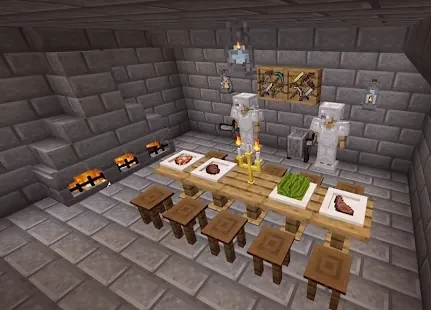
The platform does not impose one visual style. Mod creators can supply custom textures, block models, menus, HUD elements, and full-screen interactive panels. Its UI system can also support configurable control sizes and input sensitivity when a mod uses those options. This allows a profile to emphasize a simpler interface or provide more detailed controls for complex machines and recipes. Visual and interface changes remain dependent on the content supplied by each mod pack.
Runtime options, offline use, and stability
Horizon Modding Kernel includes runtime checks, memory-management options, and switches for disabling experimental modules. These controls are intended to help creators and players manage demanding or unfinished setups, particularly on devices with limited resources. Mod packs and worlds are stored locally and can run without a network connection, which supports offline play and testing. However, occasional random crashes have been reported in some complex configurations. Backing up worlds, testing packs one at a time, and disabling experimental modules are sensible troubleshooting steps when stability matters.
Tools, documentation, and compatibility considerations
The creator-facing tools cover custom interfaces, item and machine registration, and recipe logic. Official documentation is limited in some areas, so community guides and example packs may be useful when learning the architecture. The platform is intended for experienced modders as well as newcomers who prefer applying pre-built packs. Compatibility can vary according to device hardware and the complexity of installed content, so users should review packs carefully and consult community resources if third-party or experimental additions cause problems.