

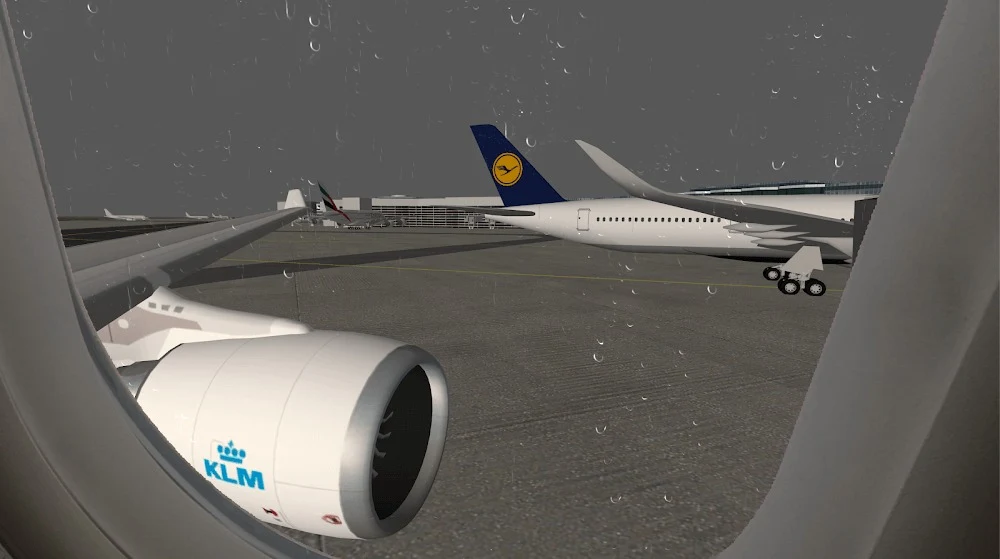
Flight Simulator Advanced is a flight simulation game focused on controlling aircraft through takeoff, navigation, and passenger delivery. Players can fly different aircraft across varied terrain, use cockpit controls to manage flight systems, and follow tutorials that introduce the buttons and procedures needed to leave the runway and reach a destination safely. The game presents commercial aviation as a structured activity, with flight conditions and operating details that require attention throughout a journey.
Learning the controls through takeoff and flight
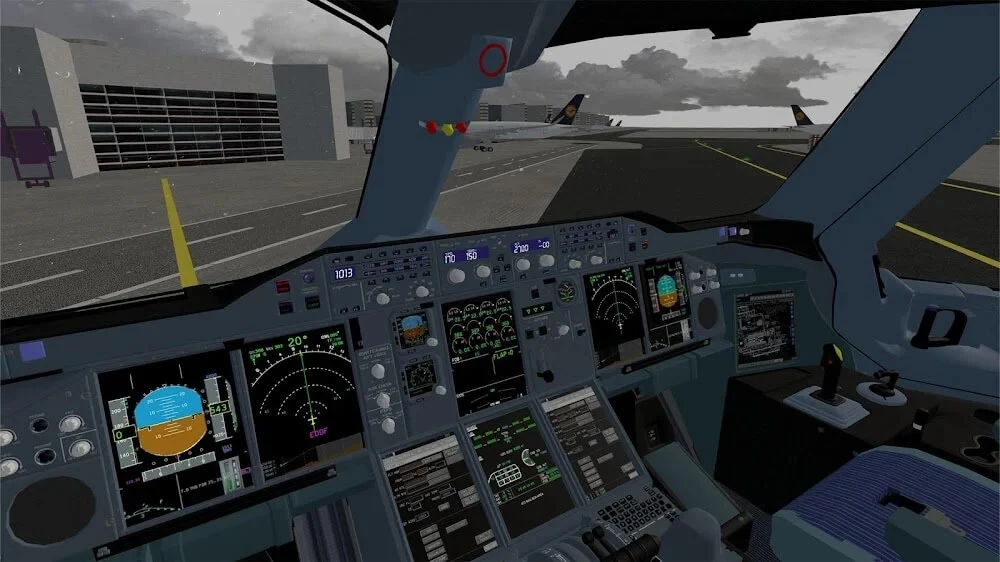
The documented starting point is a tutorial-supported flight routine. Players press different cockpit buttons to complete takeoff and then continue managing the aircraft while carrying passengers to their destination. The cockpit is designed around a pilot-style layout, with controls for multiple aircraft systems rather than a single simplified input. The interface can change with the pilot’s perspective, so the information and controls shown during a flight are connected to the selected viewpoint.
Flight Simulator Advanced describes its flight model as using realistic physics and aerodynamics. The source presents this as a central part of the simulation, placing emphasis on aircraft handling and operational procedures instead of treating the plane as a simple vehicle. It does not specify individual aerodynamic formulas or exact handling values, so the supported focus is the presence of these systems and the need to work with the aircraft controls they represent.
Planning routes with waypoints and navigation
Flights can involve a comprehensive planning system with waypoints and navigation. These tools give players a documented way to prepare a route before or during a flight and to work with procedures associated with reaching a chosen destination. The planning feature complements the direct cockpit controls: players are not only pressing inputs to operate the aircraft, but also using navigation information to organize where the flight is intended to go.
The game’s flights are described as being mostly commercial. In that setting, the control mechanism and regulations become stricter within the career progression, linking route operation with a more structured form of play. The source does not define each regulation or explain a scoring formula, so these details are best understood as a stated increase in procedural requirements rather than a specific rule set.
Managing weather, visibility, and time of day
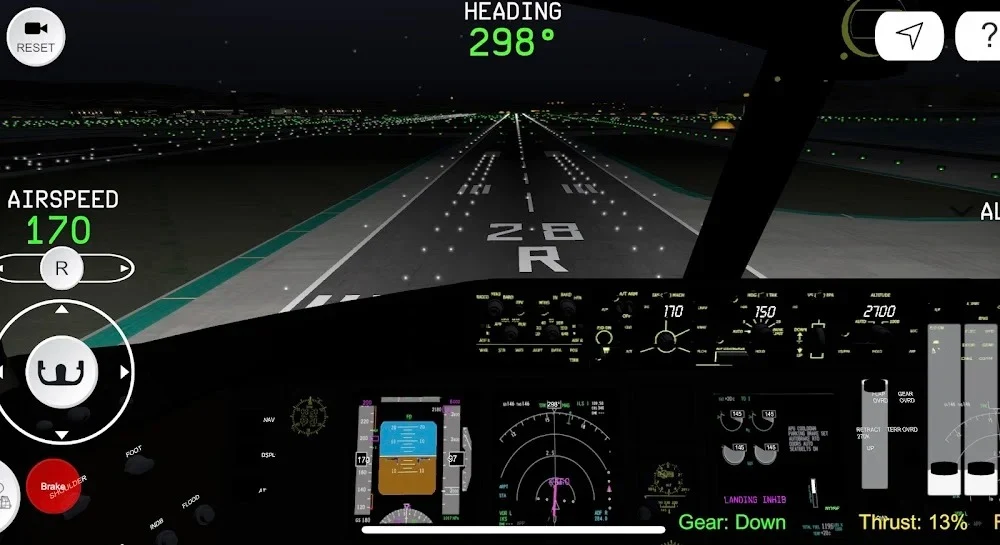
Environmental conditions change the circumstances of a flight. Flight Simulator Advanced includes dynamic weather, precipitation, and a day-and-night cycle. The source also identifies weather, visibility, and time of day as settings that can be modified for flight scenarios. These conditions are presented as situations that call for caution and vigilance, particularly when players are practicing poor visibility, crosswind conditions, or night operations.
Instrument flying is another documented focus. Players can work with aircraft instruments when visual references are limited and practice following instrument procedures. The source connects this activity with flying in poor weather or at night, but it does not state specific instrument ratings, scoring rules, or required routes. The supported mechanic is the use of cockpit instruments and procedures under the selected environmental conditions.
Working through a career and license path
The career begins with regular aircraft and progresses toward larger planes through flights, contracts, and additional tests. Completing these activities can lead to more advanced licenses, which the source associates with access to larger aircraft or more professional airline roles. This creates a documented progression from introductory flights to more demanding commercial operations without specifying the exact number of tests, contracts, or licenses.
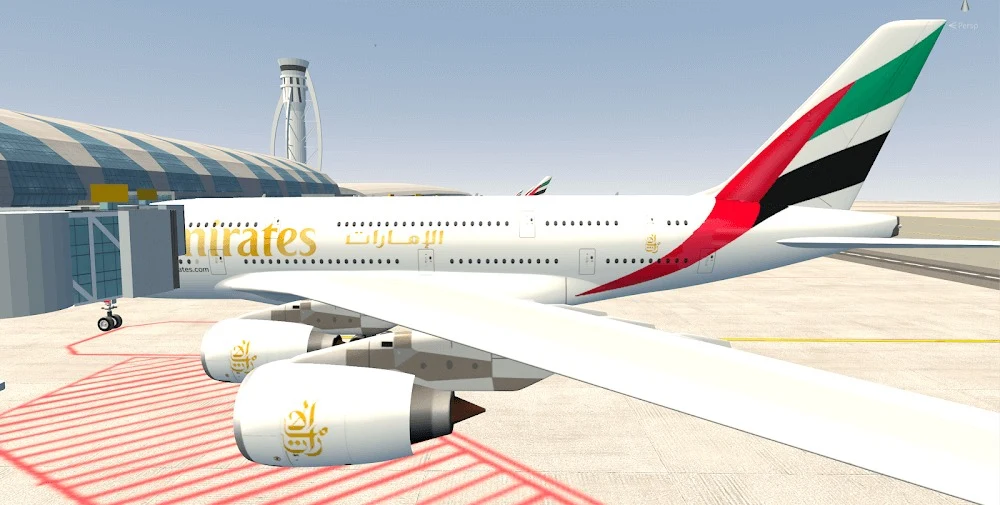
The game includes a variety of aircraft, and the career structure determines how players encounter more advanced options. The source also states that aircraft can be changed or customized in appearance and that amenities can be upgraded. It does not list the available customization parts, costs, or upgrade effects, so those details are not defined here.
Operating around a detailed airport
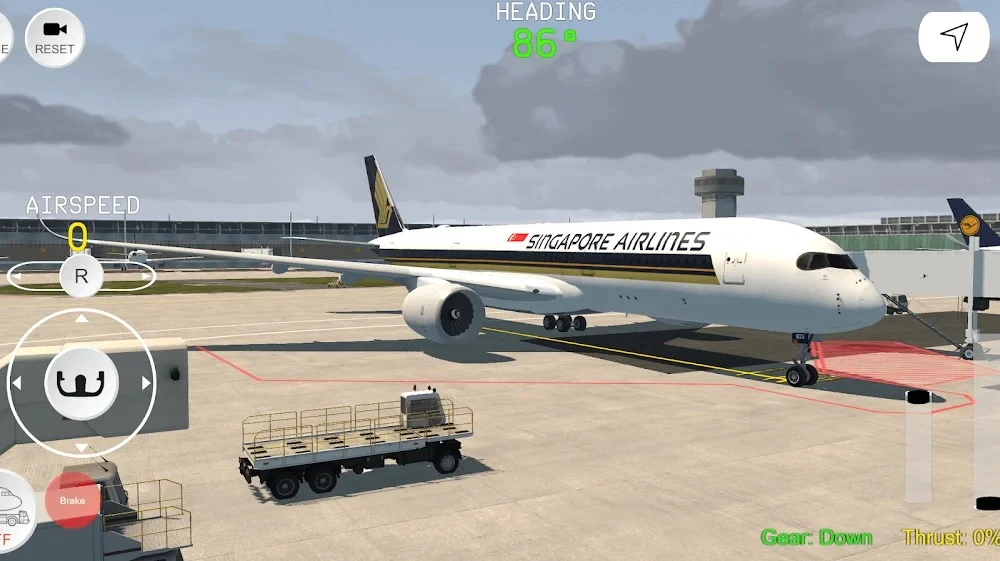
Airport activity extends beyond the aircraft itself. The documented ground-services features include movable jetways, fuel trucks, and AI traffic. These elements are part of the pre-flight and post-flight airport environment, adding operational objects and movement around the plane. The source does not describe how each service is activated or whether every flight requires each one, but it identifies them as components of the airport setting.
Sound also supplies information during a flight. The game includes air traffic control chatter, engine sounds, and alarms. These sounds are described as auditory cues within the simulation, connecting cockpit activity and aircraft operation with audio feedback. Their individual triggers and rule conditions are not specified.
Practicing procedures and emergencies
The source describes checklists and procedures for pre-flight, in-flight, and post-flight phases. Players can use these routines to organize a session rather than approaching every flight as an unstructured trip. Emergency scenarios are also identified as a practice area, including engine failure, electrical malfunction, and rapid decompression. The game supports rehearsal of responses to these situations, but the source does not provide the exact checklist steps or explain how emergency outcomes are calculated.
Overall, Flight Simulator Advanced combines aircraft handling, route planning, cockpit instrumentation, environmental changes, airport services, and career progression. Its most clearly documented activity is the connection between operating the plane and completing structured flights, while the surrounding systems add navigation, commercial procedures, and changing conditions to that central simulation.