


Overview
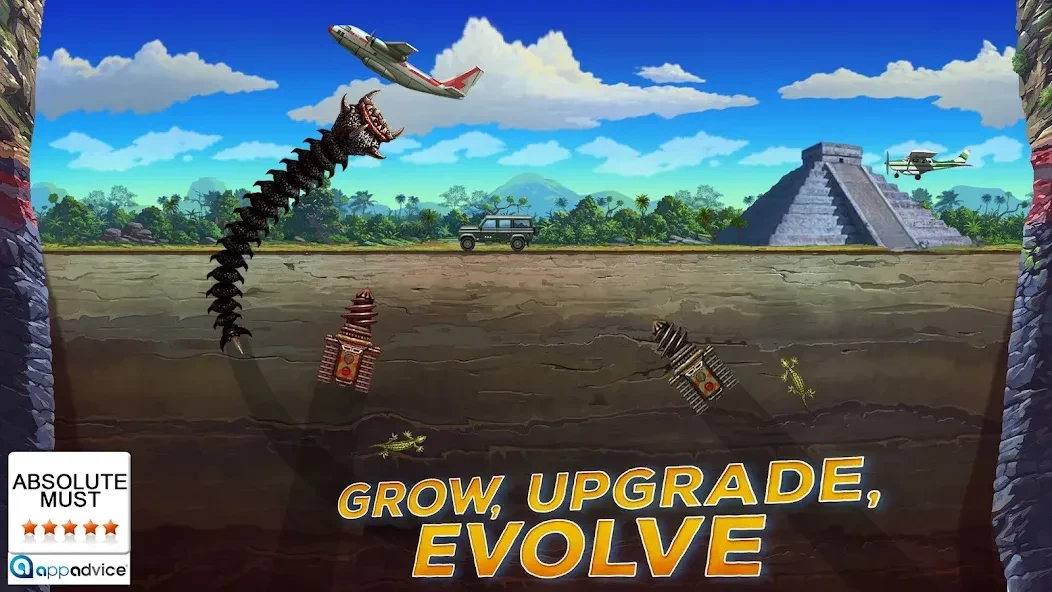
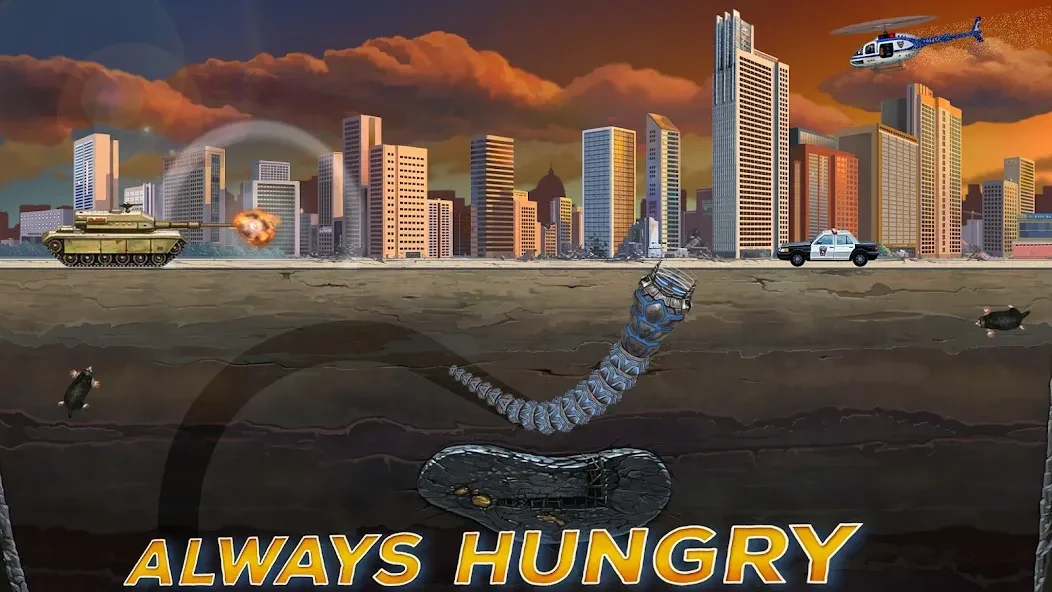
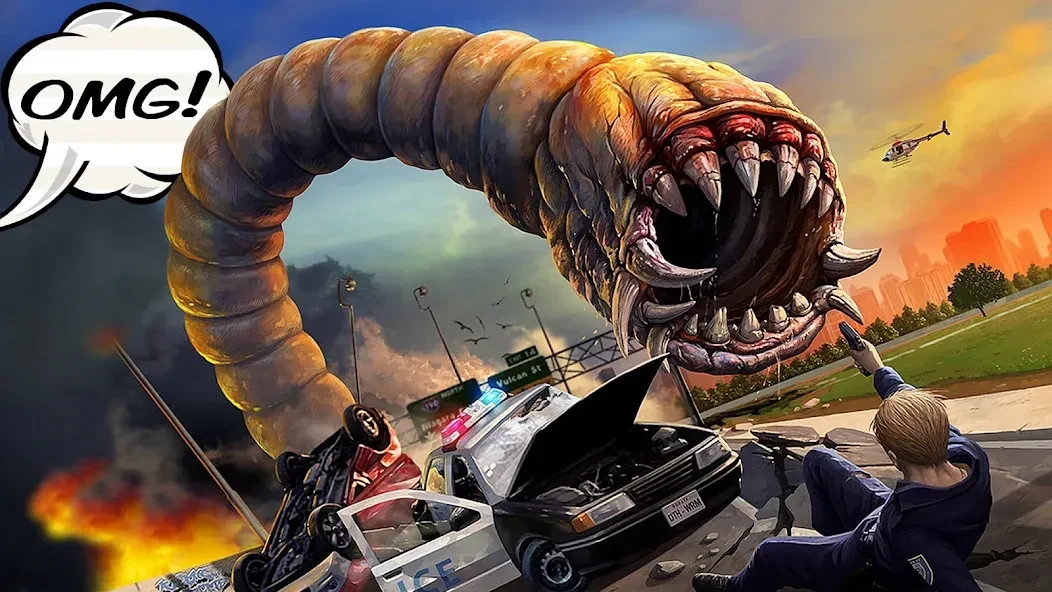
Death Worm puts you in control of a giant underground creature whose main objective is to consume targets and cause as much destruction as possible. You burrow through environments such as cities, jungles, deserts, and Antarctic ice, then burst from the ground to catch people, animals, vehicles, and other enemies. Eating targets earns points and helps the worm grow, while power-ups can improve its abilities during a level. The game combines fast arcade movement with light progression: complete objectives, survive increasingly dangerous encounters, and upgrade the worm between stages. Android 5.0 or later is required.
The game focuses on direct action rather than a story-heavy structure. Its appeal comes from controlling the monster instead of trying to stop one, creating a deliberately chaotic experience built around quick attacks, large combos, and exaggerated destruction. As the campaign advances, harmless prey gives way to stronger opponents, including tanks, aircraft, and extraterrestrial threats. Your size and upgrades become important because some enemies can destroy the worm if you approach them without enough power.
What You Can Do
⭐ Burrow beneath the ground and launch surprise attacks. Use the worm’s movement controls to travel underground, build momentum, and emerge beneath a target. You can briefly expose the creature to grab prey before diving back below the surface, or make a more dramatic leap to attack several targets in succession.
⭐ Complete campaign objectives across a sequence of levels. Missions require you to defeat a set number of enemies, and some also impose a time limit. The objective list gives each stage a clear goal, such as eliminating a required number of targets within a specified period. Finishing a level lets you continue through the campaign and provides an opportunity to improve one of the worm’s attributes.
⭐ Play different modes for different session lengths. Campaign mode provides the main progression path, while Blitz is suited to shorter bursts of arcade action. Survival asks you to keep the worm fed for as long as possible, and mini-games provide an additional change from the standard mission structure. The available modes remain centered on eating and destroying targets, but their objectives change the pace and focus.
⭐ Face a broad selection of enemies. The source describes more than 40 enemy types across the game, including animals such as tigers, birds, and alligators; vehicles such as cars, tanks, and planes; and unusual threats such as helicopters and UFOs. Different enemies require greater size, better timing, or more careful use of abilities.
⭐ Collect power-ups during play. Power-ups appear in the play area and can temporarily strengthen the worm or provide special abilities. Examples described in the source include bursts of speed and fireball attacks. Using these items at the right moment can help you reach difficult targets or deal with stronger enemies that are unsafe to attack with the worm’s body alone.
⭐ Improve the worm between levels. Coins and progression rewards can be used to raise attributes such as attack and speed. The game also includes different worm types, with examples such as desert-ghost and hive-lord creatures described as having distinctive powers or effects. These upgrades give the destruction a practical progression system, since becoming stronger helps you deal with armored vehicles and aerial threats.
⭐ Explore changing settings and visual styles. New locations become available as you progress, and each environment has its own appearance. The worm’s visual presentation also changes between settings and creature types, adding some variety as you move beyond the initial stages.
⭐ Use compatible gamepads on supported devices. Death Worm is described as supporting several controller families, including Xbox, PlayStation, Razer, Backbone, and GameSir. A controller can provide an alternative to touch controls, particularly when playing on a larger Android device, although the source does not specify every supported model or connection method.
Using the App
The basic workflow is straightforward: move through the level, stay underground when you need protection, surface to consume targets, and monitor the mission requirements. Directional controls let you steer the worm and build momentum before jumping out of the ground. This movement creates a choice between a safer approach and a riskier attack that may produce a larger combo. Staying below the surface can help you approach prey without immediately exposing the worm, while aggressive leaps can produce higher scores if your timing is good.
Enemy pressure increases as the game progresses. Early encounters are described as relatively harmless, but later stages introduce opponents that can fight back, including soldiers, tanks, aircraft, and UFOs. Some missions also require you to defeat targets without taking damage. In those stages, being hit can reset the count, making careful positioning more useful than repeatedly charging into a group of enemies.
After completing a level, the upgrade screen allows you to improve an attribute and prepare for more difficult encounters. Power-ups add another decision during the action because their value depends on the situation: a speed boost may help reach a distant target, while a special attack can be more useful against a dangerous vehicle or flying enemy. The source also describes dual-stick-style controls for movement and power-up use, though exact control behavior may vary by device or input method.
The visual style uses crisp, modern-looking graphics and animated effects rather than a deliberately minimal presentation. The worm’s movement, emergence from the ground, and level-completion animation are highlighted as part of its character. These details support the game’s humorous monster-movie tone and make the creature feel more animated than a simple moving attack.
Why It May Appeal
✅ The central idea is immediately understandable: control the predator, eat targets, and grow stronger. Players who enjoy short arcade sessions can begin interacting with the game without needing to learn a complicated story or extensive set of systems.
✅ Progression gives the destruction a practical purpose. Coins, attribute upgrades, stronger worm types, and new locations help the game develop beyond a single repeated attack, while larger enemies provide a reason to improve the creature’s capabilities.
✅ The range of targets creates visual variety. Moving from animals and civilian vehicles to military machines and UFOs gives later encounters a different feel from the opening stages, even though the basic feed-and-destroy formula remains consistent.
✅ The game supports both cautious and aggressive play. You can remain beneath the surface and make controlled attacks, or leap into crowded areas to attempt large combos. This makes the same level feel different depending on how much risk you are willing to take.
✅ Controller support may suit players who prefer physical controls over touch input. The listed compatibility includes Xbox, PlayStation, Razer, Backbone, and GameSir controllers, subject to the device and connection setup.
Things to Consider
❎ Death Worm is built around one main idea: feeding and destroying targets. Although the modes, locations, enemies, and upgrades add variation, the underlying play style does not change substantially. Players looking for a story-driven adventure or complex strategy system may find the experience relatively limited.
❎ Some later encounters can be difficult when the worm becomes slower on the ground or when flying enemies are hard to reach. The source also includes player feedback mentioning camera concerns and frustration in missions where taking damage resets progress. These comments reflect reported play experiences rather than a universal result on every device.
❎ The source contains different descriptions of the campaign and level count, so the exact number of stages should not be treated as definitive here. What is consistent is that the game offers a campaign with sequential objectives, additional modes, and progression through upgrades and rewards.
Android Compatibility
Death Worm requires Android 5.0 or later. The supplied information also identifies the listed version as 3.0.021, but it does not provide a reliable update history or a complete device compatibility list. Controller behavior may depend on the Android device and the specific gamepad being used.