
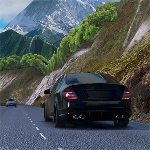
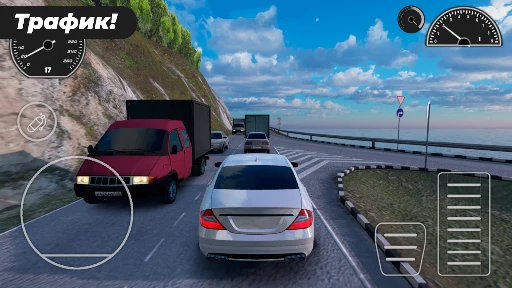
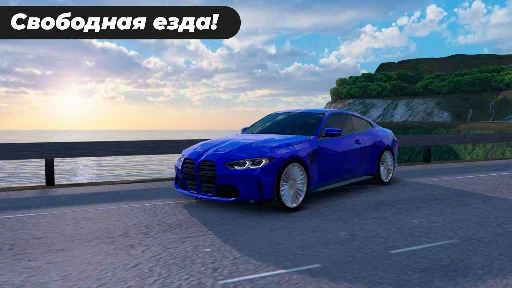
Caucasus Parking is a driving simulation game where you take on parking challenges, drive different roads, and explore an open world featuring Caucasus scenery. Its three modes are Parking Mode, Free Mode, and Ranked Mode, with different ways to approach driving.
What do you do in a parking level?
In the described parking sequence, you choose a car from the garage and select a level. The game places you at a starting point on a city street, where green markers guide your route. At the parking area, align the front wheels with the green indicator and move forward slowly until they stop inside the marked space. Completing a level unlocks the next one.
How can you control and view the car?
Choose between accelerometer, steering-wheel, and arrow-key controls. Two camera modes are available: first-person view from inside the car and third-person view with a wider field of view. You can adjust the camera to check distances while parking.
What cars and customization options are included?
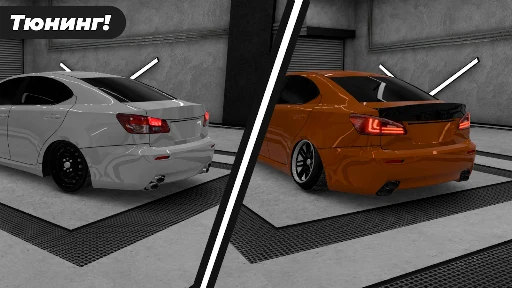
The game lists more than 20 cars, personalized paint jobs, and multiple disk options. Its vehicle handling is described as realistic, and the presentation includes 3D graphics. The map is described as representing the Caucasus region.
What other modes and challenges are described?
Alongside Parking Mode, Free Mode and Ranked Mode are named as the other options. The description also mentions challenges that are continually updated, but does not give details about their schedule or how Ranked Mode works. It presents the scenery as a feature of driving through the region, while the parking levels focus on following markers and positioning the car in a marked space.