

Overview
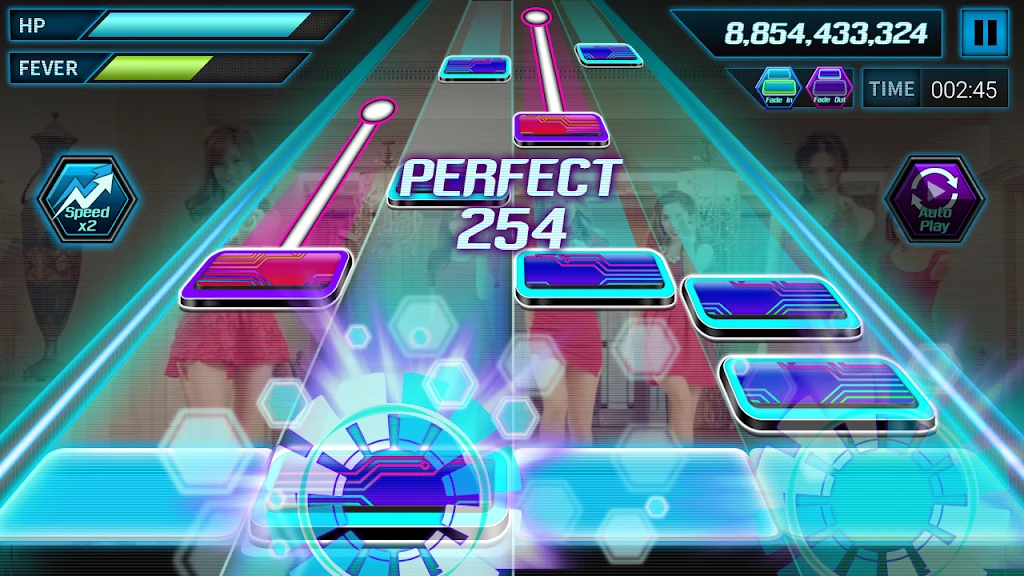
Beat Craft turns music videos and songs stored on your phone into rhythm stages you can play along with. Search for a music video or load a local track, then tap to follow notes generated from the selected audio. The app is designed for straightforward, quick-to-start music challenges, using your own library as the source of its tracks. Since charts are generated automatically, a familiar song can offer a different pattern to play. You can also save note patterns you enjoy and return to them later.
What You Can Do
⭐ Search for a music video and use it as the basis for a playable rhythm stage.
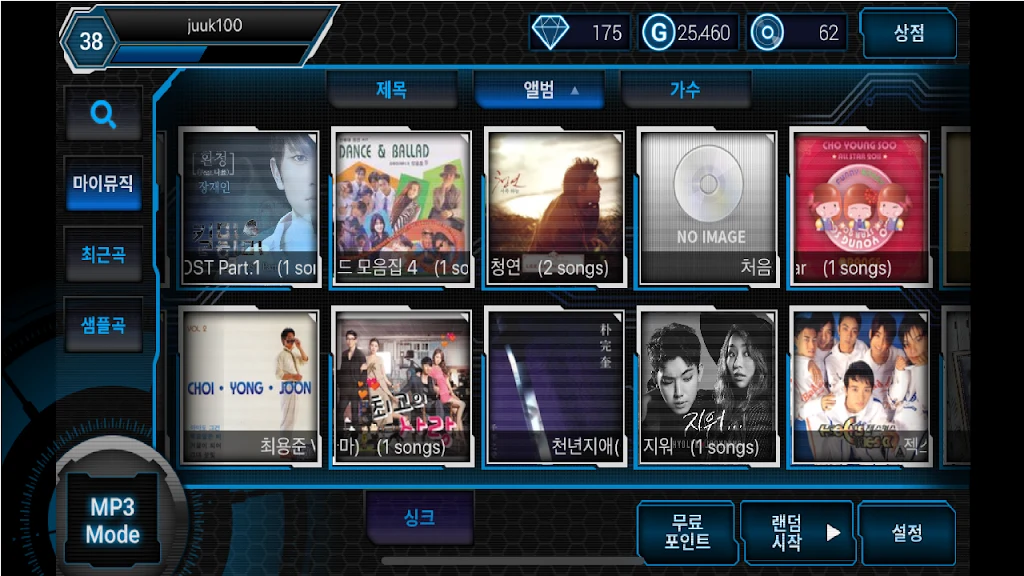
⭐ Load songs stored on your smartphone to play along with standalone audio tracks.
⭐ Tap along to automatically generated notes based on the selected music.
⭐ Save favorite note patterns so you can replay charts you enjoyed.
⭐ Choose from songs and videos in your own library, allowing for a broad selection of music.
Using the App
Choose a video through search or load a track from your phone, then follow the generated notes with simple tapping controls. After playing, save a pattern if you want to revisit it. The source describes the charts as automatically generated, so the same track may produce a different pattern rather than a manually authored chart.
Why It May Appeal
✅ Using music from your own library lets you choose tracks to suit your tastes instead of relying on a fixed song selection.
✅ Simple controls and saved patterns make it easy to get started and return to charts you like.
Things to Consider
❎ Generated note charts may not capture the nuance or design of manually authored tracks.
❎ The available songs and videos—and the resulting experience—depend on what is in your phone’s library.