

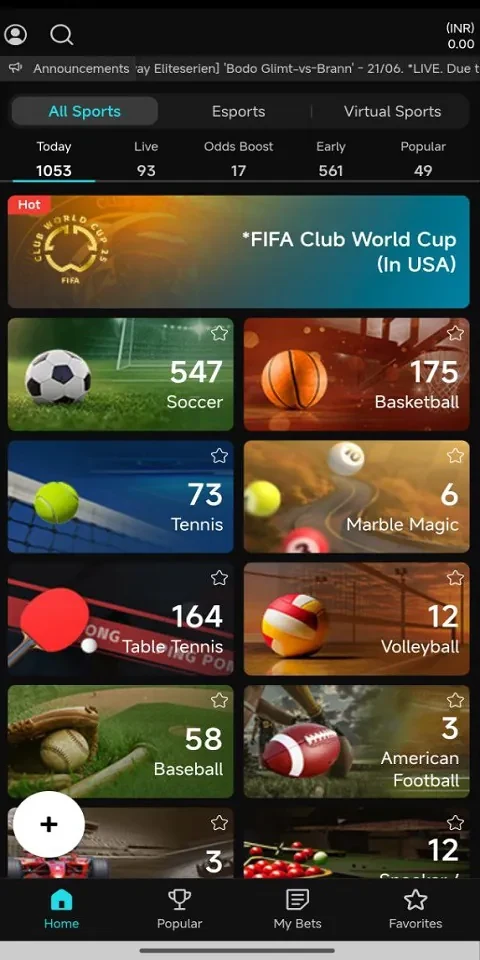
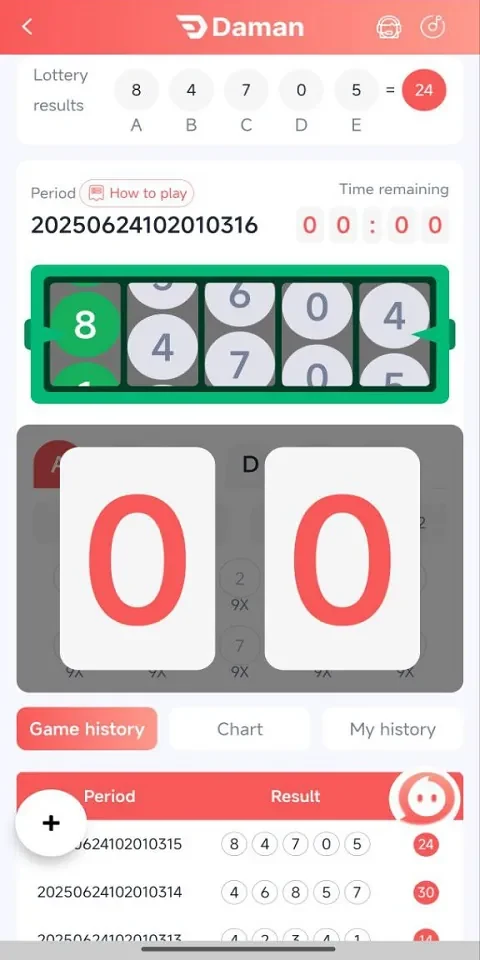
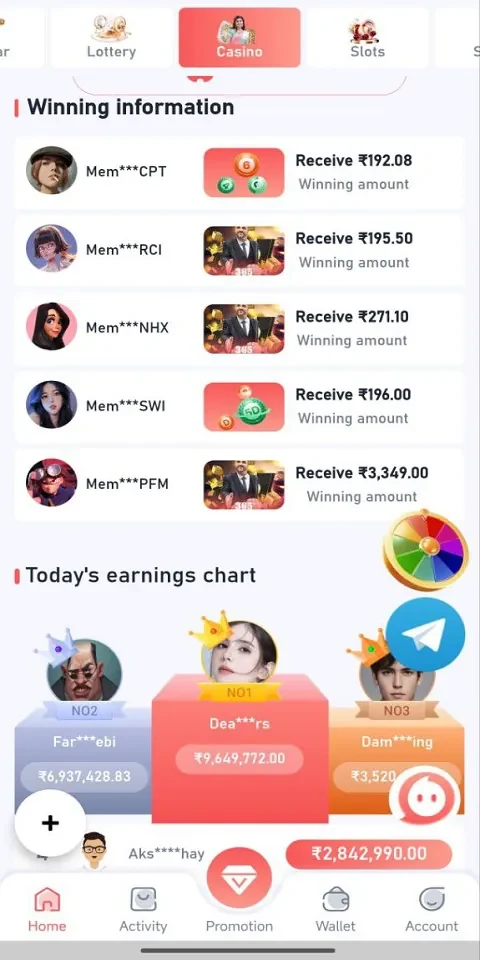
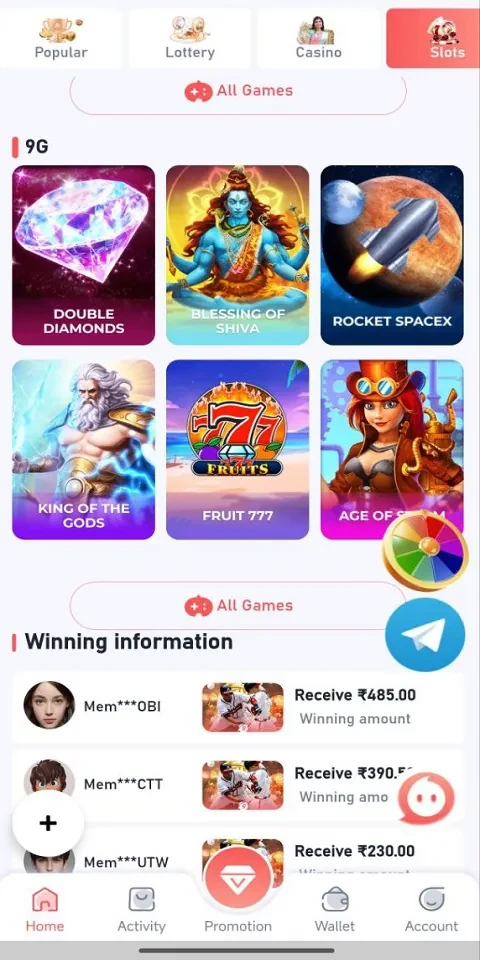
Overview
BDG Games Login is an Android access tool intended to help players sign in to connected gaming platforms and return to their accounts. Its stated focus is authentication and session management, not hosting games or offering a catalogue to browse. The app brings account entry and game-launch controls together in a compact dashboard, with options for remembering accounts and clearing cached sessions. It is aimed at players who switch between titles or want a simpler route back to a game. The source does not name specific supported platforms, so compatibility with a particular game service should not be assumed.
What You Can Do
⭐ Use sign-in fields to enter account details and complete authentication for a connected platform. The description also mentions handling multi-factor prompts, though it does not specify which methods or services are supported.
⭐ Keep account and session information available between visits. The app is described as managing temporary session data to reduce repeated sign-ins and make returning after a brief connection interruption more straightforward.
⭐ Choose whether to remember accounts or clear cached sessions using the app’s settings. These controls offer a way to manage saved sign-in state without presenting the app as a game-progress or save-file manager.
⭐ Use device credential autofill where available, and navigate with standard Android controls such as the back button. The description says the layout accommodates soft-keyboard use during sign-in.
⭐ Adjust the interface with compact or expanded list views and, where available, light or dark themes. Basic display preferences are also described, including text sizing and focus indicators.
⭐ Check network status and respond to prompts when a session needs attention. The app is described as showing messages for situations such as a required password update or session re-authorization.
Using the App
The described workflow centers on choosing an account, entering or autofilling sign-in details, and selecting a game entry point from the dashboard. Advanced options are presented separately from the basic sign-in flow. Remember-account settings and cached-session controls let users decide how much account state to retain. Biometric unlock is mentioned as an option where supported, but the source does not detail device requirements or the games that can use it.
When connectivity is unavailable, the app is described as retaining limited information for use when a connection returns and showing a status indicator. It cannot be treated as a way to authenticate or launch connected services fully offline. The description also mentions retrying after short outages and performing background session refreshes when appropriate; actual access will depend on the network and the underlying game service.
Why It May Appeal
✅ Players who regularly move between connected titles may appreciate having account entry and session controls in one compact interface.
✅ The listed display options, device autofill support, and Android navigation make the sign-in workflow adaptable to different preferences and screen sizes.
Things to Consider
❎ BDG Games Login is an access tool, not a game, game store, or discovery service. It does not provide in-app game content.
❎ The source does not identify compatible game platforms, and it notes that responsiveness depends on network quality and the availability of the connected services. Check that the service you use is supported before relying on the app for access.