


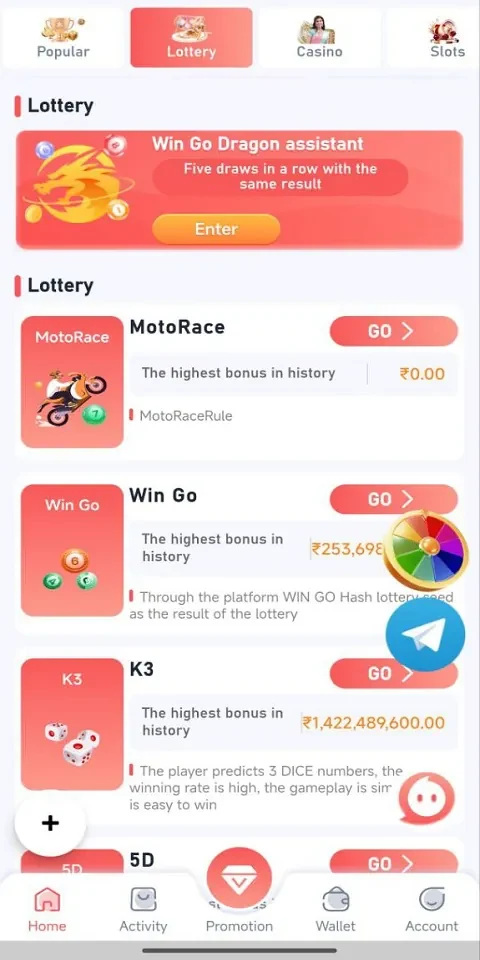
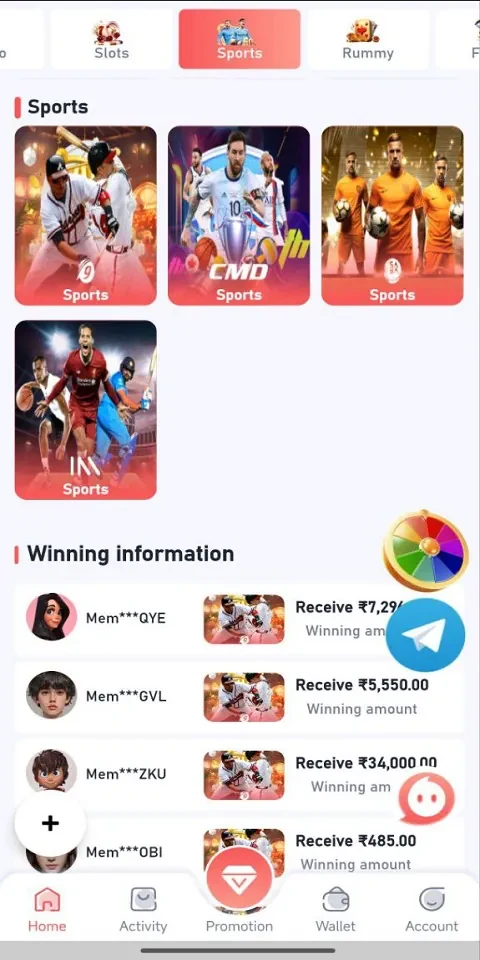

Aviator Logo helps players practise timing and situational awareness through short, responsive rounds that fit quick breaks or longer casual sessions. Touch controls map directly to on-screen actions, giving new players a simple starting point while leaving room to improve scores through repeated attempts. The game combines compact stages with daily objectives, bonuses, leaderboards, and milestone rewards, so a single round can serve either as a brief activity or part of a longer progression loop. One-tap login is intended to make entry quick, while offline mode supports basic play when a connection is unavailable.
Touch controls and short challenges
The main gameplay is organised into concise, goal-oriented runs in which timing and awareness matter. Single taps or holds trigger immediate actions, keeping the control scheme easy to learn on a phone or tablet. Control sensitivity can be adjusted to change how the game responds to touch input, which may help players find a more comfortable setup. Because rounds are brief, players can retry a challenge several times during a commute or break and focus on improving a particular timing window without committing to a long session.
Progression, scores, and daily objectives
Progress is tied to performance and repeated play rather than a lengthy campaign structure. Players can work toward personal score goals, complete daily tasks, and receive daily bonuses or streak incentives for consistent activity. Milestones provide cosmetic or functional rewards, while escalating difficulty creates longer-term targets as players become more familiar with the mechanics. Global leaderboards add a comparison layer for players who want to measure their results against others. The source describes fair-play checks for leaderboard activity, with the aim of keeping score comparisons focused on play performance.
Stages, visuals, and adjustable presentation
Levels use a modular structure, introducing timing puzzles and visual themes progressively rather than presenting every element at once. Readable icons, contrast-conscious layouts, and clear feedback are used to make important information easier to interpret during fast rounds. Players can select from colour and icon presets, use optional visual aids, and adjust text or icon clarity. Some interface elements can also be toggled, allowing the display to be simplified or adapted to individual preferences without changing the central gameplay loop.
Offline sessions and device performance
Offline mode preserves basic gameplay, progress toward local goals, and daily bonus timers while the device has no network connection. When connectivity returns, online features such as leaderboards and cloud-backed bonuses can synchronise automatically. This separates the core short-round experience from features that require an internet connection. The game is described as tuning frame pacing, input latency, and memory use to reduce lag and battery impact, with graphics that scale across devices so textures and effects can be reduced on older hardware or presented at a higher level on newer devices.
Replay value and account experience
Replayability comes from combining immediate score chasing with refreshed daily objectives, milestone targets, and occasional special challenges. Repeated attempts let players experiment with mechanics and refine their responses, while increasing difficulty provides a reason to revisit earlier skills. The interface is designed around straightforward navigation and visible performance feedback. One-tap login speeds access to the game, and the supplied description also refers to account protections, anti-tamper measures, and fairness systems for online competition. It further describes ongoing changes intended to address stability and compatibility across operating-system versions and device configurations.