
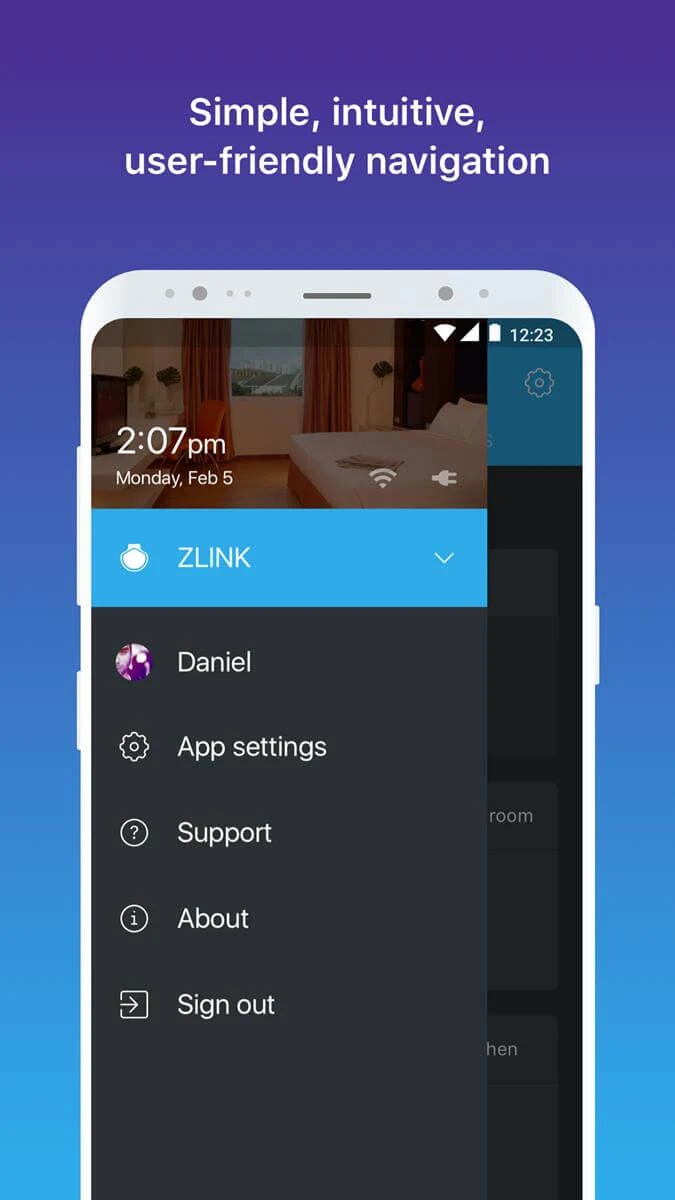
ZLINK is presented as an app for bringing connected home devices into one place so you can monitor and control them remotely. Its main smart home task is managing ZLINK products such as switches, sockets, lights, and hubs through a shared dashboard, rather than handling each device separately. The supplied description also discusses connecting an Android device to a car display for Android Auto. Because it does not explain how that car-display function relates to the smart home tools, readers should treat them as separately described uses rather than assume every feature is available in the same setup.
What do you need to set up a smart home with ZLINK?
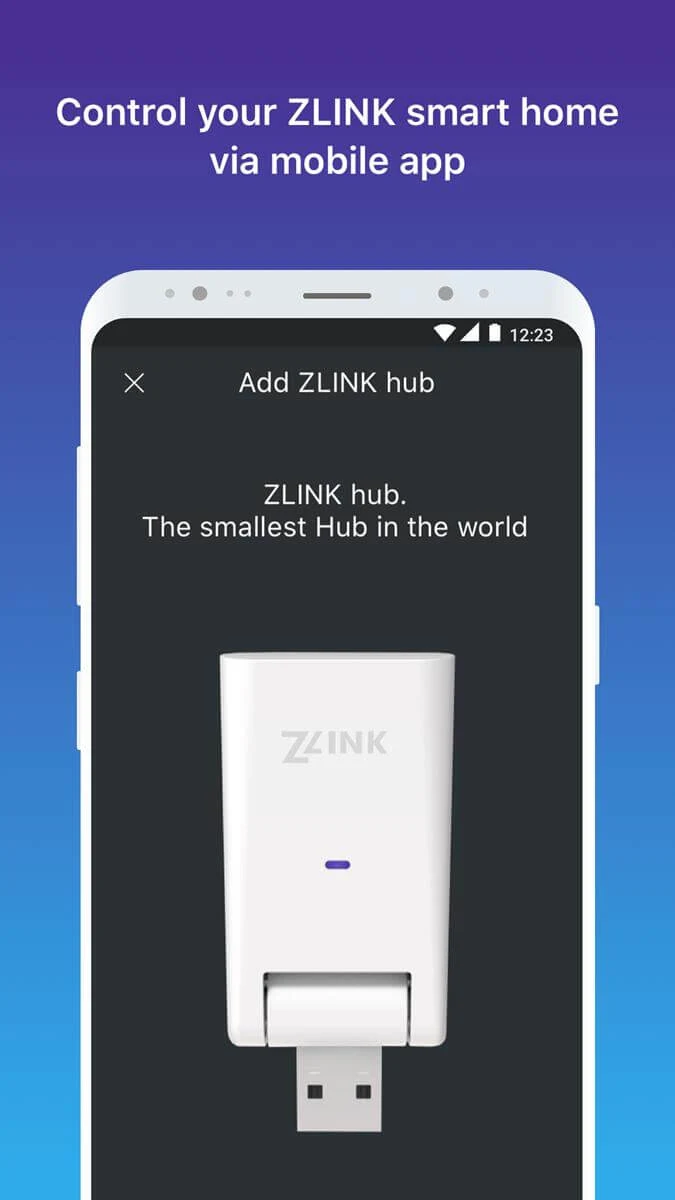
The description says you need to purchase and install ZLINK products, then connect them through the app. It describes a wizard for connecting a hub to local Wi-Fi, along with options to create a personal profile and rooms. It also lists support for adding Z-Wave bulbs, plug-in modules, switches, and dimmers.
When you open the app, it is described as searching for nearby devices and helping you connect to the appropriate ones. The products named in the source include smart plugs, speakers, lights, sockets, hubs, switches, and boilers; the controls available depend on the devices you connect.
How can you organize and control connected devices?
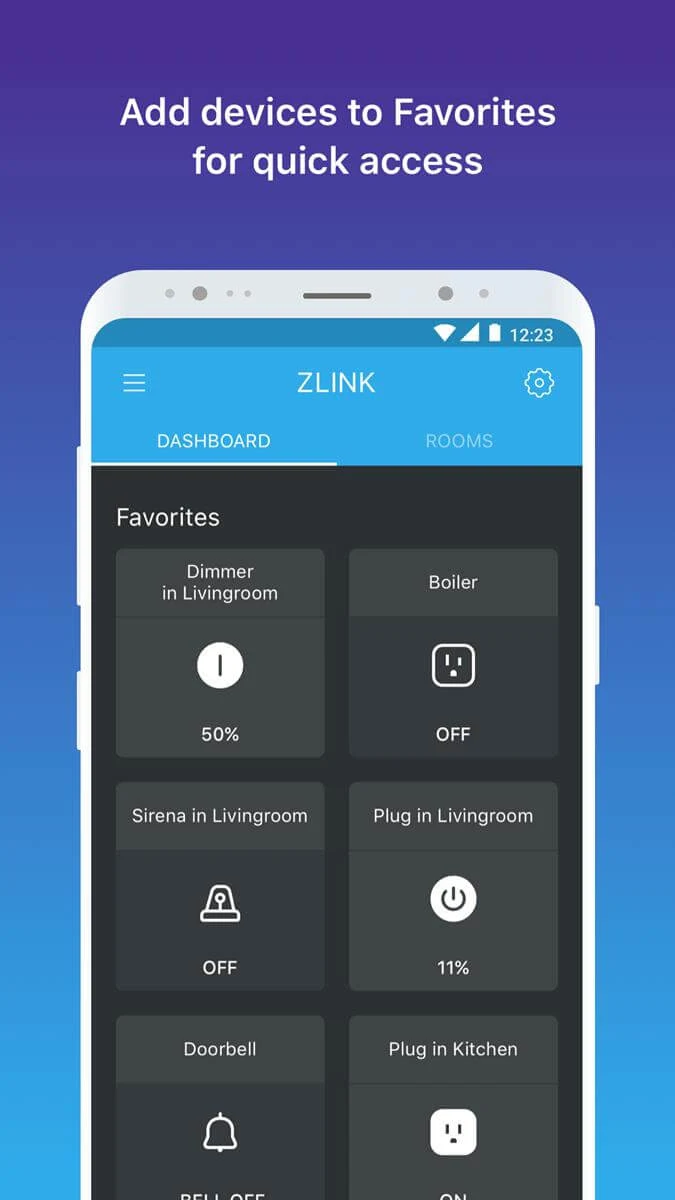
Connected devices appear on an app dashboard. You can place frequently used devices nearer the top and organize devices by room, making it easier to find a particular control. The description also says you can turn devices on or off in a specific room or across rooms, as well as control connected devices remotely.
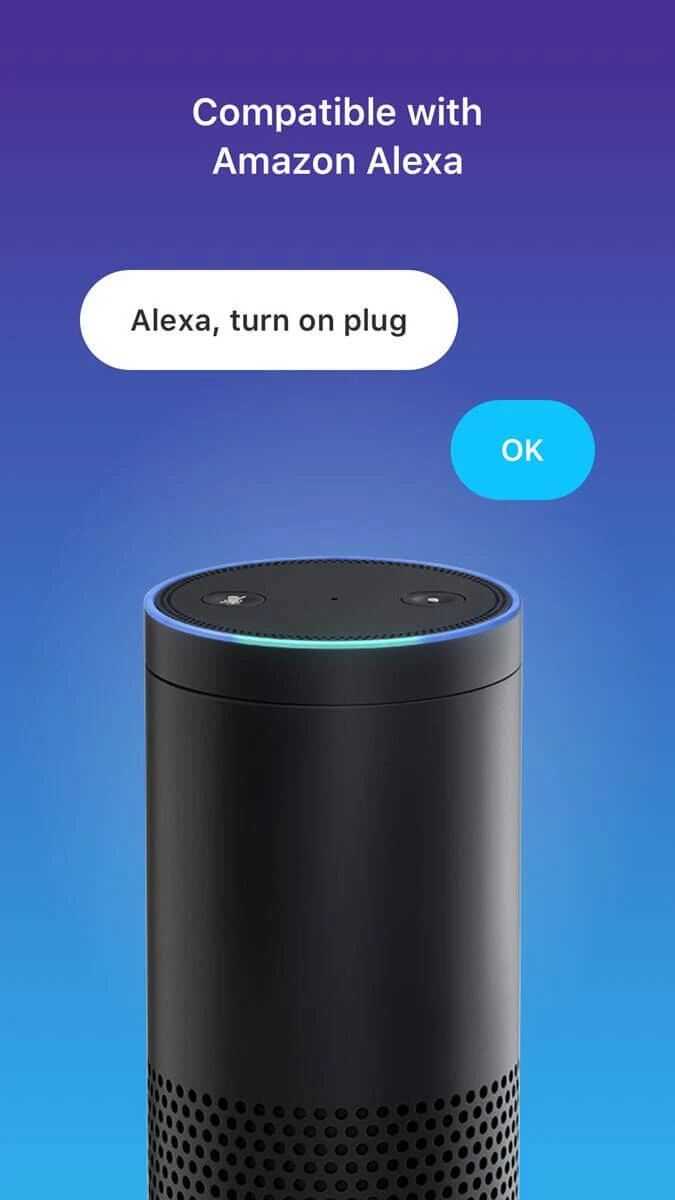
If you have an Amazon Alexa device, the source describes connecting it to manage ZLINK devices with voice commands. The stated voice-control function is turning connected devices on or off.
What does the description say about using ZLINK on a car display?
A separate part of the supplied material describes ZLINK as an app extracted from a Junsun V1 display. It says connecting an Android device to the display by USB or Bluetooth activates the app and provides access to Android Auto features, including navigation, music, and voice commands. Google Maps, Spotify, and iVoox are given as examples of apps compatible with that mode.
The material says the app works with a range of Android car screens, but gives no specific screen models beyond the Junsun V1 reference. It also does not explain whether the car-display functions and smart home controls are part of one installation. The smart home details are most useful to readers planning to connect ZLINK devices; readers interested in Android Auto should note that the relationship between the two described uses is unclear.