

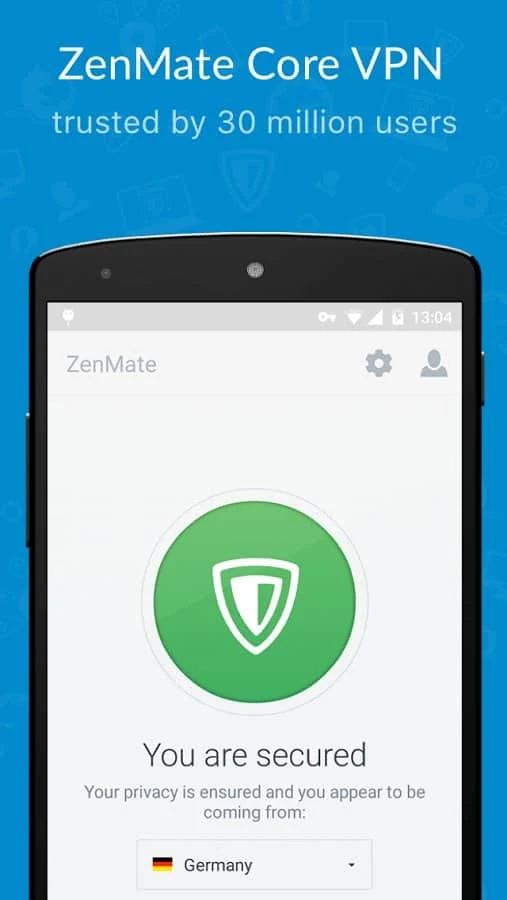


ZenMate VPN is an Android application for connecting to the internet through VPN servers. The service describes its core functions as encrypting internet traffic and replacing the user’s visible IP address with one associated with its server. It can also change the displayed location of a network connection.
Connection privacy and routing
The listing says the VPN encrypts traffic and routes it through its server network. This is intended to protect the connection while browsing, including when using Wi-Fi away from home. The app is also described as masking the original IP address by showing a ZenMate-associated address instead. These are the service’s stated privacy functions; the supplied information does not specify encryption protocols or provide independent verification of its privacy claims.
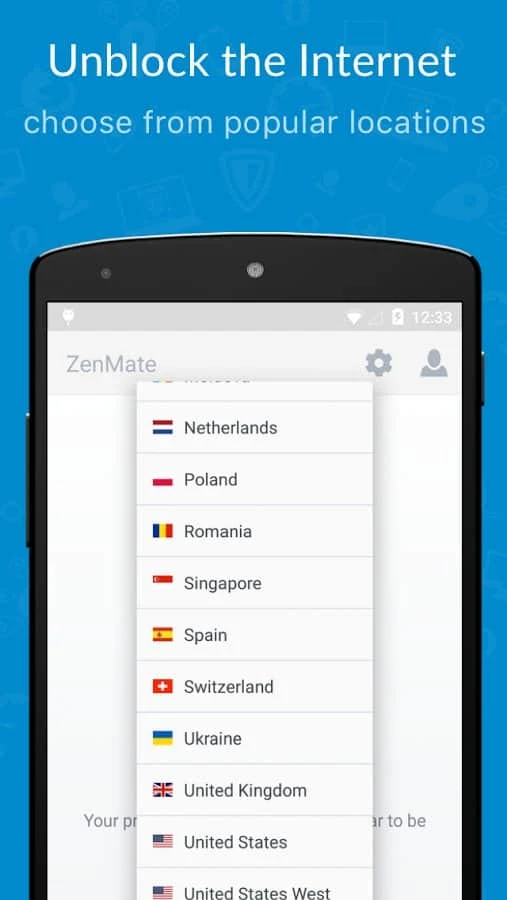
ZenMate presents access to websites and forums as another use for its location-changing connections. The source mentions browsing, streaming, downloading files, and playing games as activities people may use the VPN for. It does not provide separate performance details or guarantees for those activities.
Server locations and plans
The listing highlights more than 73 global server locations. It separately states that the free version offers four country options: the United States, Germany, Romania, and China. The premium version is described as offering a choice of more than 20 countries. These figures refer to different descriptions in the source, which does not explain how the country options relate to the total number of server locations.
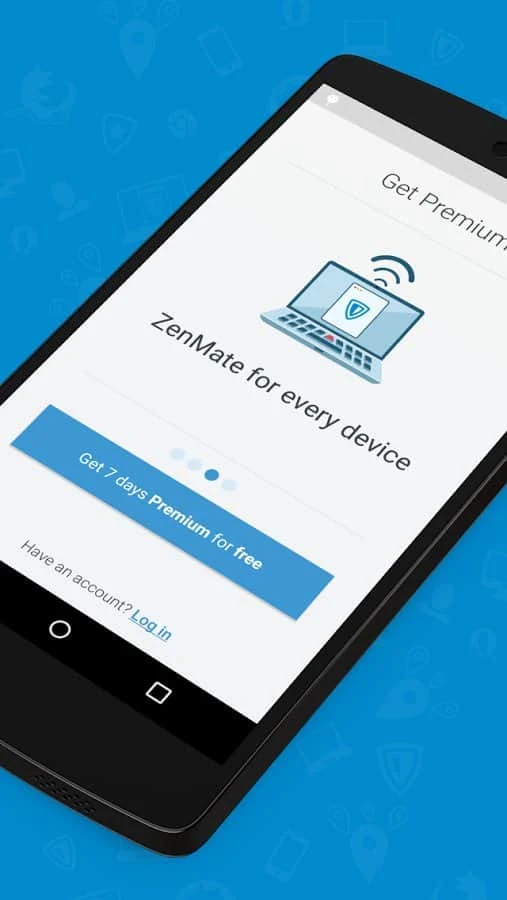
The source also refers to a no-logs policy, but does not provide further details about what data is collected or how the policy is applied. It mentions a seven-day free trial for mobile and desktop apps; the supplied information does not clarify the terms that apply after the trial.
Using the app
ZenMate is presented as having a simple connection flow: users can connect with one button, while the source also notes that setup options are available for more advanced users. It describes the VPN as working in the background, allowing users to browse through their preferred browser after connecting.
The listing names Chrome, Firefox, and Opera in its browser-related description and also refers to Android and iOS devices. It mentions use on home networks, public Wi-Fi, and personal 3G connections. It does not give an Android minimum operating system version or further technical compatibility requirements.