

YuFace: Makeup Cam, Face App lets you try different looks in a selfie without applying makeup first. Its camera and editing tools bring together makeup styles, facial adjustments, retouching, and themed effects, so you can work on a portrait in one app. You can make a small change, such as whitening teeth or changing eye color, or choose a more stylized result with a seasonal filter and accessories. The range of options is useful when you want to compare looks or give a photo a particular theme.
Makeup and seasonal looks
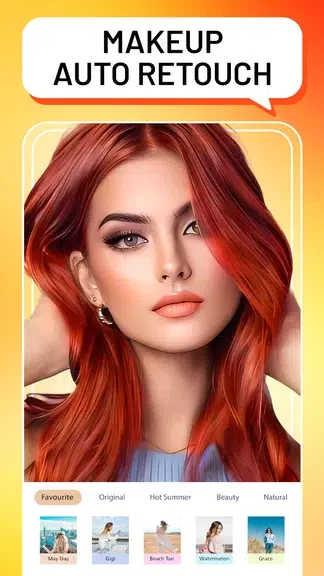
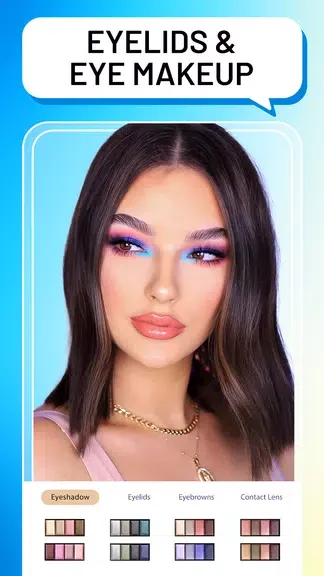
The app offers makeup styles that can be applied to a bare face. Its themed effects include a Halloween evil-smile filter and Christmas makeup, giving you options beyond everyday portrait edits. You can also add glasses, hats, or earrings to change the finished look without altering the original outfit.
Retouching and facial adjustments
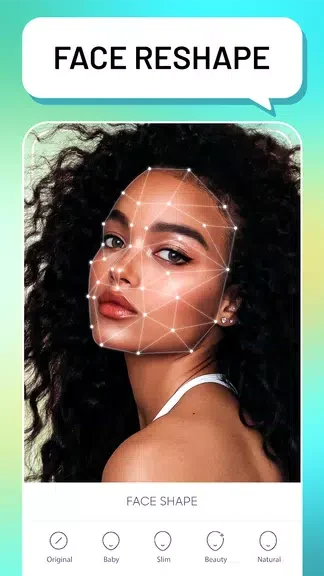
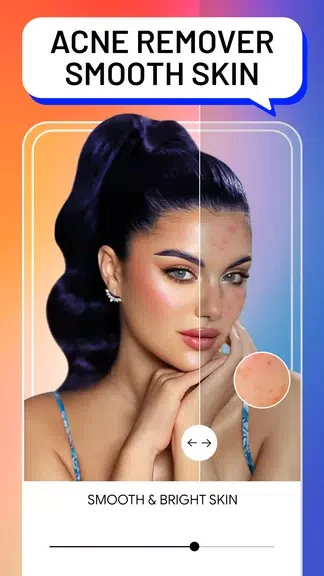
For closer edits, YuFace includes blemish removal, skin smoothing, teeth whitening, hair-color changes, and eye-color changes. Face-shaping tools can slim the face, reshape the jaw, or make the nose appear taller and slimmer. These controls serve different purposes: retouching works on details such as skin and teeth, while reshaping changes the appearance of facial features.
Taking and editing selfies
The app includes a selfie camera as well as editing features. Its photography options include touch-screen capture and image-quality settings. After taking a photo, you can use makeup, retouching, and effects together—for example, pairing a makeup style with an eye-color change and a seasonal theme—or use a single tool when that is all the portrait needs.