

Find and save videos
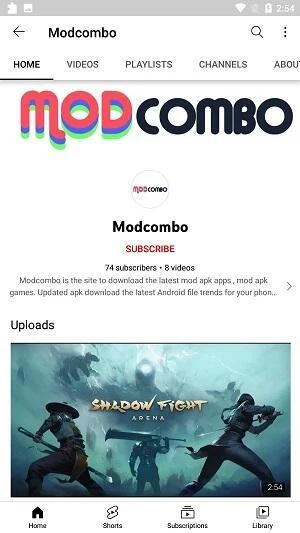
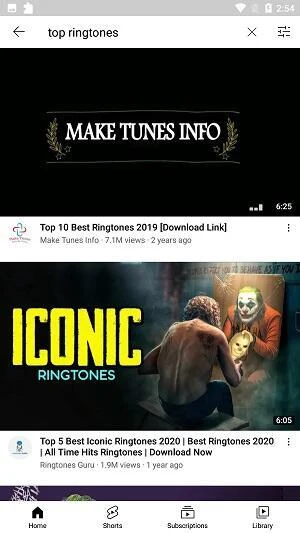
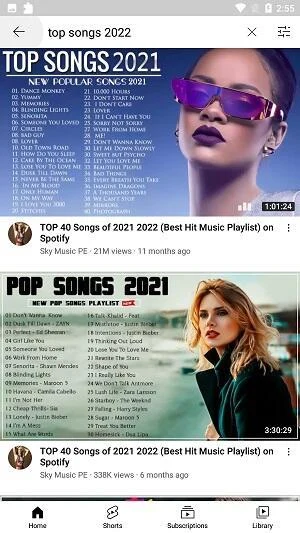
YouTube Vanced is an Android app for finding and watching YouTube videos, with an option to download videos to a device for offline viewing. Its interface is described as similar to the YouTube app, so searching for a video and opening it for playback are central parts of the experience. The search-and-playback setup also connects with the download option: after finding a video, users can save it on the device rather than relying on streaming when they want to watch it later.
The app description also lists ad blocking as a playback feature. It says the app blocks ads, including video ads, banners, and pop-ups. This is presented as a way to reduce interruptions while watching, rather than as a separate tool the user needs to open. The description does not give further settings for controlling which ads are blocked.
Listen and watch while using other apps
Background playback lets audio continue when YouTube Vanced is minimized, so a user can listen to music or podcasts while moving to another app. The description also says playback can continue with the phone screen turned off. This is distinct from picture-in-picture, which keeps video visible in a small on-screen window while the user works in another app. Together, these options cover listening without keeping the app in the foreground and viewing a video while switching tasks.
The app also describes SponsorBlock as a feature that automatically skips sponsored segments in videos. It is intended for segments such as sponsor messages and product placements. This is separate from ad blocking: one feature is described as removing ads, while SponsorBlock addresses sponsored portions within video content.
Set playback preferences
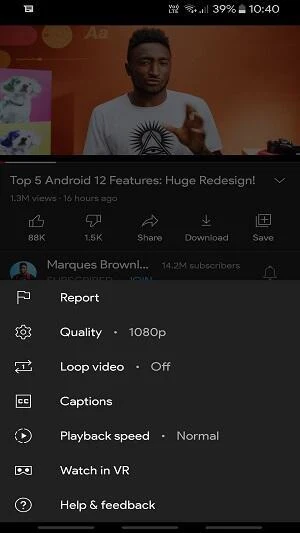
Several controls affect how videos start and continue. A default playback setting can start a video automatically, avoiding the need to select play repeatedly. A repeat option plays a video again automatically when it reaches the end. These settings address different moments in playback: one concerns starting a video, while the other concerns what happens after it finishes.
Resolution controls let users choose a default video resolution for Wi-Fi and mobile connections, with the selected resolution applying across videos. The app description also lists an option to override the maximum resolution. It does not specify particular resolution levels or explain how the override interacts with every connection setting, so those details should not be assumed.
Choose an interface appearance
YouTube Vanced offers theme choices through its settings. The listed color options are white, black, and dark, allowing users to change the interface appearance. The description also mentions theme APKs, but does not provide details about where to obtain them or how they differ from the built-in color choices.
In practical use, these features can be combined according to the task: search for a video and play it, adjust its resolution preference, or use background playback to listen while moving between apps. Picture-in-picture serves a different need by keeping the video visible during another task, while repeat playback is available when the same video should start again automatically. The app's listed functions therefore cover video discovery, playback behavior, viewing modes, and appearance without requiring those controls to serve the same purpose.