

YouTube Studio is an Android app for people who manage a YouTube channel and want to review its performance, respond to viewers, and organize uploaded videos from a phone or tablet. Rather than offering a single function, it groups several channel management tools in one place, so a creator can check progress and take action without leaving the app.
A channel dashboard for quick checks
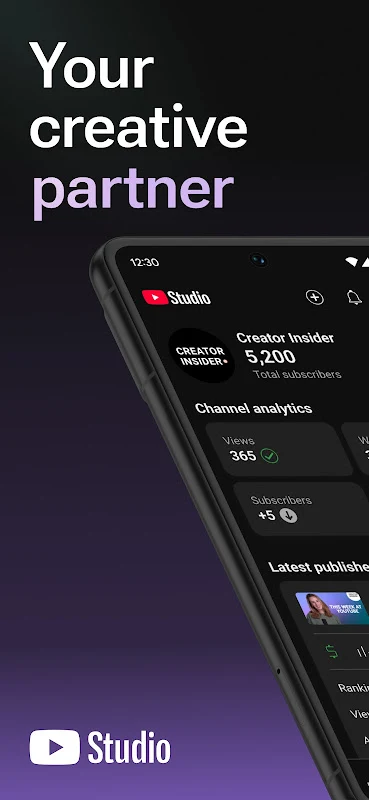
The app includes a Channel Dashboard that gives an overview of key performance indicators for the channel as a whole and for individual videos. According to the app description, this lets creators follow their progress and see how viewers respond to their content. The description also mentions access to real-time statistics, which can support decisions about content strategy.
Analytics for understanding viewers
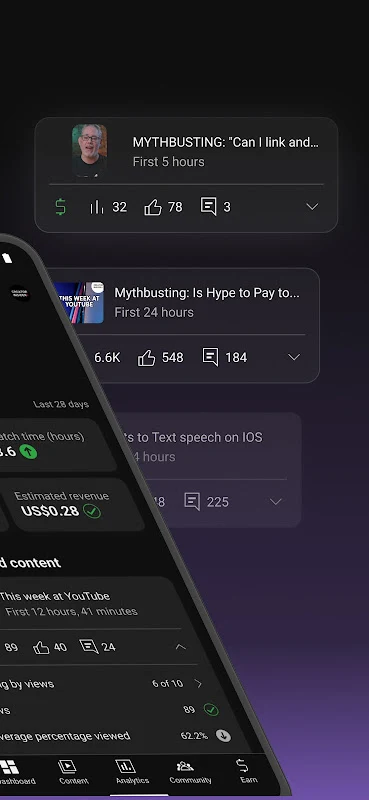
The Analytics tab presents metrics such as view counts, watch time, and audience demographics. Creators can use this information to compare the performance of different types of content, spot trends across videos, and adjust future uploads. The source also describes access to a channel's most viewed videos, the average time viewers spend watching, and the average profile of subscribers.
Five tabs for the main areas
The app is organized into five tabs: Main Panel, Content, Analytics, Comments, and Revenue. Together they cover channel metrics, the video library, audience interaction, and earnings. Each tab addresses a different part of the work involved in running a channel.
Comments and audience engagement
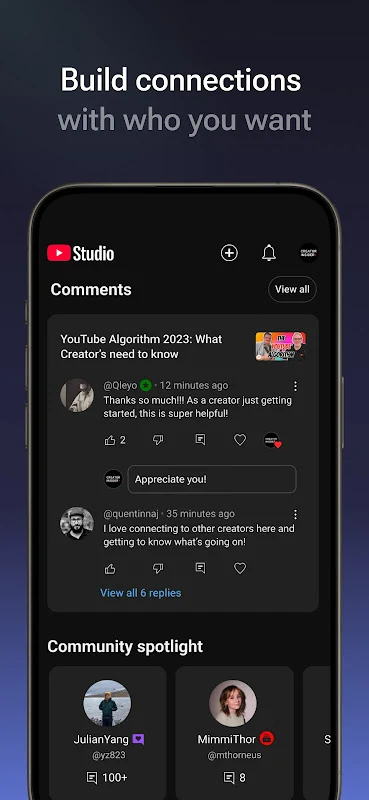
The Comments tab lets creators read comments left by viewers and reply to them. Filters can narrow the list to comments from subscribers, comments that contain a question, or comments from users who have a minimum number of subscribers. The description presents this tab as especially useful for channels that receive a high volume of interactions.
Managing uploaded and scheduled videos
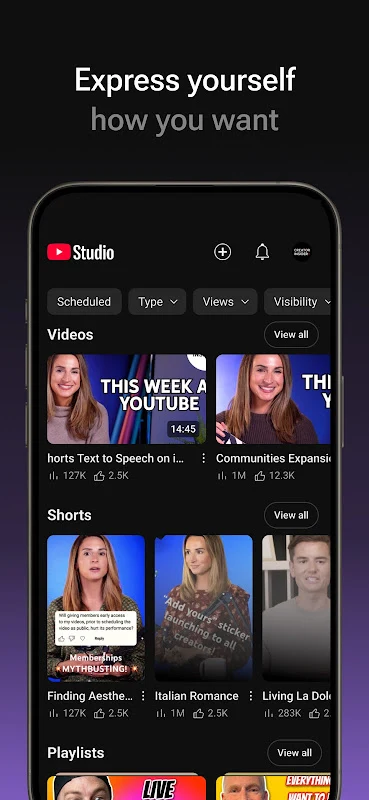
The Content tab lists videos that have been posted, scheduled, or saved as drafts. From this area, users can view video stats, edit videos, share them, check their comments, and save a video locally on their Android device. The benefits list also mentions video upload functions and tools for modifying the channel design, although the description does not explain how those screens are arranged.
Revenue and monetization
The Revenue tab shows the money generated by a channel's videos. The benefits list states that creators can activate content monetization by applying for the YouTube Partner Program. The app description also says that accounts can be monetized through advertising, among other methods. The source does not detail eligibility requirements, so those should be checked with the platform itself.
Followers and growth over time
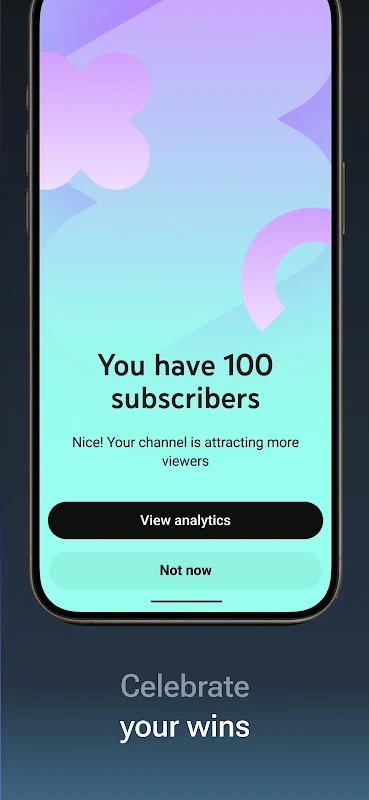
The app's listed tools include a followers counter and followers analysis. The description also says creators can monitor channel growth over time by tracking key performance metrics, which may help them see progress and set goals. The source presents this as a feature of the app rather than a guaranteed result.
Who the app suits
The description indicates that YouTube Studio is most useful for people who create content regularly on their YouTube account. Viewers who only watch videos and do not manage a channel will likely find fewer relevant tools. The source data lists version 25.31.100 and places the app in the Media & Video category.