
YouCam Perfect - Photo Editor is an Android app for editing photos, with tools for removing unwanted elements, changing backgrounds, retouching faces, and adding frames, filters, and artistic effects. The app is listed under the Tools category at version 6.13.5. The sections below cover the main feature groups described in its listing, so readers can judge whether they match the kind of editing they need.
Can the app remove unwanted objects or change a photo's background?
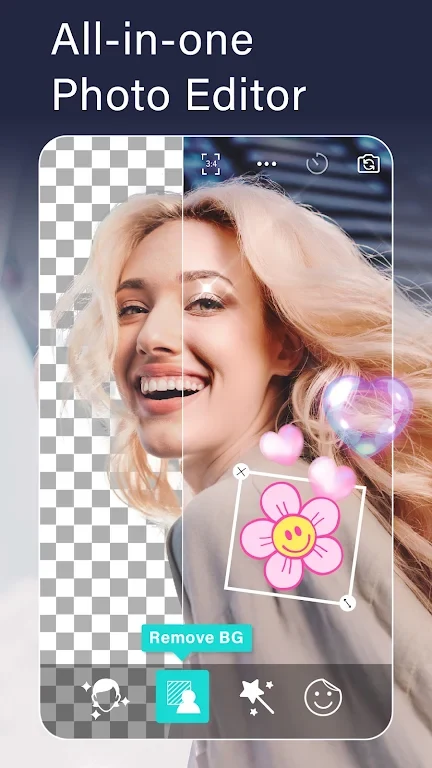
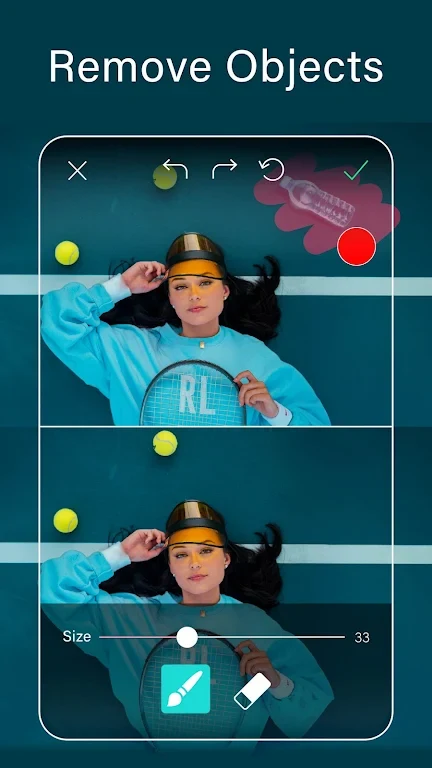
The listing describes a magical object remover for erasing unwanted objects from the background. It also lists a background tool that cuts out the subject of a photo so it can be placed on a new background. A separate option lets users treat a photo's background as a green screen for their images. Background removal is described as a way to cut out photos and erase backgrounds, which suits edits such as isolating a person or product before composing a new scene.
Does the app improve image quality or reduce noise?
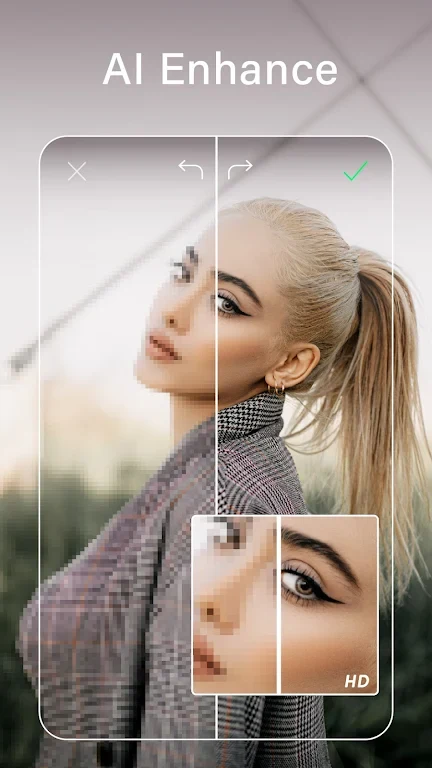
The listing includes an enhancer that is described as improving quality, sharpening details, and reducing noise at the same time. The app's description also mentions reducing noise for a clearer final image. These are listed functions, so the practical result will depend on the photo and the settings the user chooses.
Which generative AI tools are included?
The generative AI group covers three tools. The AI Avatar feature creates digital avatars in more than 30 styles, which the listing suggests for profile pictures or social media. The AI Clothes Changer is described as changing clothing in photos to a range of styles. Pet Avatar converts a photo of a dog or cat into a customizable avatar. Each tool produces a stylized or edited result rather than a plain retouch, so users who want realistic corrections may find other parts of the app more relevant.
What do the body tuner and blur tools do?
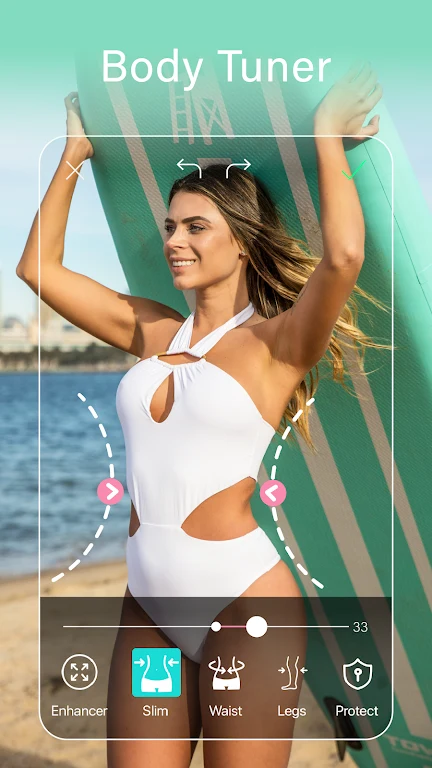
The body tuner is presented as a way to adjust body shape in photos, including a slimmer waist. The listing says this can be done in one click, although the exact controls are not described in detail. The blur tools are described as a way to highlight the subject of a photo or focus attention on what matters in a portrait. Both are presented mainly as creative or social media editing options.
Which selfie retouching tools are available?
For selfies, the listing mentions whitening teeth, smoothing skin, and reshaping faces. It also describes a blemish remover for pimples and unwanted spots. A live photo editor is listed for applying effects while taking pictures or recording short videos. The source does not specify how precise each retouching control is, so users who need fine manual control should check the in-app options themselves.
What collage, frame, and filter options does the app offer?
The collage and frame section includes photo grids, freestyle collages, and scrapbook-style layouts. Filters and effects are described as ways to enhance colors and finish photos before sharing. The listing names Facebook, Instagram, and other social networks as sharing destinations for these templates. Animated effects, overlays, and sparkle filters are also included for both still photos and live camera use.
Does the app include drawing and layering tools?
The Magic Brush and layers group covers shapes, colors, and airbrush-style brushes described as matching a range of skin tones. Users can layer multiple images, stickers, and text, and the listing also mentions creating illustrations by drawing. These features extend the app beyond retouching into compositing and artwork.
What limitations appear in the listing?
The listing's pros include an easy-to-use interface, a wide range of features, free availability, and professional-looking results. Its one listed drawback is that not all filters are flattering. Because many features are described in broad terms, users should evaluate the specific tools they need rather than relying on general claims.