


YMusic is for finding and listening to music when you want search, playback, and collection tools in one Android app. Search YouTube’s music library for specific songs, albums, or playlists, then use the available playback and download options to fit how you want to listen.
When you want to find a particular track or explore music
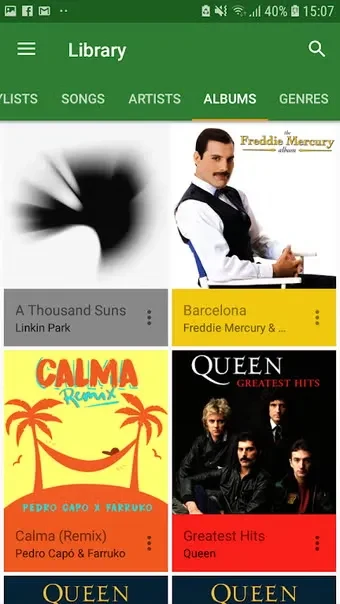
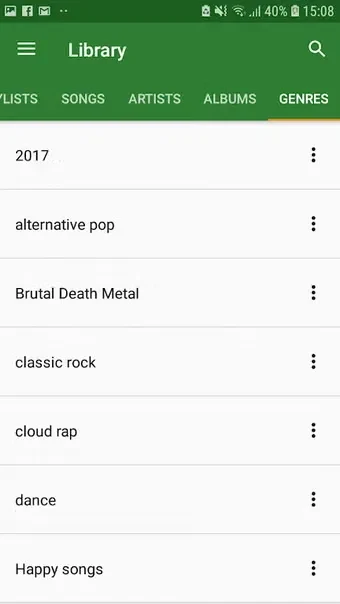
The search bar supports entering terms for songs and singers. Navigation categories include Home, Trending music, recommended top tracks, artists, and playlists, giving you different ways to browse beyond a specific search. The app also describes trending music by artist or country, with filters for language and country, and a Today Popular Hits section organized around artists and industry language. These discovery options are useful when you have a style, region, or artist in mind rather than a particular song.
When you want a collection for a mood or occasion
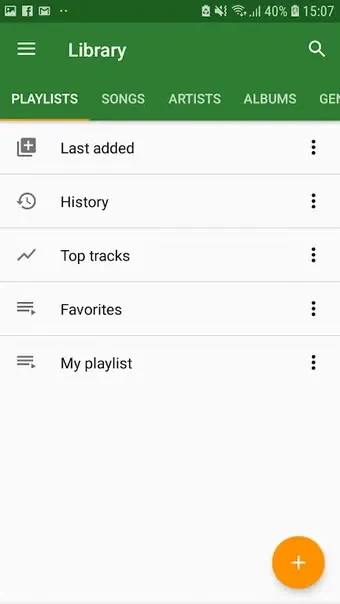
You can create playlists containing audio or video and add music you want to keep together. The source describes organizing playlists by region or language and sharing them with friends. This lets you arrange selected tracks into collections instead of relying only on browsing or individual searches. Playlist creation is a separate organizing task; the app also provides a download option for playlists when you want to listen offline.
When you want to listen with or without video
YMusic supports listening to audio and playing video songs. Background playback is described for both: music can continue when the app is minimized or the screen is turned off. For listening without video, the app also provides audio-format playback. The source says this can help save battery and storage space, but does not specify particular formats or quantify the difference.
When an internet connection is unavailable
The download manager lets you save music and access it in a downloaded section for offline listening. The source also says playlists can be downloaded for offline playback. These options are intended for listening later without a connection; they are distinct from searching the online library. The material does not specify which audio formats are available for each download.
When you want to revisit tracks or adjust playback
Shuffle All gathers songs the source describes as previously listened to or listed. From that section, you can remove a song you do not want to play. A sleep timer lets you set music to stop automatically, while the sound equalizer provides controls for adjusting sound and frequency using available audio effects. These controls address different listening needs: returning to tracks, setting a stop time, or changing the sound.