

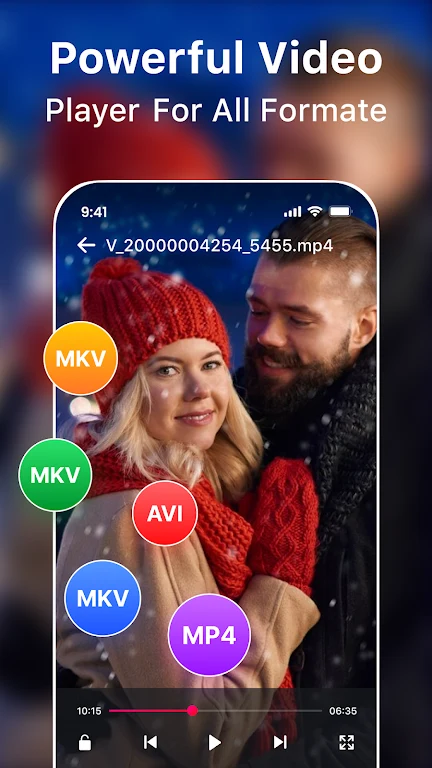
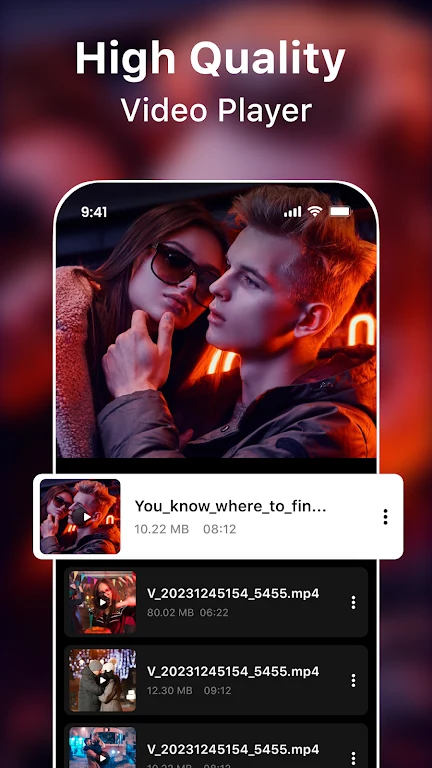
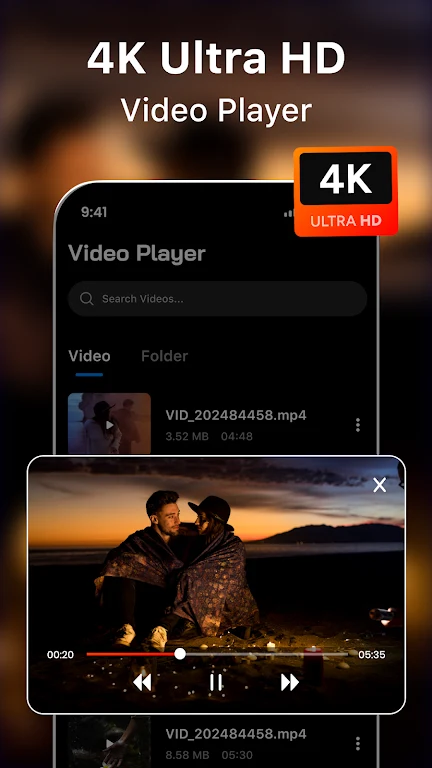
XXVI Video Player: HD Play is an Android app for watching videos in one place, with playback controls, file handling, and several editing tools. Its description presents it as a free program developed by TK1 Group that can play and download videos from the Internet in various formats. The app is listed in the Media & Video category.
Watching and controlling playback
For everyday viewing, the description highlights 4K and Full HD playback, support for many video formats, and a smart interface. Resume and start-over functions let you continue a video from where you stopped or begin it again. Gesture shortcuts control brightness, volume, playback, and resizing, and the app also offers playback speed control, night mode, and quick mute. The description says the app scans for videos automatically, which helps you find and play files without browsing manually.
Pinch to zoom lets you enlarge or reduce the video screen to see details more closely or adjust the display. Auto-rotation adjusts screen orientation based on the video's aspect ratio, so the picture can match the way the video was recorded.
Keeping private videos out of the Gallery
The Private Video Vault lets you hide videos from Gallery and play locked videos directly from the vault. If you want a hidden video to appear in Gallery again, the description says you can unhide it.
Multitasking with a floating player
A floating video popup can keep a video on screen while you use other apps. The player can be moved and resized, and the description says you can enjoy video in split-screen while using other apps as usual.
Managing and sharing video files
Within the app, you can rename, delete, and share video files. The description also says you can share favorite videos, songs, and photos with friends and family.
Cutting, compressing, and converting clips
The Video Compressor section describes reducing video size, converting video to MP4, cutting video, extracting MP3 audio from a video, and fitting a video for Instagram. It also mentions batch image compression to help save storage space. The Video Cutter section describes cutting videos, but its comparative claims about being the best are promotional and are not independently verified.
Themes and video effects
The interface includes six colorful themes that you can choose from to personalize the player. The Video Effects section lists editing options such as music, filters, glitch effects, VHS and Vaporwave styles, and a live FX camera with effects and filters.
Limits of the listing
The description says the app supports almost all video formats and also all video formats, which are not the same claim. It does not name specific codecs, device models, or minimum Android versions, so compatibility should be checked against your own device and files. Eye protection is mentioned in the description, but the listing does not explain how it works.