

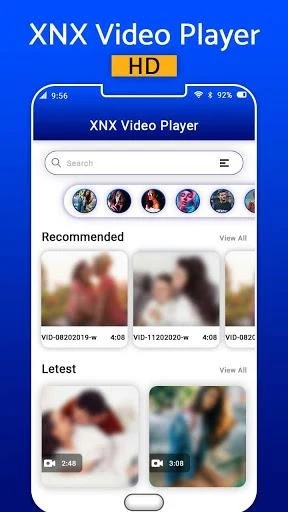
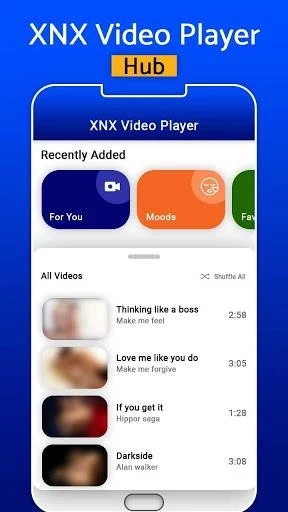
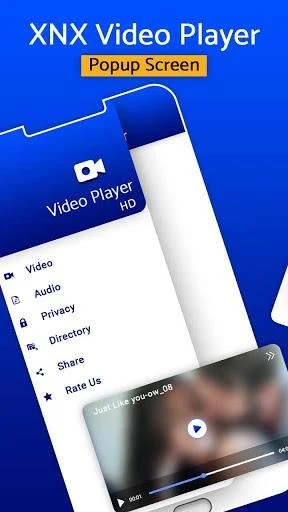
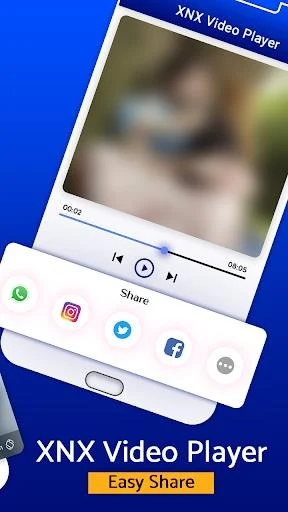
XNX Video Player - All Format HD Video Player helps Android users watch, organize, and manage videos from one app. It supports a wide range of video file formats, including HD and 4K content, while tools such as playlists, resume playback, playback speed, and gesture controls make everyday viewing more adaptable. The app also brings file operations, audio adjustments, editing utilities, subtitle downloads, and Chromecast casting into the same interface. That combination may be useful for people who want more than basic playback, especially when their videos are stored across multiple folders or use different formats.
Playback controls for different viewing situations
The player supports panning and zooming, fast forward, and fast backward controls. Users can adjust playback speed, resume a video, or use gestures to control brightness and volume. A pop-up window allows video playback while other content remains visible, while Night Mode and a timer provide additional viewing options. These controls let users adapt playback without relying only on the standard play and pause functions.
Playlists, folders, and video organization
Videos can be added to custom playlists for easier access to favourites. The folder explorer includes cut, copy, and paste actions, and multiple files can be selected for playback, sharing, or deletion. A Duplicate Video Finder helps identify duplicate video files that may be taking up storage space, giving users a way to review and remove unnecessary copies.
Audio, subtitles, and TV casting
An equalizer includes treble and voice-clarity adjustments for video audio. The separate music-player functions add a five-band equalizer and bass boost. The app also supports subtitle downloads and can cast videos to a TV through Chromecast, extending playback beyond the phone when compatible equipment is available.
Editing and additional media tools
Beyond playback, XNX Video Player includes a video cutter, an MP3 cutter, and a video-to-MP3 converter. A video locker is also provided for restricting access to personal videos when other people use the device. The source describes the app's listed features as available for free, so users can explore its playback, organization, audio, and editing functions without a subscription charge.