




XGallery is a photo and video management app for Android, with tools for finding, organizing, and editing media in one gallery. When a growing collection makes a particular image or clip harder to locate, the app offers sorting, filters, and search; folders and albums provide another way to arrange content.
Finding and organizing media
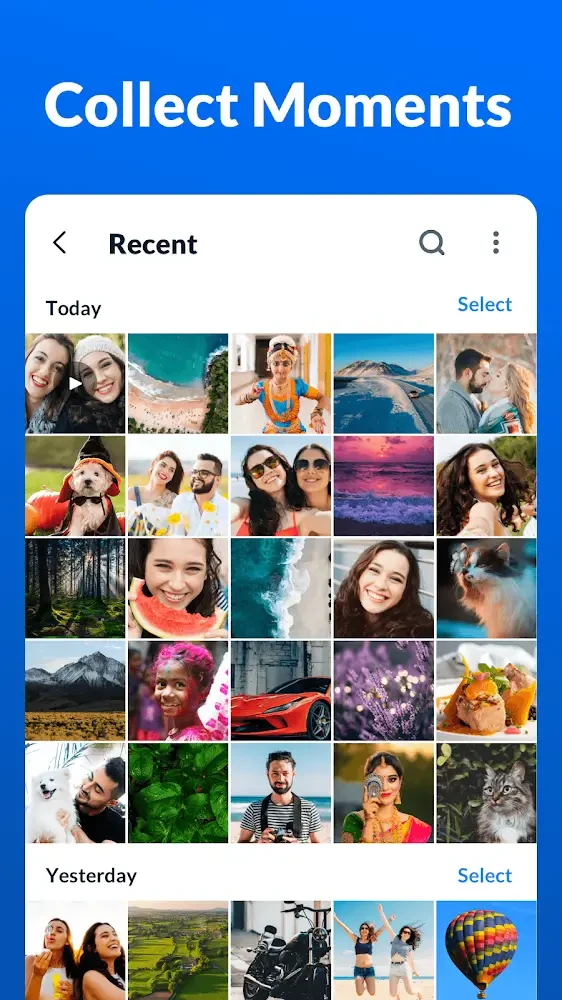
For browsing a collection, XGallery can sort content by date, size, or name using a dropdown menu. Filtering and searching photos provide additional ways to narrow down what appears, while creating folders lets users group photos into albums and name those folders themselves. The description also says photos and videos can be arranged in folders such as Selfie, Family, Food, and Videos. It states that newly taken photos and recorded videos are added to the app’s library automatically.
These options address different kinds of organization: sorting changes how content is ordered, while folders let users create groups for later browsing. The app is described as having an interface similar to a phone’s default gallery, with touch and swipe controls for navigating the library.
Editing photos and videos
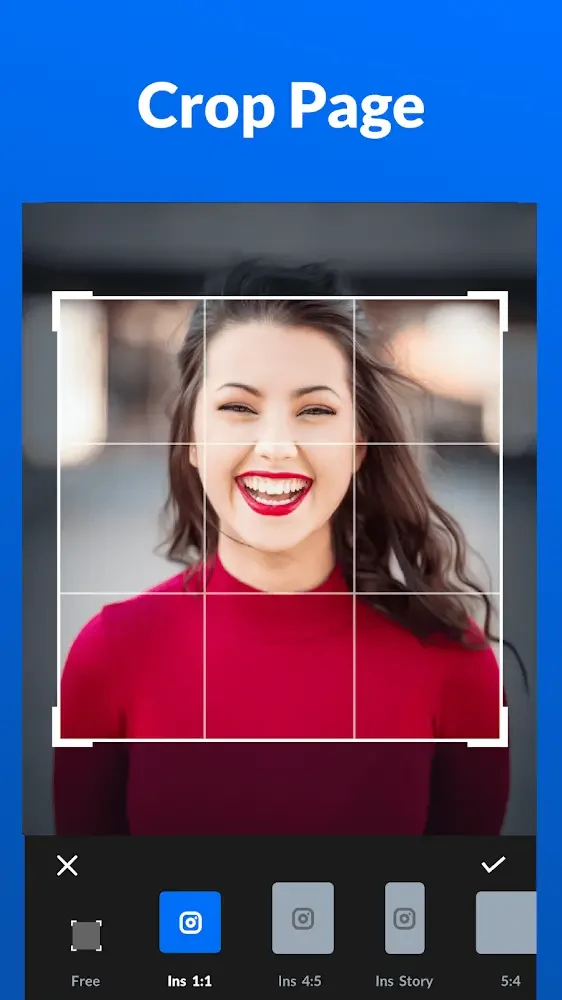
When an image needs adjustment before it is kept or shared, the photo tools include cropping, rotating, resizing, and adjusting pictures. Users can apply filters, add text, draw with brushes, blur images, and create mosaic effects. A collage tool is also listed. The filter library offers a range of effects for changing the appearance of photos.
For video files, XGallery lists trimming and compression. Compression is intended to reduce video file size, while trimming provides a way to edit a clip. The source does not specify particular settings or supported limits for these editing tools.
Recovering deleted items and clearing space
If a photo or video is deleted by mistake, the app’s recycle bin holds deleted media so it can be restored. The description says users can open the bin and restore items, including restoring multiple items in a batch. It does not state how long deleted files remain there, so the recycle bin should not be treated as permanent storage.
For reviewing files that may be taking up space, the deep-clean feature identifies similar photos, screenshots, and large videos. This can help users find candidates to remove; the description does not say that the app deletes those files automatically. It also describes manually selecting batches of photos for deletion.
Keeping private media apart
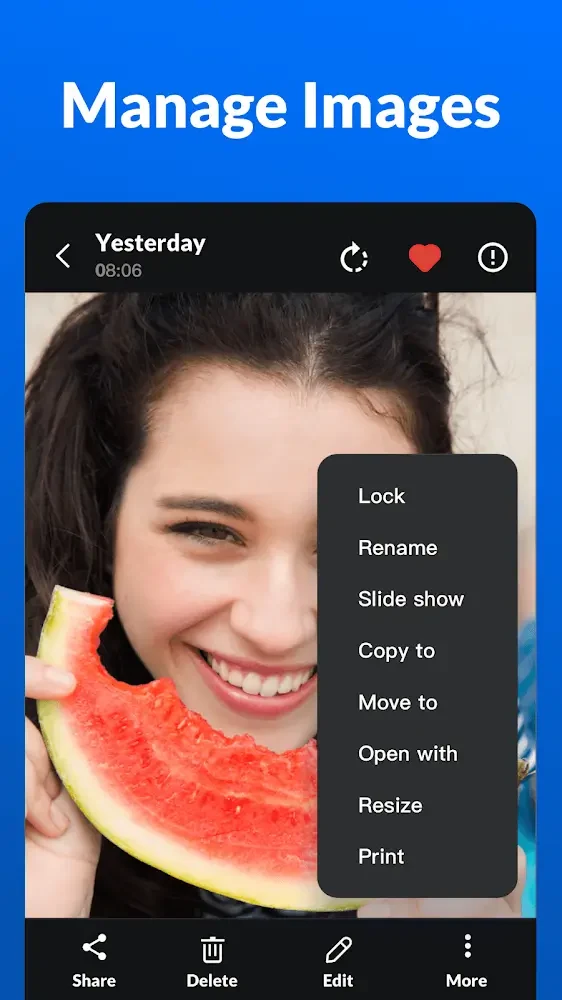
For users who want to restrict access to selected content, XGallery includes a private photo vault and gallery lock. The feature description says photos and videos can be hidden and protected with a PIN code or fingerprint. Another passage describes locking an image, video, or an entire folder, giving users options for choosing what to protect.
Making themed story albums
When users want to gather photos around a theme, the app describes an AI-powered Story album that automatically groups photos into themes such as travel, family, and friends. It can create story videos from those groups, which the description says can be shared. This feature is distinct from manually created folders: it groups images by theme rather than relying on users to name and fill an album themselves.