


Overview
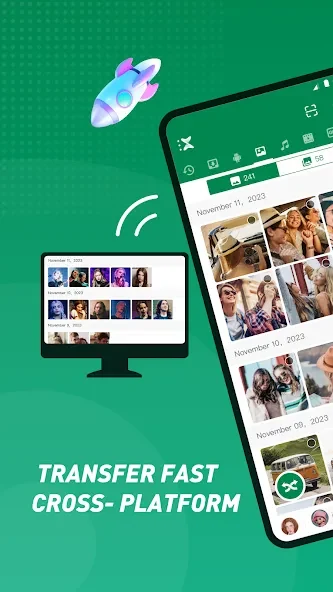
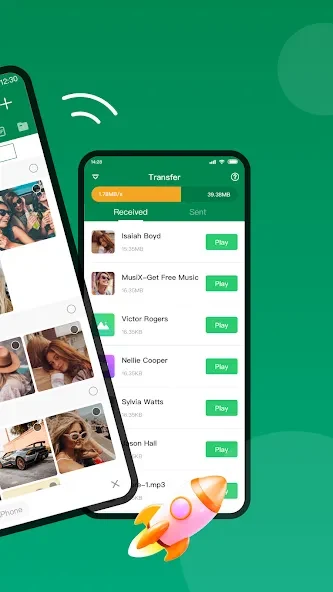
Xender is a file transfer tool for sharing photos, videos, music, documents, apps, folders, and other file types without USB cables or mobile data. It can connect Android and iOS devices with Windows PCs and Macs, making it useful when moving content between phones and computers. Transfers can reach speeds of up to 40MB/s, according to the supplied app information, and the service supports large files without a stated size limit. Alongside file sharing, Xender provides storage tools, media management, video-to-audio conversion, and selected social media download functions.
What You Can Do
⭐ Transfer different file types, including apps, music, videos, photos, PDFs, Word documents, Excel files, ZIP archives, and folders. This lets you send more than just individual pictures or short clips.
⭐ Share files without mobile data or an internet connection. Xender is designed to connect nearby devices directly, removing the need for a USB cable when sending content.
⭐ Connect across platforms. The app supports sharing between Android and iOS devices as well as Windows PCs and Macs, helping users move files between mobile and desktop hardware.
⭐ Manage phone media from a computer. The supplied information says you can view, upload, download, and delete photos, music, and videos while connected to a PC.
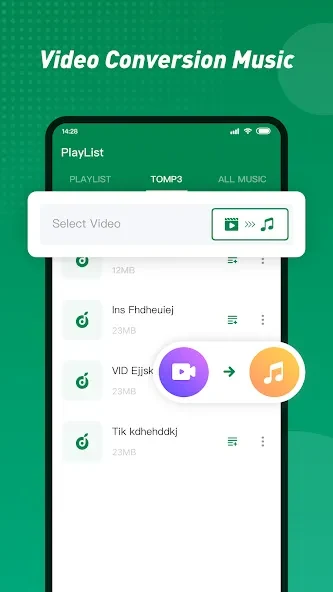
⭐ Convert video to audio with the “To MP3” function. This provides a way to extract audio from supported video files.
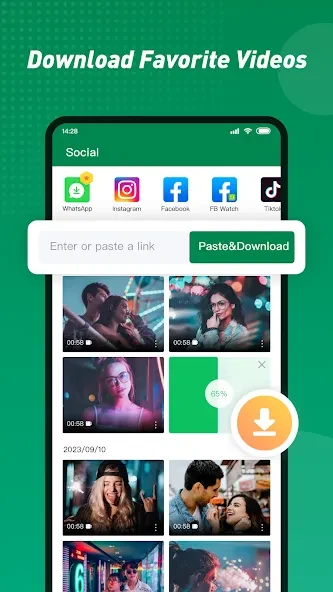
⭐ Use the social media downloader to save videos and photos from Facebook, Instagram, TikTok, and WhatsApp, as described in the source information.
⭐ Copy content from an old phone to a new phone in a simple step, making the app suitable for moving personal files during a device change.
Using the App
A typical workflow involves connecting the sending and receiving devices, choosing the files to share, and starting the transfer. The app is intended for nearby device sharing, so both devices need to participate in the connection. Received music and videos can be played immediately, and the file manager can be used to review phone storage, delete unwanted files, and clear space. Xender also preserves original file quality according to the supplied advantages.
Why It May Appeal
✅ It brings phone-to-phone and phone-to-computer sharing into one tool, with support for Android, iOS, Windows, and Mac connections.
✅ Avoiding mobile data and USB cables can be useful when transferring files locally or moving large media collections.
✅ The combination of transfer, storage cleanup, media management, conversion, and phone-copy features gives it uses beyond a basic file-sending utility.
Things to Consider
❎ The receiving device must have Xender installed, so the app is required on both ends of a transfer.
❎ The source notes that large file transfers can consume considerable battery power.