
Xbox Cloud Gaming is an Android app for playing games streamed from Microsoft's cloud servers. According to its description, the cloud handles the heavy processing, and the device mainly sends and receives video and input signals. That approach is the core idea behind the app: a person can open a game library on a phone or tablet without needing a high-performance device.
How game streaming works
The description says the games are processed on Microsoft's servers rather than on the handset. The phone or tablet receives the video stream and sends controller or touch input back. The description links this setup to a stable network connection and reports a target of 1080p resolution at 60 frames per second with low latency. These are the app's stated targets, and actual results will depend on the network and device. The description also says games are hosted in the cloud, so players can access the latest versions without downloading updates manually and without needing much storage on the device.
Controls and input options
Controller support is one of the app's main listed features. The description says it works with Xbox controllers, PlayStation controllers, and other third-party Bluetooth gamepads. For players who prefer touch, the app offers customizable touch controls, and the button layout can be changed to suit individual preferences. The description also mentions touch controls for some games and an interface designed for smartphones and tablets.
Playing across devices
The description states that a player can start a game on one device and continue on another. It presents this as a way to keep playing at home or while away, but it does not list which devices or setups are supported, so readers should check the current app listing for details.
Connection to Xbox accounts
The description says the app integrates with Microsoft's Xbox ecosystem. Once an Xbox account is connected, users can sync game progress, earn Xbox achievements, and connect with friends through Xbox Live. User comments in the description also mention viewing achievements, progress, and shared captures, and receiving notifications about friends' activity. These comments are user-provided and have not been verified.
Using the app with an Xbox console
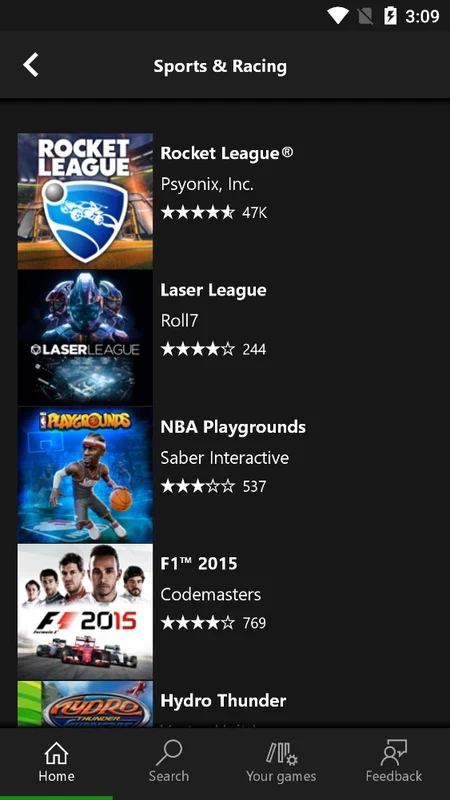
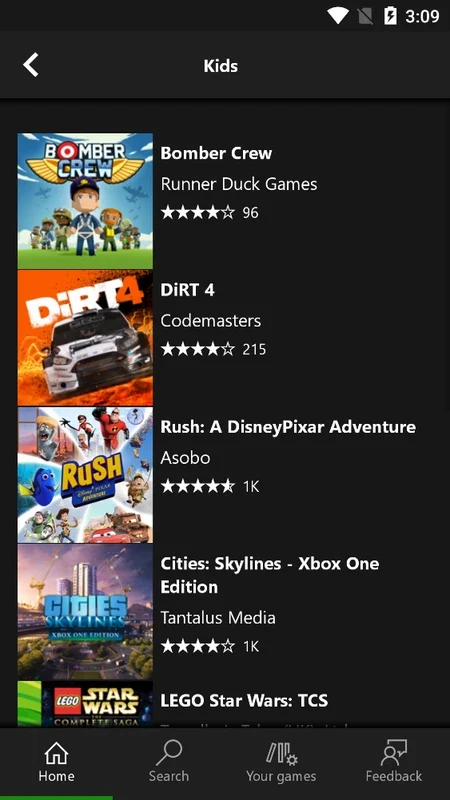
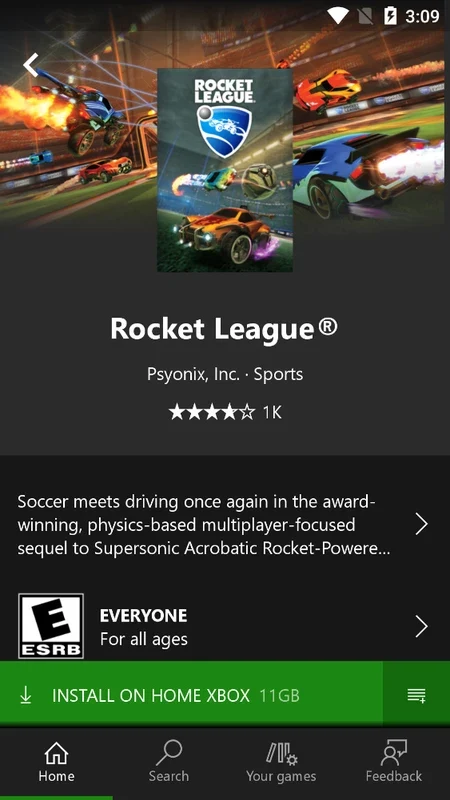
The description also covers a related workflow in which the app is used to browse games and download them to an Xbox console. It says the console's Instant Launch setting, found under Power and Launch in Settings, can be turned on so games download while the user is away. The description also mentions notifications about new games added to Xbox Game Pass, with the option to stream games to a mobile device or pre-download them to the console. The description describes this feature as part of an Xbox Game Pass app (beta), and it does not clearly separate that feature from the cloud streaming described elsewhere in the text.
Mixed user experiences
The user comments in the description are mixed. Some reviewers praise the interface, achievement tracking, and controller play. One reviewer reports that the app used a large amount of storage on a phone with 64 GB, which is at odds with the description's claim that storage concerns are minimal. Another reviewer describes playing without a controller and mentions connection settings. These comments are anecdotal and do not confirm performance for any particular device or network.