

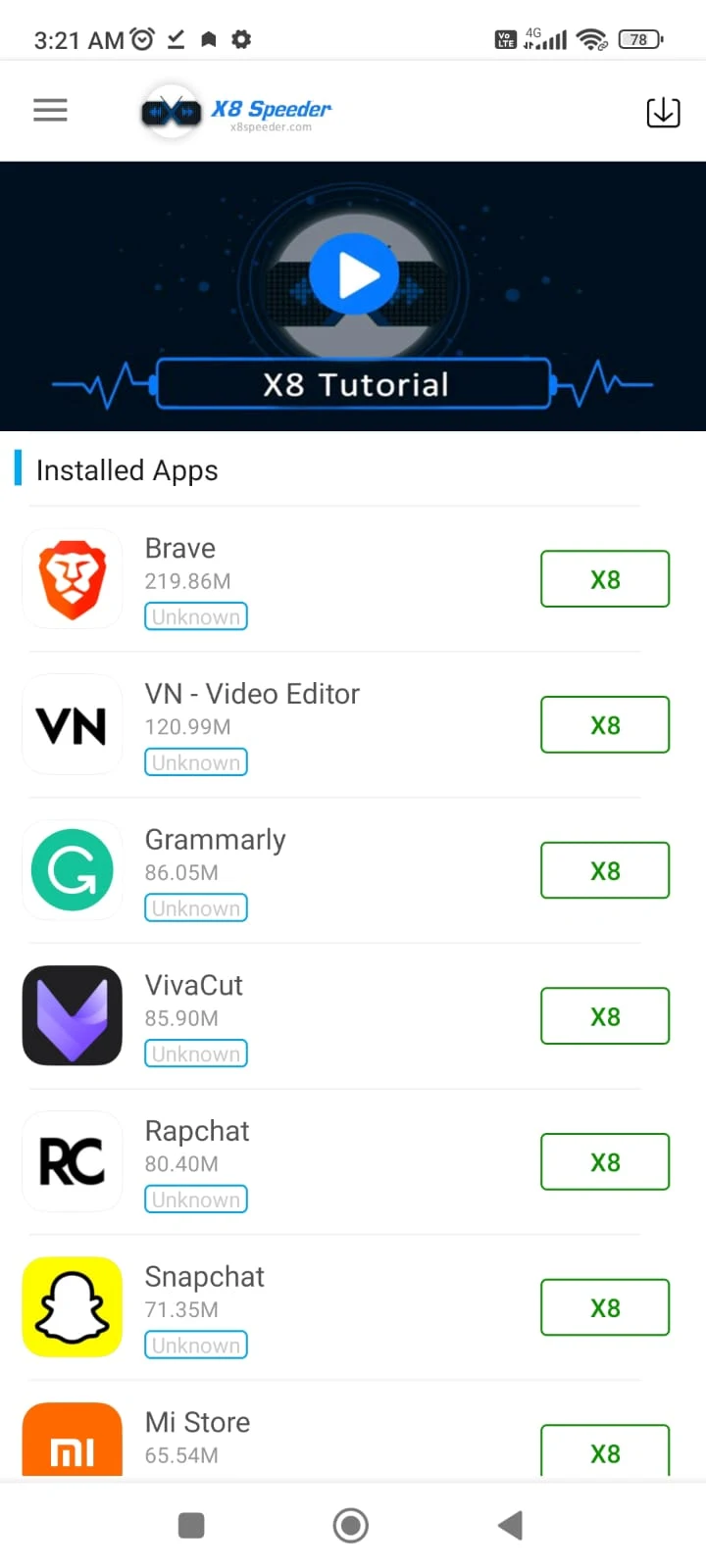
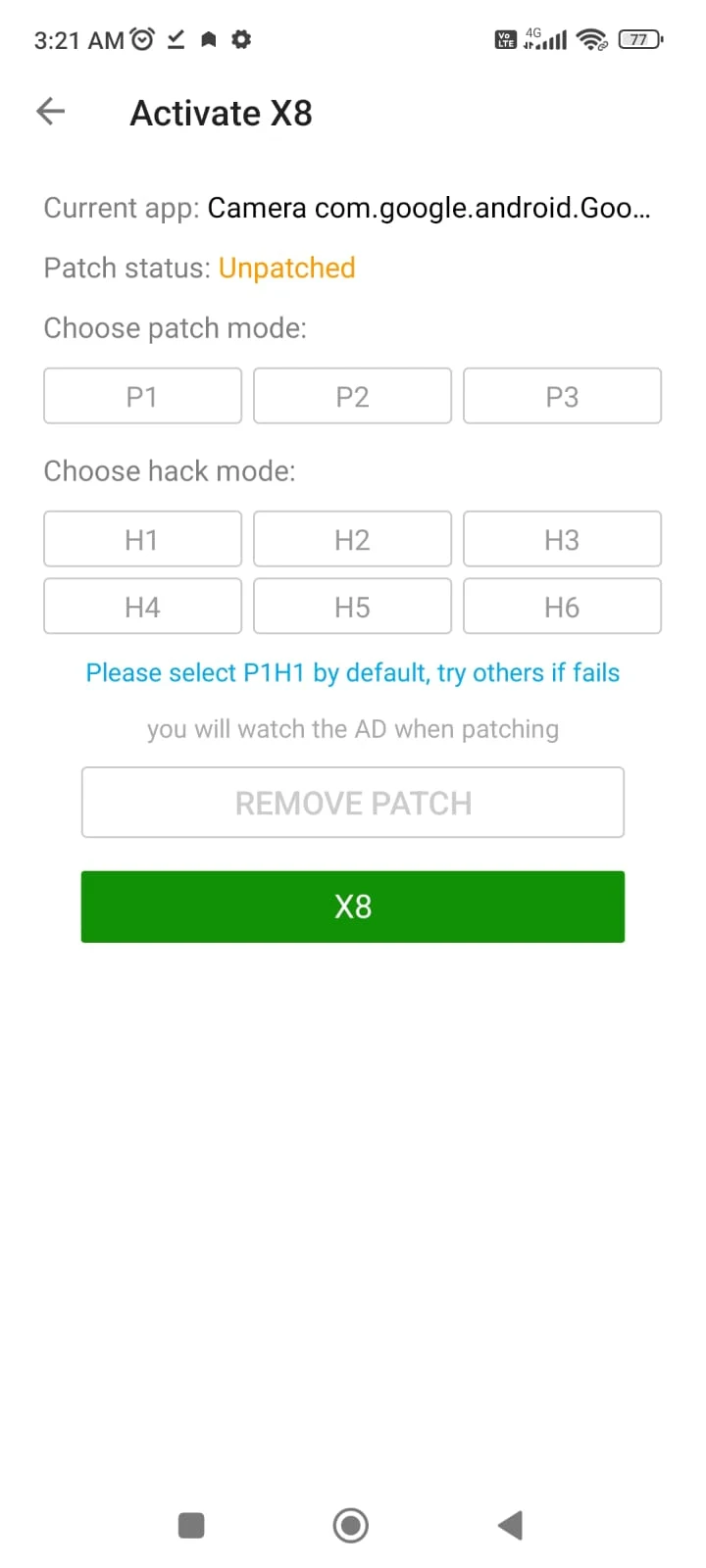
X8 Speeder is an Android tool for adjusting the speed of games, including faster and slower gameplay settings. It combines those controls with a picture-in-picture dashboard that can appear while a game is running, so users can access speed options without leaving the game. The description also mentions additional device utilities and customization options.
Gameplay speed controls
The main purpose of X8 Speeder is to modify gameplay speed. Its described settings include high-speed runs and slow-speed runs, allowing a user to change the pace rather than use only one setting. The source also says that speed adjustments can differ from game to game: some games may respond differently, so it recommends selecting settings for each title and changing them gradually while observing the result.
PUBG Mobile is given as an example of a game with a speed-run option. For other games, the description refers to increasing the speed of gameplay more generally. These examples explain the kind of control the app presents; they do not establish that every game supports the same options or responds in the same way.
Dashboard while a game is open
X8 Speeder’s picture-in-picture mode is described as bringing its interface over a running game. From that dashboard, a user can access the app and increase or decrease game speed without exiting to the app’s main screen. This connects the speed settings to active gameplay and is intended for situations where a user wants to adjust the pace mid-session.
The description characterizes the interface as simple and says the app can configure itself in the background. It does not provide detailed setup steps or explain how this automatic configuration works across different games. The available information therefore supports describing the dashboard and its speed controls, but not a universal setup process.
Other listed tools and customization
Alongside game-speed features, the source lists RAM cleaning, battery-saving functions, and junk-file removal. It also mentions options such as themes and fonts for customizing the experience. These are presented as additional functions rather than the central purpose of the app; the description does not explain their individual controls or quantify their effects on a device.
The source describes X8 Speeder as an acceleration tool for Android apps and games, but it does not give a complete compatibility list. Its examples are not evidence that every game or Android device will support every function. Users should treat available controls as game-specific, as the description itself recommends tailoring speed settings to individual titles.
Using speed settings thoughtfully
The supplied guidance recommends beginning with a small adjustment and observing how the chosen game reacts before changing the speed further. It also advises monitoring the device’s temperature and battery use during play, and reducing the setting or pausing if the device becomes unusually hot or power drains quickly. These points are practical cautions in the source, not claims that the app prevents heat or battery issues.
The description also advises discretion when using speed changes in multiplayer games, since they may conflict with a game’s rules. It suggests checking community discussions for game-specific configuration ideas and keeping the app updated, while not specifying any update schedule or particular version benefits.