
X-plore File Manager is a file management tool for Android that helps you explore the folders on your phone or tablet and manage the content stored in the device memory. The source describes it as a way to copy, paste, and move files, along with the broader job of keeping track of what is saved on the device.
Organizing files and folders
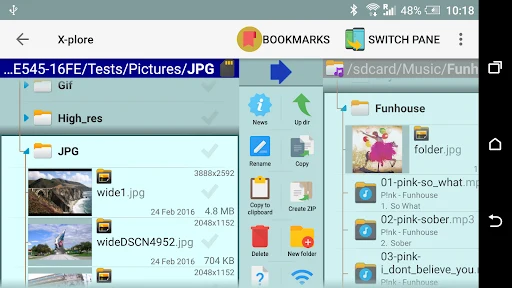
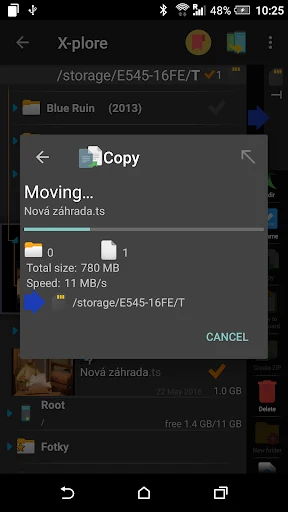
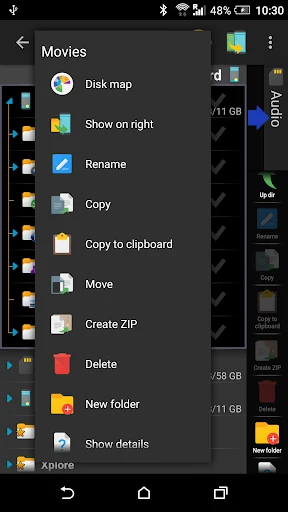
The most direct use is day-to-day file handling. According to the description, copying, moving, deleting, and renaming files can be done in a few steps. You can also select several files at once to run the same operation on all of them, which the source compares to working on a computer. Touch controls are central to the interface: tapping a file opens it, and holding briefly opens a context menu with more advanced options. The app also supports multi-selection so that several files or folders can be handled in one action.
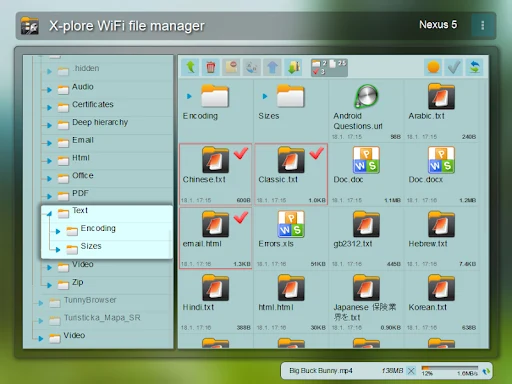
Detailed information about each file is shown on screen, including its size, creation date, and most recent modification date. According to the source, this helps you get an overview of the files and folders you are managing, identify important files, and decide what to keep when space is limited.
Checking internal memory and SD card usage
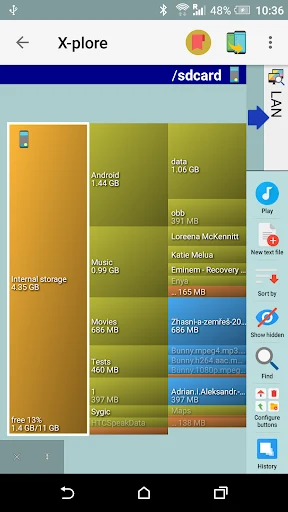
X-plore File Manager lists the storage media available on the device, including SD cards and internal memory. For each one, it provides details about used and available space. The source notes that you can see how much space applications, images, videos, and other file types take up, which gives you a clearer picture of where storage is going.
The app also covers applications. You can view detailed application information, remove applications you no longer need, and manage each application's data. The source presents this as part of the same storage workflow, so checking space usage and deciding which apps to remove can happen in one place rather than across separate tools.
Working with compressed archives
The app can explore compressed files, including ZIP, 7Zip, and RAR archives, as well as files in APK format, which the source says can be browsed in the same way as ZIP content. This is useful when you need to see what is inside an archive without moving it elsewhere first.
Compression and extraction are also part of the feature set. According to the description, you can create ZIP and RAR archives and extract any archive stored on the phone. The source says this can help save storage space and keep files organized. It also states that these steps do not require copying data to a USB drive and transferring it to a computer, since they can be done on the device itself while the app is installed.
Sharing files over a local network
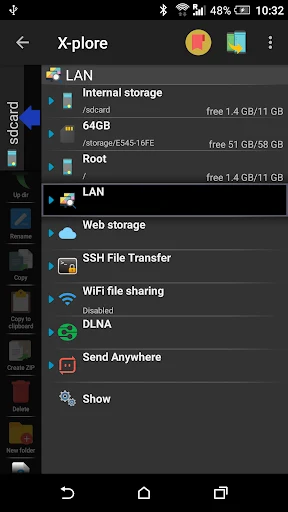
The source highlights the ability to connect to other computers on the same network. With this, you can access files and folders on a computer from your Android device, and the reverse is also described. The description says this gives a way to exchange data between a mobile device and a computer without cables or other transfer media. Sharing over WiFi is listed as a supported option as well.
Beyond local network access, the source mentions working with folders in the cloud, connecting to FTP or FTPS servers, and managing shared folders on a local network. It states that these actions can be carried out from the app's interface. The source does not give detailed setup steps for these connections, so the description here is limited to the capabilities it names.
Opening files with built-in viewers
X-plore File Manager includes built-in viewers for common file types such as images, audio, video, and text. According to the source, you can open these files from the app without an external application, which the description presents as a convenience that reduces the need for other file-opening apps on the device. The source also says that images can be listed in an album view.
Permissions, interface, and complexity
The source states that the app needs access to the Android system to work effectively. After access is granted, the main screen displays the applications on the device so you can interact with them directly. The description also says the interface is designed for touchscreen devices, so common actions can be performed with a few taps.
The source also notes a trade-off. It describes X-plore File Manager as offering more features than most similar file managers, and says this also makes it somewhat more complicated to use. Listing data for this version gives the version number as 4.44.03 and the category as Tools.