

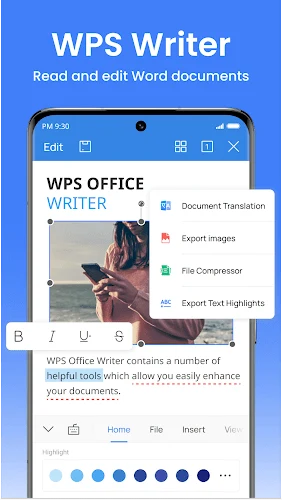
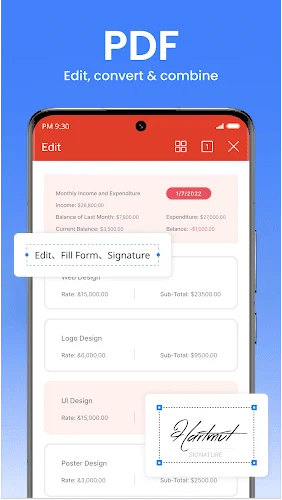
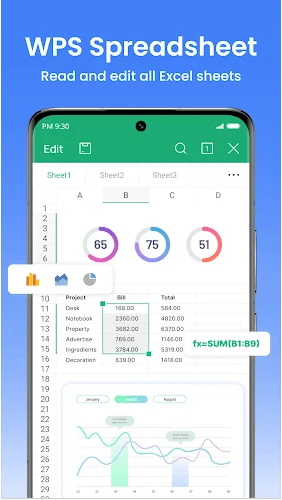
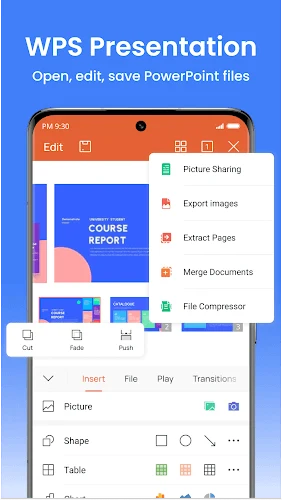
WPS Office Lite is an Android office app for reading and editing documents, spreadsheets, presentations, and PDFs. Its main purpose is to let users work with a range of office files, with editing options that vary according to the file type.
Reading and editing office files
The app supports common office formats, including Word, Excel, and PowerPoint files. Users can make changes to document content and use editing actions such as signing, highlighting, and renumbering pages. The available editing features depend on the characteristics of each format, so the same options are not necessarily available for every file.
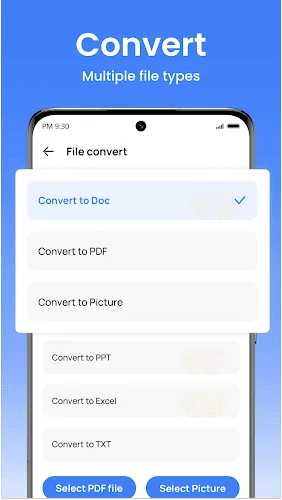
WPS Office Lite also describes conversion between file types. This can be useful when a user needs to work with content in another supported format, although the source does not specify a complete list of conversion options. Templates and customizable settings are additional tools for preparing documents and adjusting the app experience.
Scanning paper and working with text
The app can scan a paper document into a PDF. Its OCR support is described as extracting text in a form that can be edited and turned into a document for sharing, rather than keeping the scan only as an archive. The source does not detail the scanning controls or identify specific supported languages for OCR.
Sharing and collaboration
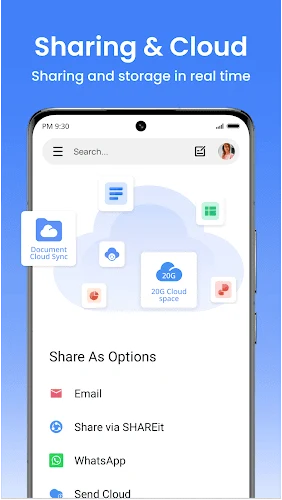
WPS Office Lite includes cloud-based collaboration and tools for sharing documents. The description says colleagues can work on a document simultaneously, including dividing work on a longer file. It also notes that common office formats support sharing, but does not specify which cloud platforms are supported or how collaboration is configured.
Additional tools and app context
The description mentions AI features for generating answers and summarizing files, including summaries that may help users reviewing multiple documents. It does not explain which file types these features accept or how their results are produced. The app is described as supporting multiple languages and being suitable for tablets. The supplied description identifies this edition as a beta version; it does not provide a minimum Android version.