

Overview
WPS Connect helps you check whether your own Wi-Fi router accepts common or default Wi-Fi Protected Setup (WPS) PINs. Rather than relying only on a router’s settings, it can attempt a WPS connection and report the resulting exposure so you can decide what to change. Its tools combine built-in PIN algorithms, connection testing, and root-dependent access to saved Wi-Fi credentials. The practical purpose is to identify a weak WPS configuration, adjust the router’s credentials or disable WPS, and then repeat the check. Available functions depend on your device and whether it is rooted.
What You Can Do
⭐ Audit your router’s WPS configuration. The app checks common and default PINs to help establish whether your network is accessible through those methods, with a risk-level report to guide a review of router settings.
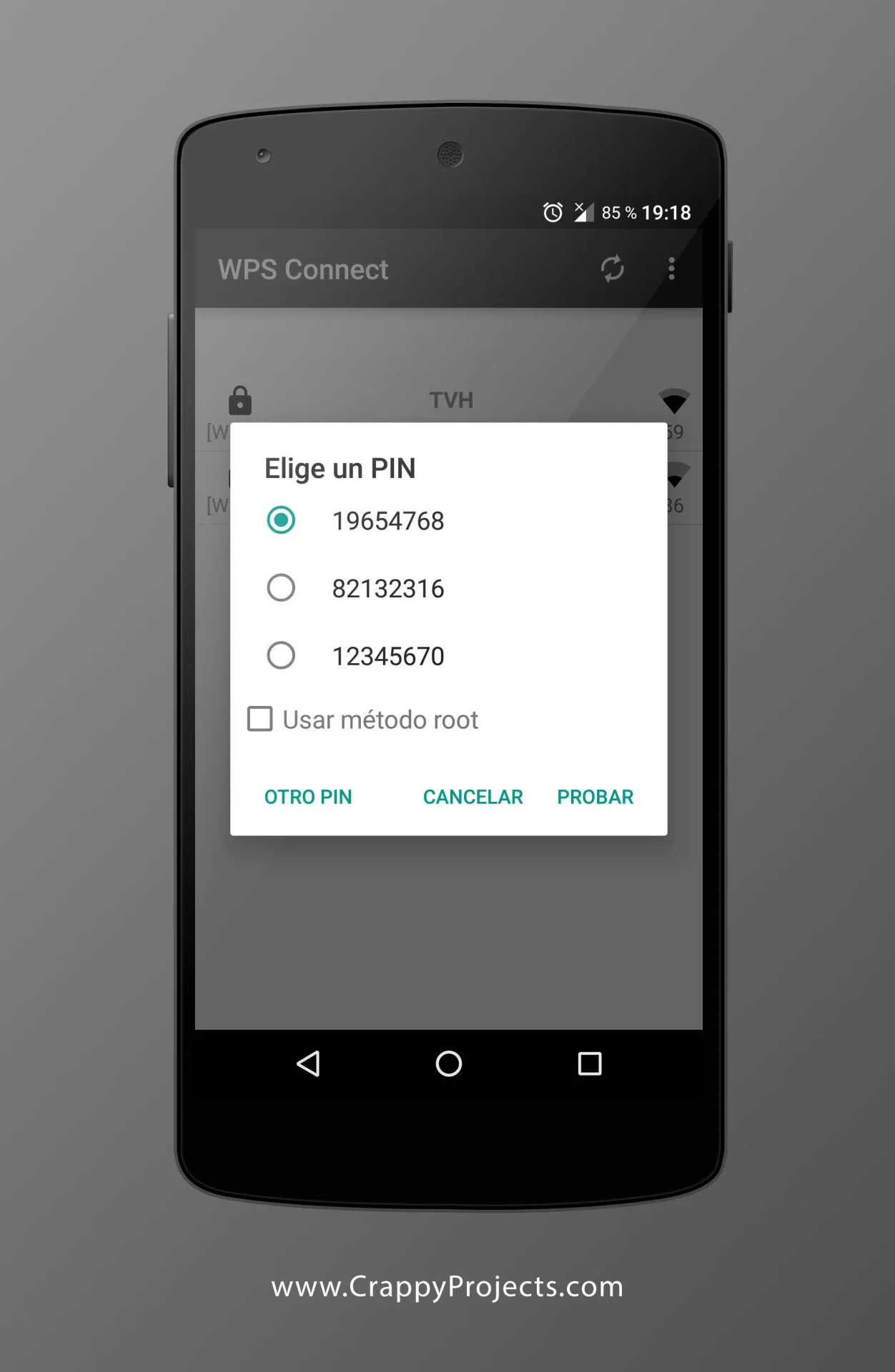
⭐ Use built-in PIN algorithms for repeatable checks. Supported methods include Zhao Chesung ComputePIN and Stefan Viehböck easyboxPIN, alongside common default PINs. Bringing these methods together reduces the need to handle each testing approach separately.
⭐ Verify exposure through a WPS connection attempt. If your router accepts a tested PIN and the app connects, that provides a concrete indication that the tested WPS route is available. You can change the router configuration and test again afterward.
⭐ Choose between root and non-root modes. The feature description lists non-root connection support on Android 5 and above, while rooted devices have additional options. The two modes do not offer identical functionality.
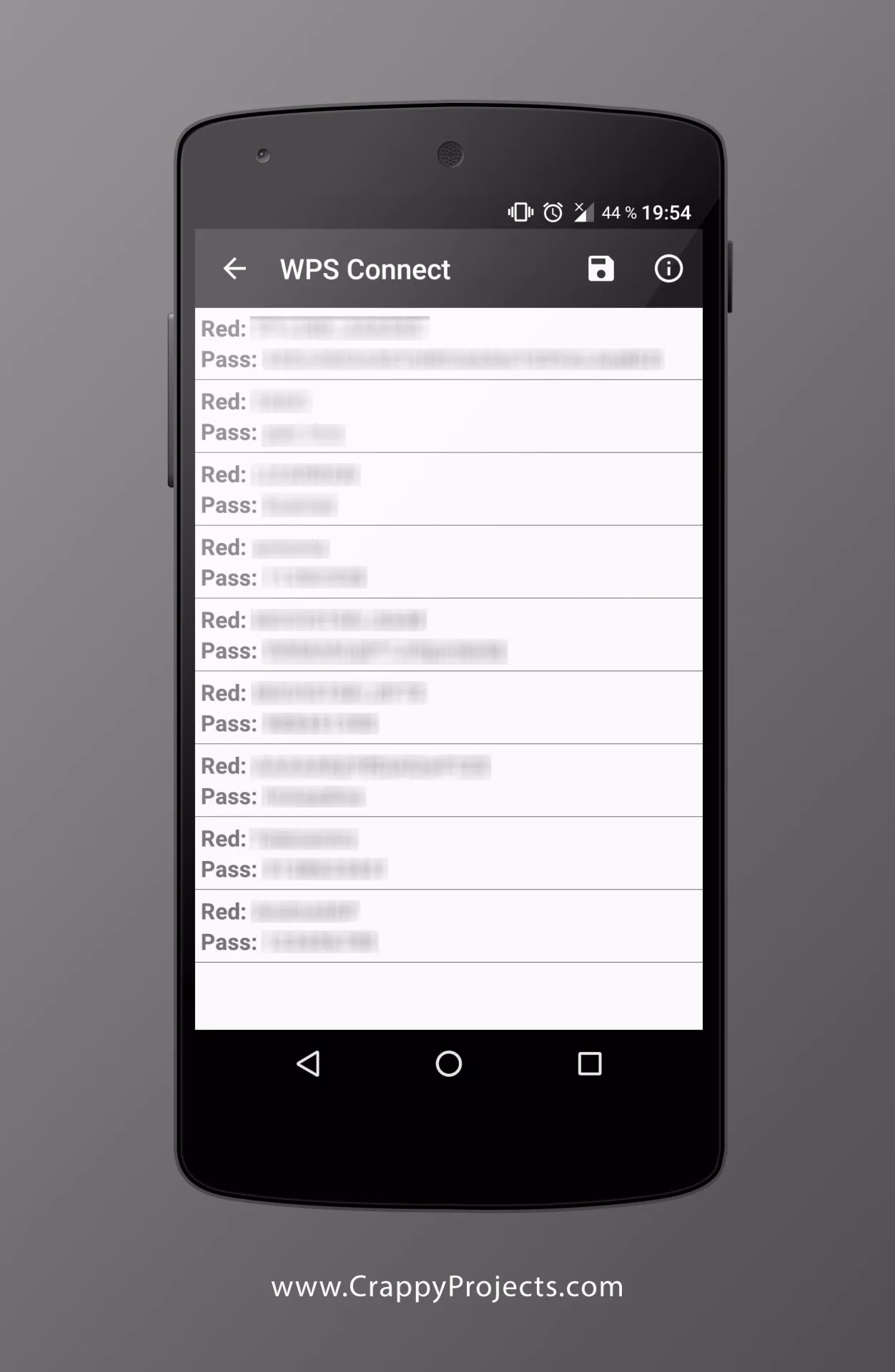
⭐ View saved Wi-Fi credentials on a rooted device. Password recovery applies to networks already stored on the phone, making it useful when reviewing retained credentials or deciding which old network entries to remove. The source also describes automatic password entry to reduce manual typing.
Using the App
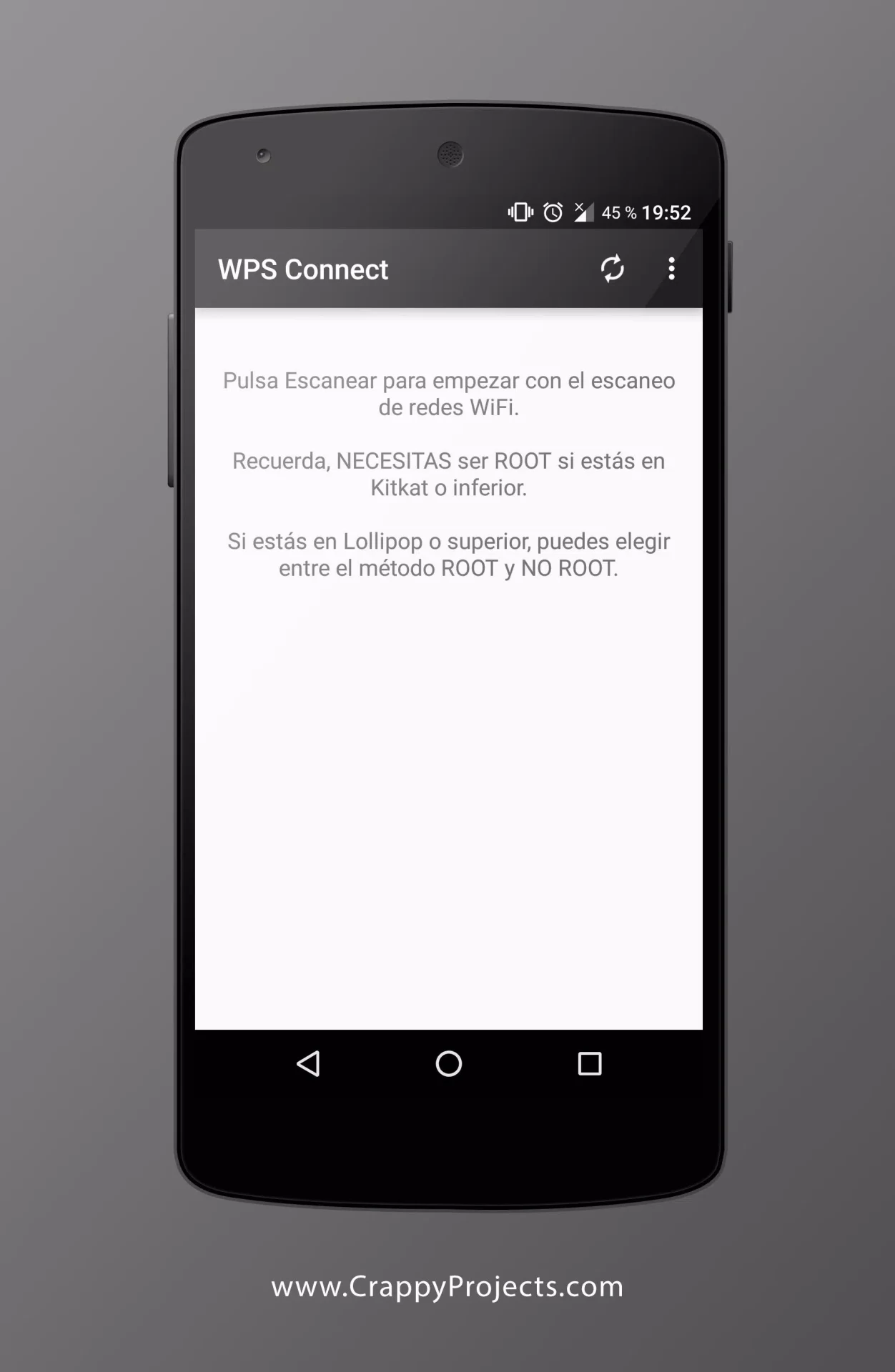
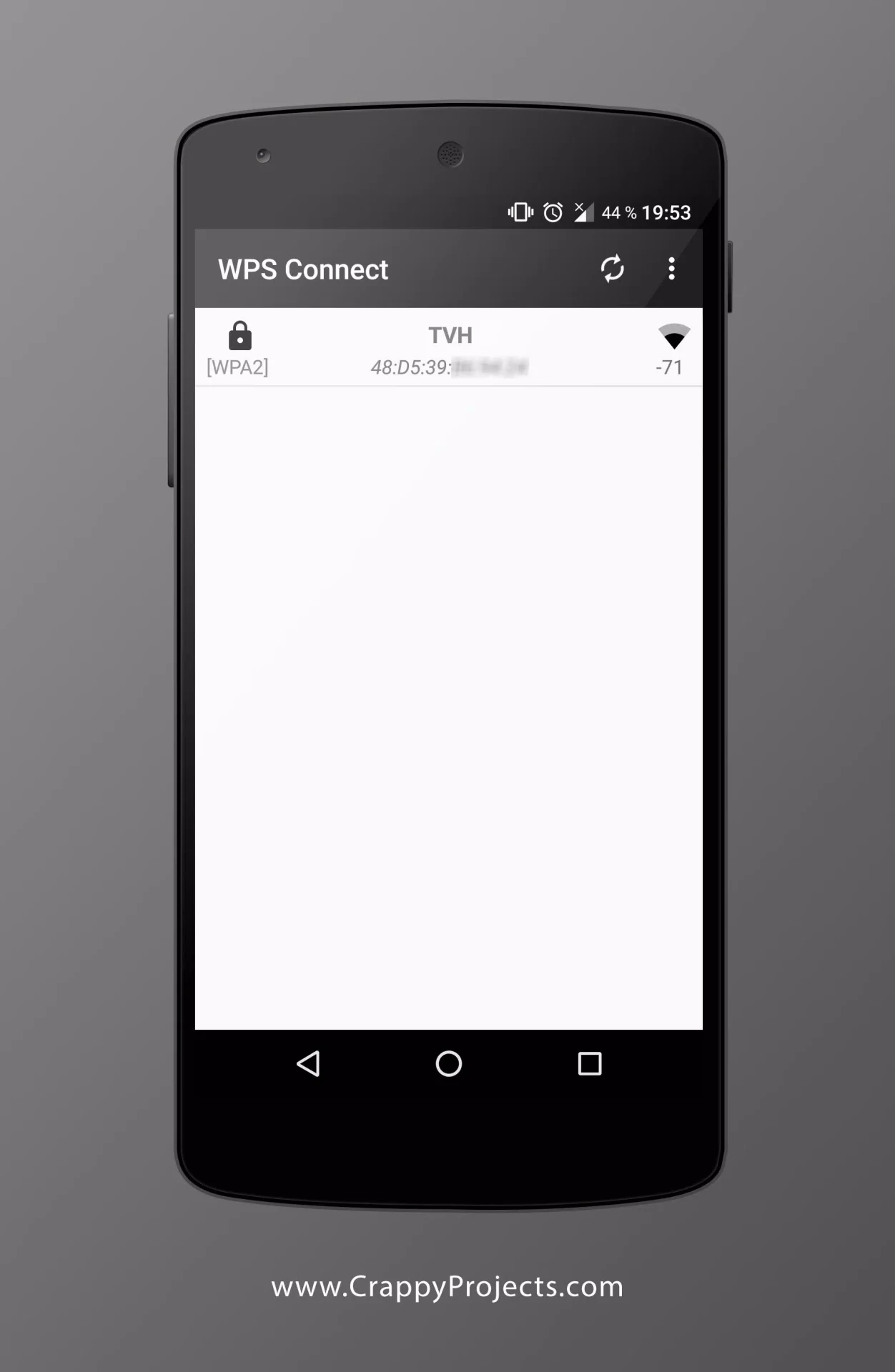
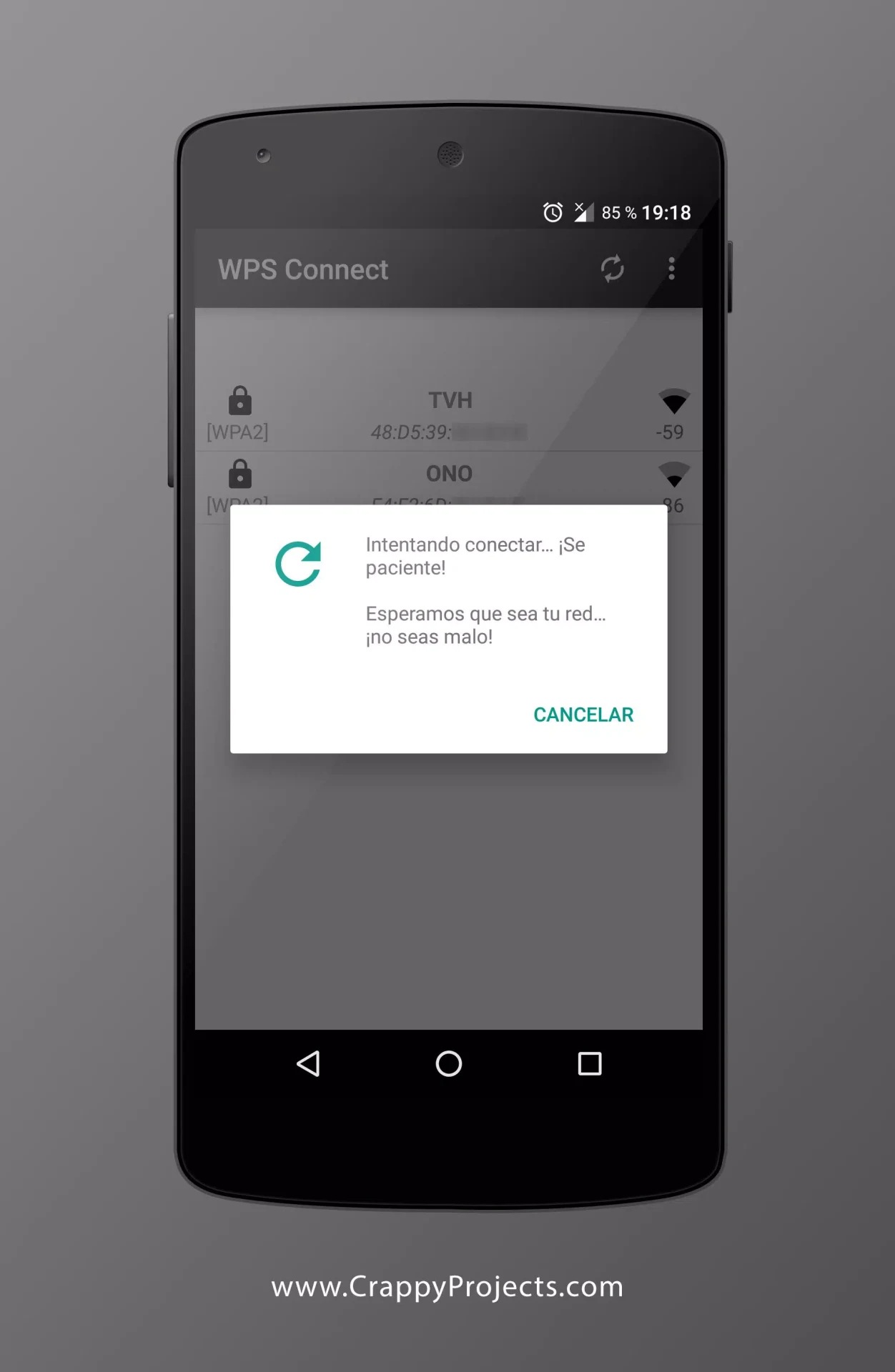
The supplied connection workflow starts with opening the app and selecting “Connect.” It describes Push Button Configuration (PBC), where available, and a PIN-entry method for compatible routers. Available access points can be selected by network name or SSID; the PIN method uses an eight-digit router code. After a successful connection, the described interface shows confirmation and connection information such as the assigned IP address.
Keep testing limited to your own network or one you have permission to assess. Use the result as a reason to review the router configuration rather than as a guarantee of overall network security. The source recommends reviewing credentials, encryption settings, and router firmware, as well as disabling WPS where appropriate.
Why It May Appeal
✅ The audit connects a specific finding with a practical next step: review the router’s settings, make a change, and repeat the test to see whether the same WPS connection remains possible.
✅ Saved-password viewing and WPS checks serve different parts of a Wi-Fi review, covering both credentials retained on a rooted phone and the router’s acceptance of tested PINs.
Things to Consider
❎ Root requirements are inconsistent in the supplied description. Its feature list states that non-root connections are supported on Android 5 and above, but its closing note says a rooted device is required. Stored-password viewing is explicitly root-only, so do not assume every feature works without root.
❎ Connection testing depends on the router supporting and allowing the relevant WPS method. The app’s stated audit focuses on WPS PIN exposure; a result does not establish that every aspect of the network is secure.
Version Information
The supplied listing identifies version 1.3.9, while the included release notes refer to version 1.3.5. Those earlier notes list added 24-bit, 28-bit, 32-bit, Dlink, and Dlink+1 algorithms, an “About us” section, and a small fix. No separate changes for version 1.3.9 are provided.