

Workflowy |Note, List, Outline is a note-taking, listing, and outlining application designed to help you stay organized and manage your tasks effectively. The application addresses the challenge of handling complex information by letting you capture ideas instantly, assign tags for easy access, and mark tasks as completed with a single swipe. It provides an auto-sync capability across multiple devices so your notes remain current, offering a comprehensive organizational tool for daily task management and project tracking.
How do infinitely nested lists help organize complex information?
Workflowy utilizes a nested list format that allows you to break down large, complicated thoughts into smaller, more manageable chunks. This hierarchical structuring makes it straightforward to arrange ideas logically, whether you are outlining a long-term project or keeping track of daily to-dos.
Can you use Workflowy when you are not connected to the internet?
Yes, the application includes offline functionality that enables you to continue working on your notes and tasks even without an internet connection. This ensures productivity remains consistent regardless of your current network status, while an auto-sync feature updates your files across your devices once connectivity is restored.
What tools are available for tracking tasks and visualizing workflows?
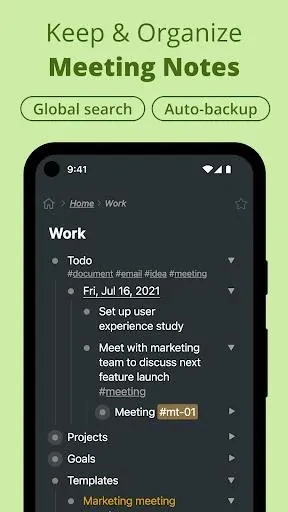
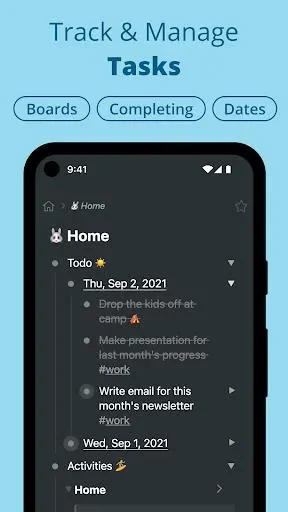
The application features kanban boards that allow you to manage tasks dynamically and visualize your overall project workflow. Additionally, you can utilize global text search to quickly locate specific items within your lists, and apply one-swipe actions to mark tasks as completed as you make progress.
How does the app support collaboration and organization?
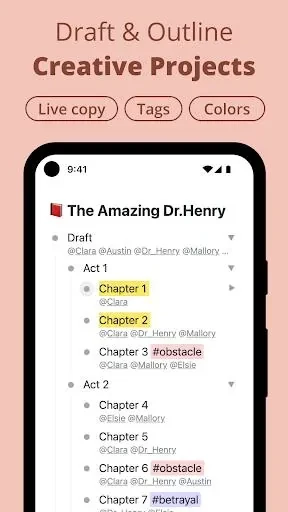
Users can share lists with others to collaborate in real-time on shared tasks and projects. To maintain personal or team focus, you can use tags and assignments to categorize and prioritize your work, making Workflowy suitable for both individual organization and collaborative team environments.