



Woof VPN & Wallpaper combines a VPN connection service with wallpapers for customizing an Android device’s home screen. The app describes its VPN as a way to connect while browsing, using messaging services, streaming video, or playing mobile games.
VPN connections and supported activities
The VPN service is described as using servers with high-speed bandwidth for a stable connection. The app names Telegram, WhatsApp, Skype, and Viber as messaging services people may use while connected. It also mentions mobile games from other regions, with reduced latency as an intended use of the connection. These are described capabilities, not guarantees about access, speed, or performance for a particular service or network.
For video, the description lists Netflix, YouTube, Hulu, Disney+, and iPlayer. It presents the VPN as suitable for streaming, but does not provide technical details about server locations, supported regions, or service availability. The source recommends choosing a server based on speed and stability, and connecting the VPN when using it for gaming.
Wallpaper collection
Alongside its network service, Woof VPN & Wallpaper includes a collection of wallpapers intended for the home screen. Users can browse the available designs and choose one to personalize the device’s appearance. The description does not specify the number of wallpapers or explain additional customization options.
Using the app
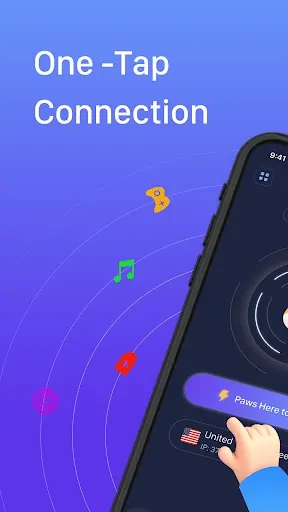
The source describes a simple connection flow: tap to connect. It also states that registration and permissions are not needed, though it does not explain the connection settings or provide further technical details. VPN performance and access to third-party apps or content can depend on network conditions and those services; the app description does not establish that every connection will be uninterrupted or available in every location.