

Wondershare Dr.Fone is a utility application designed to help Android users recover deleted files, photos, videos, audio, and messages directly on their mobile devices. Addressing the common problem of accidental data loss, the app provides multiple retrieval pathways depending on whether your device has root access or works alongside a desktop computer. The clearest benefit is its capacity to scan for lost items and restore valuable content, ranging from standard image files to application messages and contact details, while maintaining end-to-end data encryption for privacy protection.
What types of files can be recovered and how does the process work?
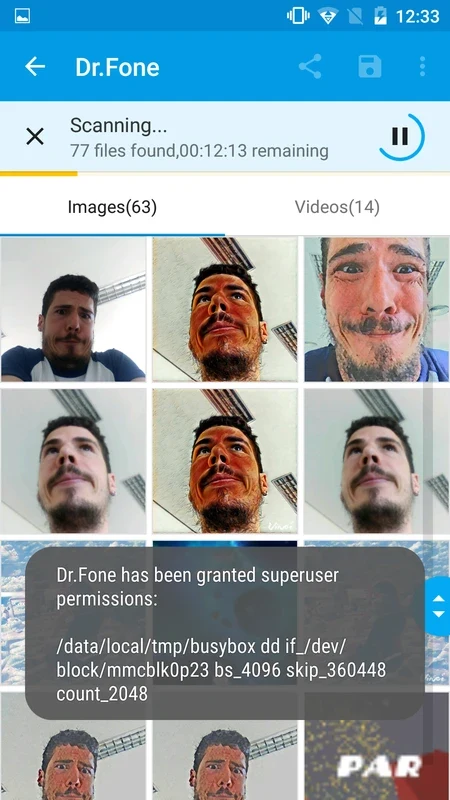
The app supports a wide array of formats, including JPG, PNG, BMP, GIF, TIF, and TIFF for photos, as well as MP4, 3GP, MOV, AVI, MPG, WMV, ASF, FLV, M4V, and other video formats. Users can recover photos and videos from device caches, thumbnails, memory cards, and internal memory without requiring root access. For more comprehensive message, contact, and deeper internal memory recovery, root access is necessary. Additionally, a Deep Recovery function pairs the mobile application with the dr.fone desktop version to handle complex scenarios like accidental deletion, rooting errors, operating system updates, and system crashes, allowing users to recover call logs, documents, and WhatsApp messages with their attachments.
How do the Recycle Bin and wireless transfer features function?
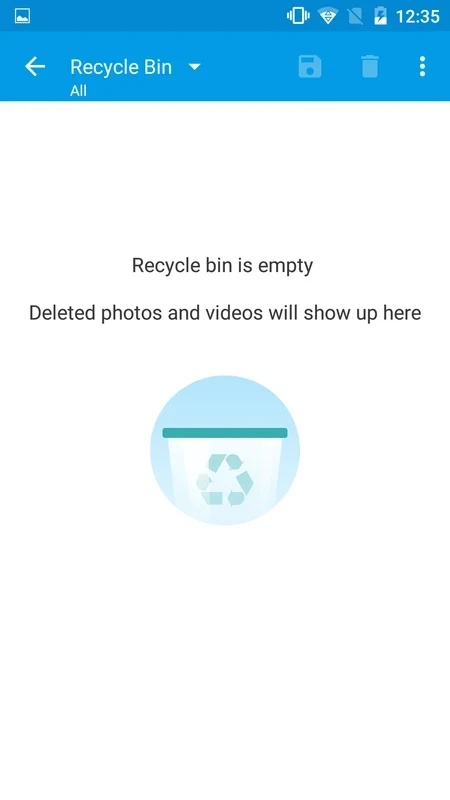
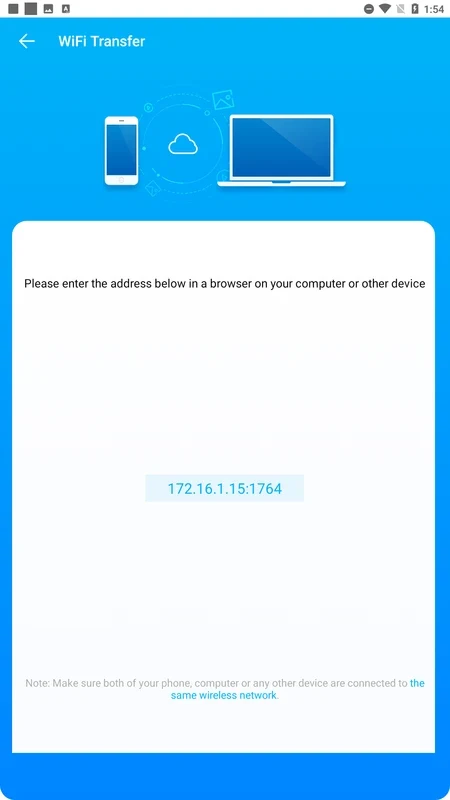
Wondershare Dr.Fone includes a Recycle Bin feature that acts similarly to a desktop computer trash bin. When you move photos and videos to this internal recycle bin upon deletion, you can restore them at any time and customize the retention period for those files. Beyond recovery, the application offers a wireless file transfer tool. By navigating to web.drfone.me in a web browser while keeping your mobile device and computer connected to the same Wi-Fi network, you can transfer files freely between devices and a PC without needing a data cable or external client installation.
What extra enhancement tools are included in the application?
In addition to data retrieval and transfer, the application features an AI Image Upscaler and picture enhancer. This tool automatically enhances image quality, allowing users to restore old photographs or clear up blurry pictures directly on their device instead of discarding poor-quality images. The interface provides concise instructions and a simple layout designed to help users navigate file management and restoration tasks efficiently.
What should users keep in mind regarding performance and limitations?
Because deleted data can be overwritten by new information over time, acting quickly yields better recovery results. The app is compatible with over 6,000 different Android devices, but users should note certain documented constraints: the application can run slowly if you possess a large volume of data, and file recovery outcomes are not always guaranteed to succeed depending on the specific circumstances of data loss. This tool is useful for individuals looking to manage mobile files, safeguard content through a local recycle bin, recover accidentally deleted media, or wirelessly move files to a desktop computer.