

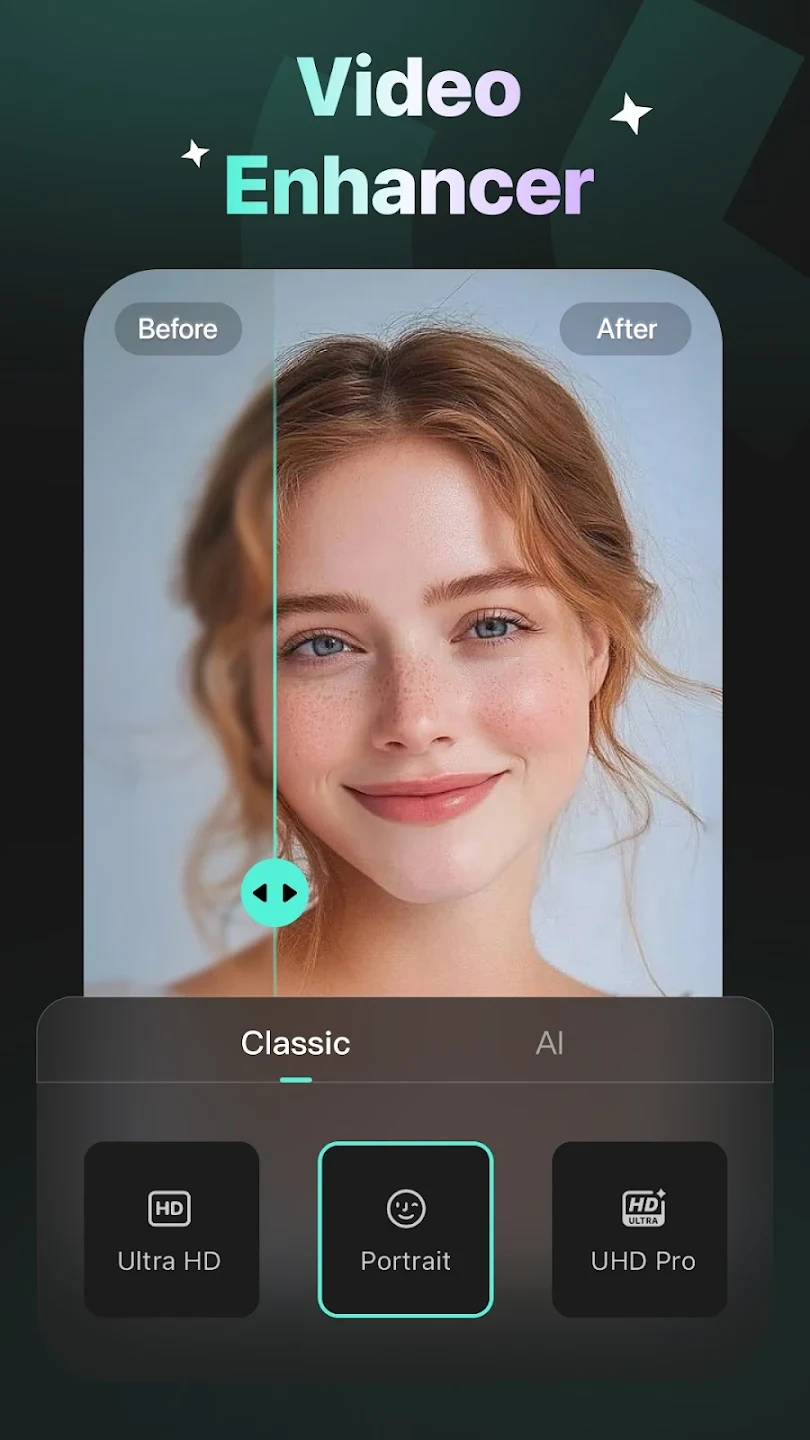
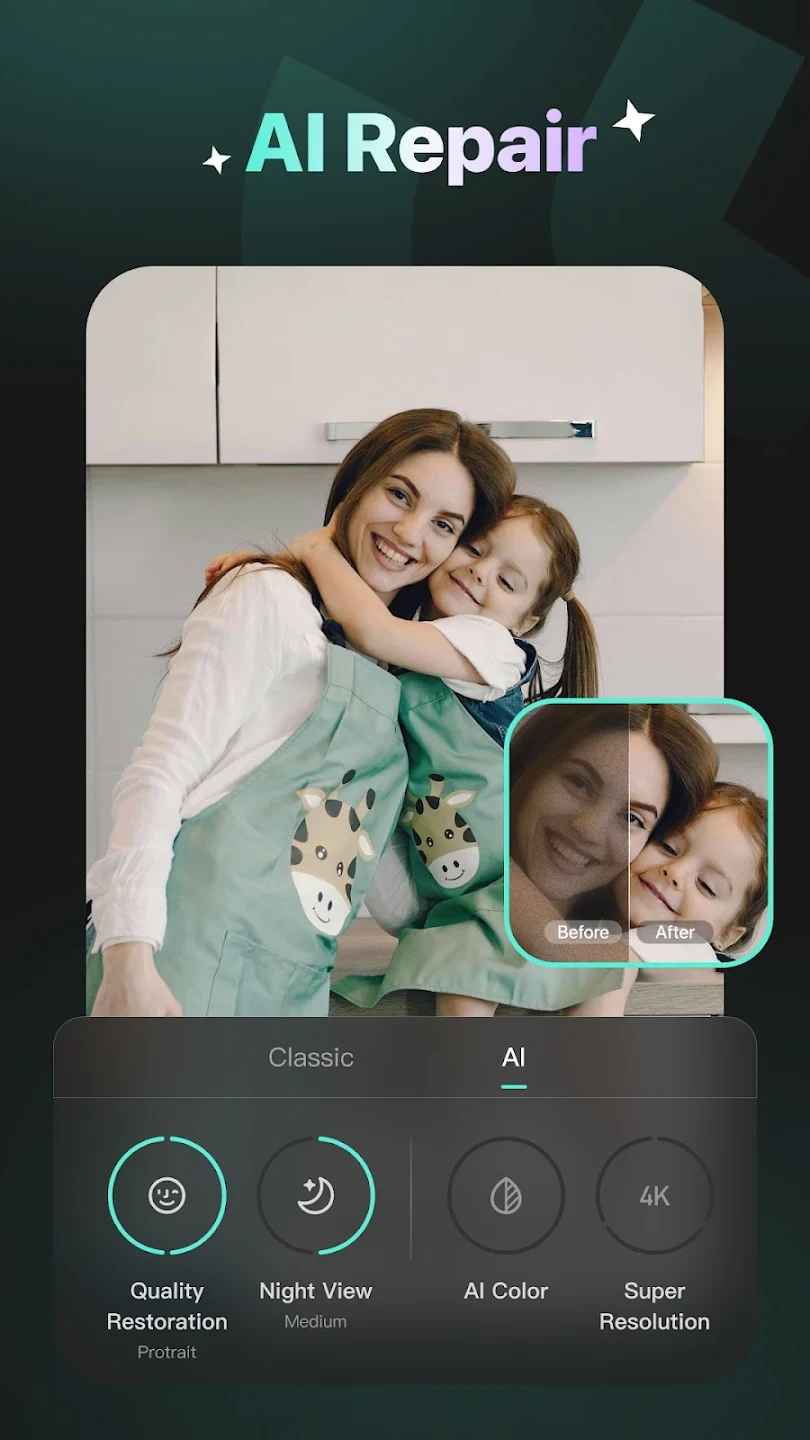
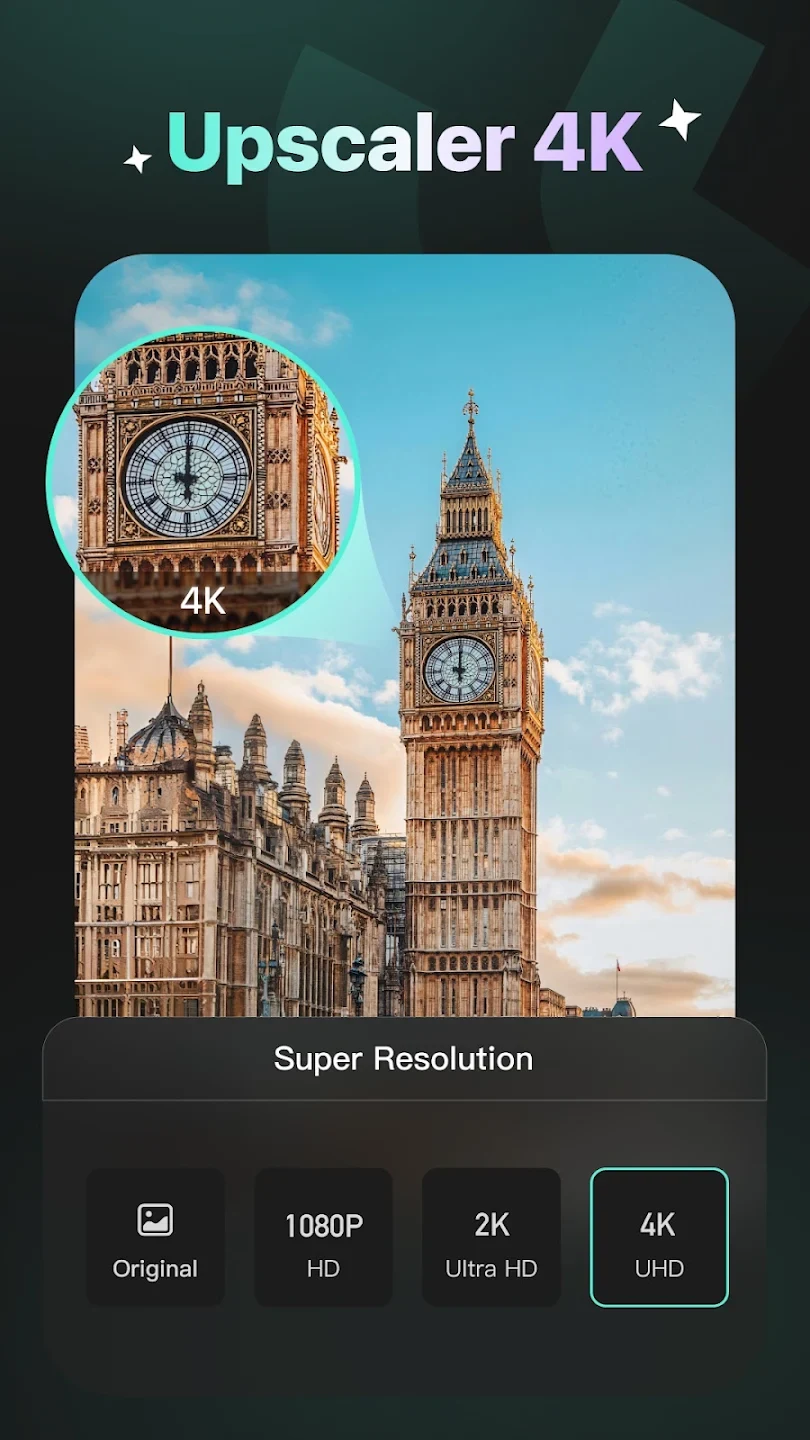
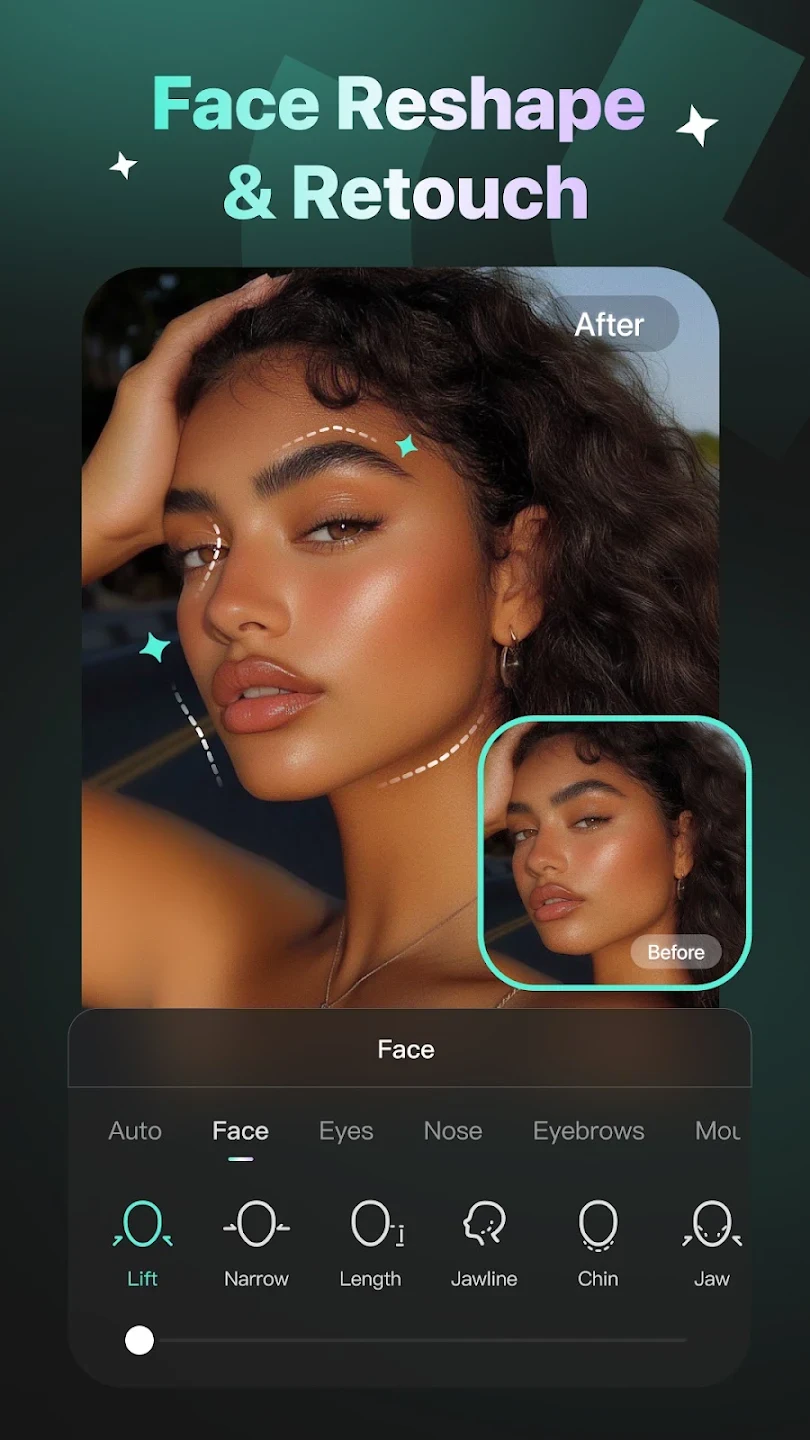
Winkit is a photo and video editing app that uses AI to improve image clarity and provides tools for creative editing. Its main task is to help users work with blurry, low-resolution, noisy, or shaky media, with enhancement options supporting up to 4K quality. Alongside these repair functions, it includes portrait adjustments and materials for personalizing videos. This combination lets users address technical image problems and change the presentation of their photos or clips within the same app.
How does Winkit improve blurry or low-resolution media?
AI upscaling and repair tools work on both photos and videos. The Ultra Resolution function supports enhancement up to 4K, while blur repair and detail restoration target soft or pixelated images. These tools are relevant when preparing older clips or small images for display on modern screens.
Noise reduction addresses visible grain from low-light shots and sensor noise, including distracting noise in backgrounds. Sharpening then targets edge definition to help make the subject clearer. The description also identifies AI detection and automatic repair suggestions as part of the enhancement toolkit, with adjustments available through a short sequence of taps.
What can you change in portraits and makeup looks?
Winkit includes skin smoothing and facial feature adjustments for refining portraits, along with body reshape controls. These provide ways to change a person's appearance rather than only increasing the resolution of the original image.
More than 100 makeup effects offer preset looks without requiring manual masking. Together, the portrait controls and makeup options can be useful for preparing social profile photos or thumbnails, particularly when appearance adjustments are part of the editing task.
Can it reduce handheld shake and uneven motion?
Video stabilization reduces jitter in handheld footage. A separate AI frame interpolation function smooths motion in slow-motion or low-frame-rate sequences, addressing choppiness rather than image sharpness alone.
These functions serve different purposes: stabilization targets camera shake, while interpolation targets motion between frames. The source presents vlogs, reels, and short action clips as examples of footage that can benefit from these tools.
Which creative materials can you add to videos?
Beyond repair and enhancement, Winkit supplies video filters, effects, music, and subtitles. You can add these materials according to your preferences, combining visual changes with sound and text to shape a finished clip.
The description states that editing tools and materials are updated and optimized over time. This creative side makes the app relevant to users who want to personalize a video as well as improve its underlying image quality.
How do importing, exporting, and processing work?
Winkit supports multiple video formats and allows imports from a device gallery or directly from the cloud. Enhanced videos can be exported in popular formats, although the supplied information does not name individual formats. Automatic file-size optimization is also described as part of its video workflow.
The app uses AI processing and resource optimization to speed rendering, including longer videos; no specific processing times are supplied. Its combination of repair, portrait editing, motion correction, and creative materials may suit people looking to improve existing photos and clips without limiting their work to resolution changes alone.