



Overview
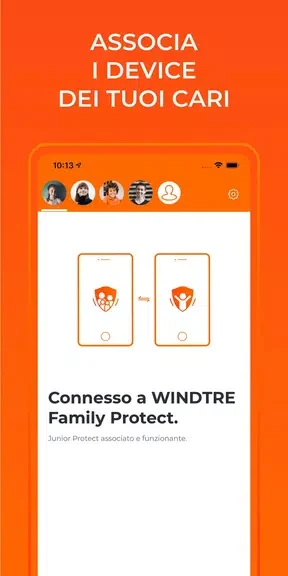
WINDTRE Junior Protect is the child-device companion in a setup that links a parent’s device with a child’s device. Parents begin in WINDTRE Family Protect by creating a child profile and adding the child’s device, then install this app to complete configuration. The tools are intended to help parents manage protection for a child’s online activities, with settings that can be changed remotely. The source also describes screen-time limits as an option. This makes the app relevant to families looking to configure online safeguards and manage them from the parent setup.
What You Can Do
⭐ Link the child’s device to the parent setup by following the configuration instructions in WINDTRE Family Protect.
⭐ Choose a protection level to suit the child’s needs, rather than relying on a single fixed setting.
⭐ Change protection levels remotely when a different configuration is needed.
⭐ Set screen-time limits to help manage the child’s time using the device.
⭐ Use the app as a starting point for conversations about internet safety and responsible browsing, as suggested in the source.
Using the App
The setup begins on the parent’s device: install WINDTRE Family Protect, create a profile for the child, and add the child’s device. Install WINDTRE Junior Protect on that device to finish the configuration, following the instructions from the parent app. Once set up, parents can adjust protection levels remotely. The source describes the interface as intuitive and easy to navigate, but does not specify individual controls or protection categories.
Why It May Appeal
✅ The linked parent-and-child setup brings configuration and remote changes together, so parents do not need to make every adjustment on the child’s device.
✅ Adjustable protection levels and screen-time limits give families options for managing online use.
Developer
WINDTRE Junior Protect is listed as being developed by Wind Tre SpA.