

Wifi sniffer is an Android network scanning tool that helps you inspect devices connected to the Wi-Fi network your phone is using. It can identify devices and show details including IP addresses, MAC addresses, and hostnames, giving you information to use when locating equipment or investigating connectivity issues. The app also offers port scanning and device type detection. One-tap refreshing and customizable scan settings support repeated checks, while its listed network-management functions include firewall verification, access control management, web filtering, and spam filtering.
What information can a scan show?
The app scans the Wi-Fi network to discover connected devices and reports identifying details such as IP addresses, MAC addresses, and hostnames. It can also classify device types and scan ports to identify open ports and running services. These details may help when finding the network address of a printer, camera, or smart home device, or when checking which devices appear on a home or office network.
Can I refresh scans or change how they run?
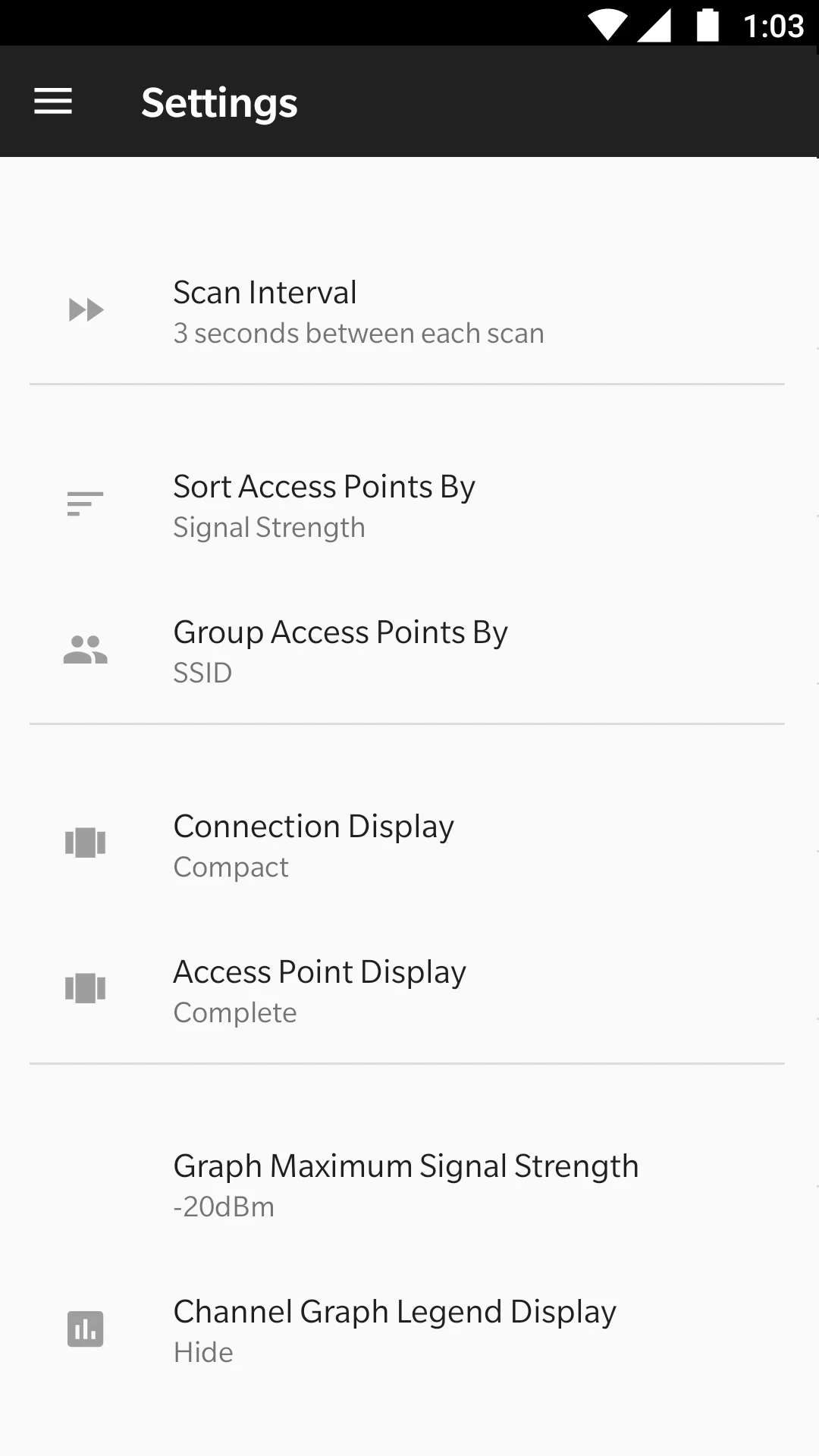
A one-tap refresh lets you run another scan without navigating through a longer process, and the app provides customizable scan settings. Its interface is described as using Material Design 3. The source does not specify which individual scan settings are adjustable, so users should check the controls in the app to see whether they suit a particular network task.
What network-management tasks does it support?
Wifi sniffer is presented for exploring network environments, troubleshooting connectivity, and detecting devices that may not be recognized. It also lists firewall verification, access control management, web filtering, and spam filtering among its supported network-management functions. The available description does not explain the steps or configuration options for those functions, so it does not establish that every task can be managed directly from the app.
Which permissions are needed for scanning?
Network access is used to communicate with devices, and Wi-Fi state access checks whether a Wi-Fi connection is active. The app also uses the Nearby Wi-Fi devices permission to discover devices on the local network. According to the supplied information, Android 16 and later require this permission for local network communication, and scanning will not work without it.
Location permission is described as optional and used only to read the Wi-Fi network name (SSID); scanning is possible without it. These functions may make the app relevant to network administrators and technically curious users who want to inspect a local network or identify device addresses. Its usefulness depends on the permissions needed for the intended scan being available.