

WhatTheFont is a font recognition app for identifying typefaces seen in photos. Point your device’s camera at lettering, adjust the selection area, and view possible matches after a short wait. If an image contains several fonts, you can select the one you want to check; manual selection can also help when the app does not detect text automatically. Beyond recognition, the app lets you try text in fonts and browse similar options, making it useful for people exploring typefaces for a project.
How do you identify a font in a photo?
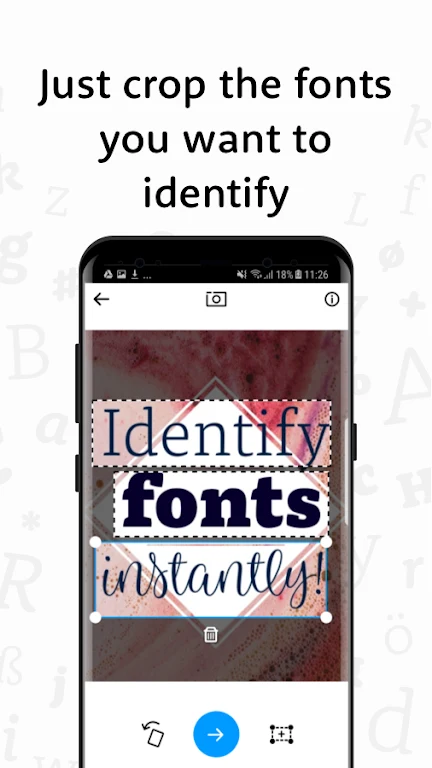
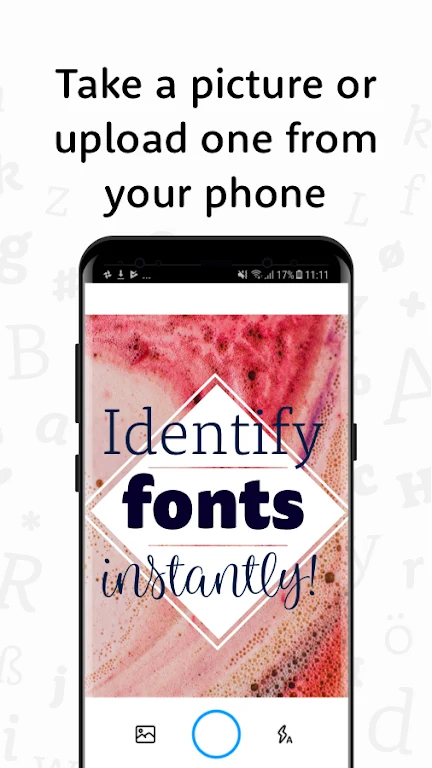
Use the camera to frame the lettering you want to recognize, then adjust the selection area around it. WhatTheFont returns possible results for the selected text. When more than one font appears in the image, you can manually choose which one to examine rather than relying on automatic text detection.
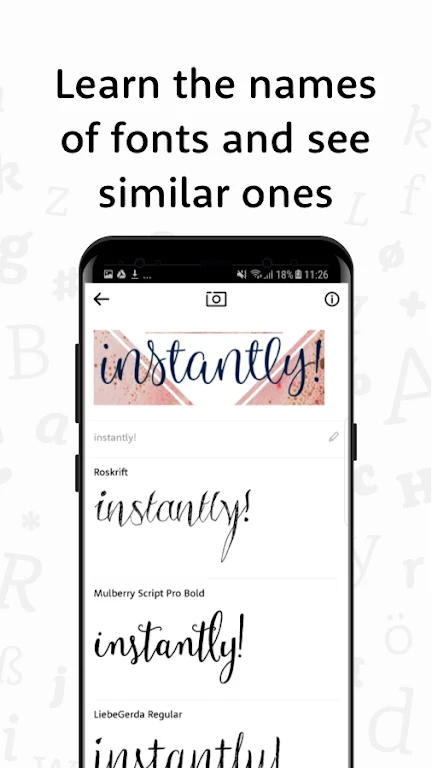
The app presents possible matches, which can help you learn the names of fonts you encounter. Its description says it uses artificial intelligence for recognition and that its algorithm learns over time; it does not specify a guaranteed match for every image.
What can you do with a font after finding it?
You can enter words in fonts you find and try your own text in them. This lets you see how your wording appears in a typeface, while browsing similar fonts provides additional options to consider for a design or other project.
Can the app help with font ideas and inspiration?
WhatTheFont supports exploration as well as identification. Users can browse fonts similar to those shown in images and look through font sets recognized by other users. These features can help you compare styles and gather ideas when considering font options for your own work.
Who may find WhatTheFont useful?
The app is aimed at both experienced designers and people with less design experience who want to identify or explore fonts. Its described workflow centers on selecting lettering, reviewing possible matches, and trying text in font options, without requiring extensive technical knowledge according to the source. It may suit someone curious about a typeface in an image as well as someone looking for styles to consider in a project.