

Overview
WhatsApp Red is an unofficial Android messaging client designed for users who want more control over privacy, appearance, and messaging features than the standard app provides. It includes options to hide indicators such as blue checkmarks, online status, and viewing status, while also adding chat locks and app protection with a fingerprint, PIN, or pattern. The app supports extensive theme customization, larger media-sharing limits, automatic replies, scheduled messages, and other messaging tools. During setup, users verify a phone number by SMS and can restore chat history from a backup if one is available.
What You Can Do
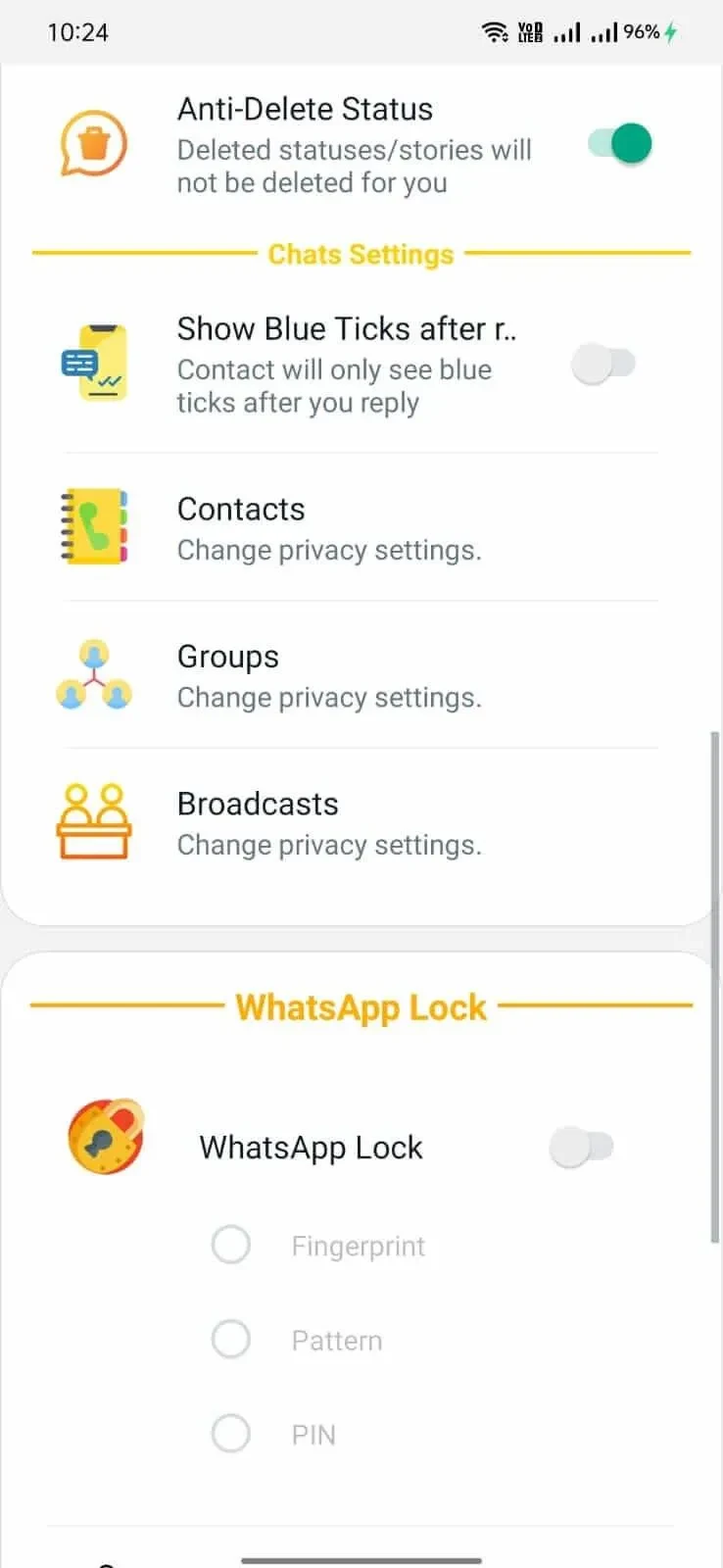
⭐ Adjust privacy indicators by hiding the blue checkmark, online status, and viewing status. The app also includes options related to forwarding tags and viewing one-time messages.
⭐ Protect selected conversations by hiding and locking specific chats. WhatsApp Red also supports app access protection using a fingerprint, PIN, or pattern passcode.
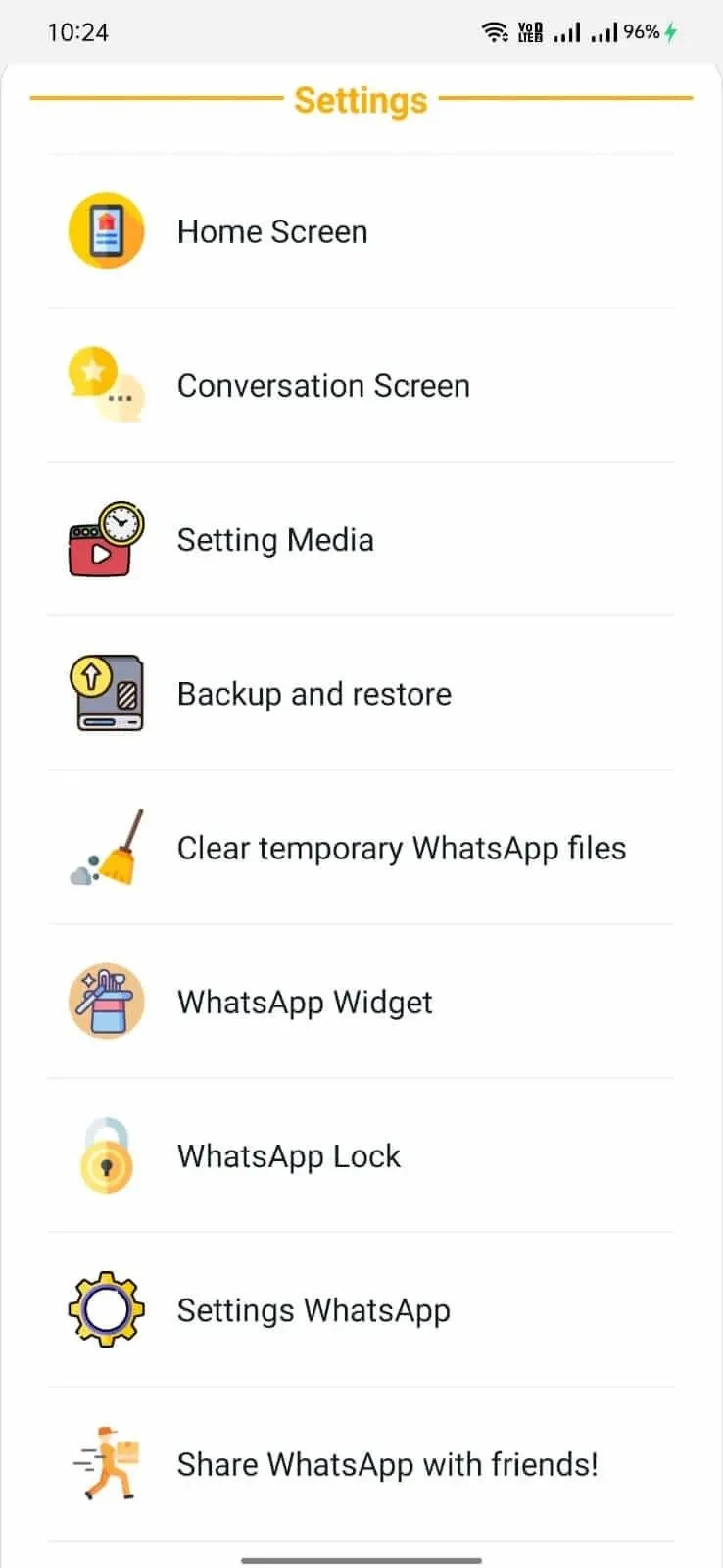
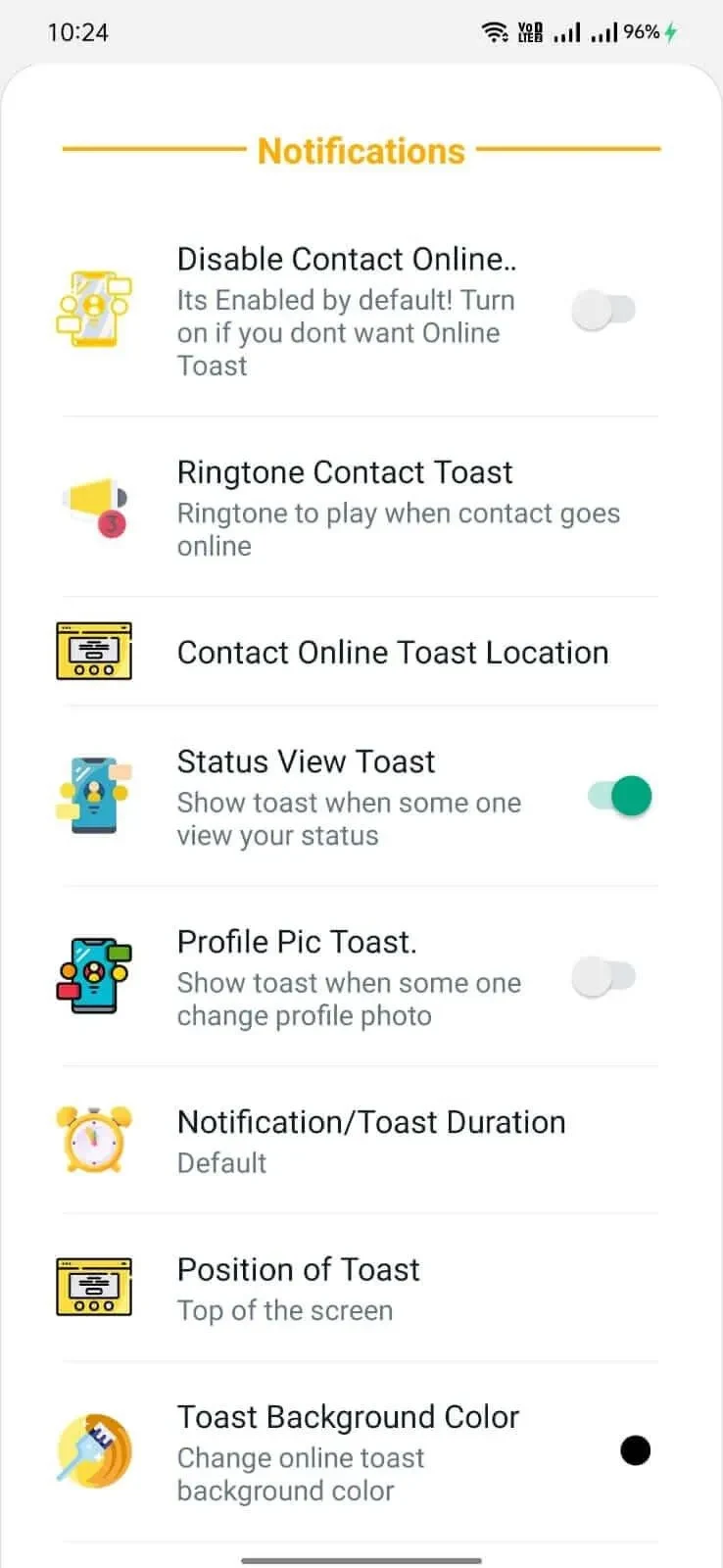
⭐ Change the visual style of the messaging experience. The source describes more than 4,000 themes, along with controls for the chat screen, home screen, app icon, notification icon, and ringtone.
⭐ Share more media at once, with support for sending up to 90 media files in a single action. The app also supports larger audio and video files than the stated original limit.
⭐ Post video statuses of up to three minutes, according to the supplied app information.
⭐ Use additional messaging tools such as copying media captions, setting automatic replies, scheduling messages, and automatically hiding read receipts.
Using the App
To begin, open WhatsApp Red, accept its terms, and enter a phone number. The app sends a verification code by SMS, which you enter to complete the account setup. If a backup is available, the setup process includes an option to restore chat history. You can then add a profile name and photo before adjusting privacy, security, theme, and notification preferences.
The interface is presented with a high-contrast red visual style and a focused workspace for messages and media. The source also describes smooth scrolling and quick menu switching on high-refresh-rate displays, although the experience can vary by device. The app's customization controls allow the appearance and notification behavior to be changed rather than keeping a fixed default design.
Why It May Appeal
✅ The privacy controls bring several visibility settings together, making it possible to manage read, online, and viewing indicators from one modified client.
✅ Chat hiding, chat locking, and multiple passcode options provide additional control over access to selected conversations and the app interface.
✅ The large theme collection and separate interface, icon, notification, and ringtone settings offer more visual personalization than a fixed layout.
✅ Scheduling, automatic replies, and caption copying can reduce repetitive messaging tasks for people who use these specific tools.
Things to Consider
❎ WhatsApp Red is not the official WhatsApp application. The source describes an anti-ban feature, but that label should not be treated as a guarantee against account detection, restrictions, or bans.
❎ Installation may require enabling the Android setting for applications from unknown sources and obtaining an APK from a website or third-party source. Users should consider the source carefully before installing an unofficial client.
❎ Phone-number verification is required, and restoring conversations depends on having a compatible backup available.
Setup and Installation
The supplied installation steps involve downloading the APK from a reliable source, enabling the relevant unknown-sources permission in Android settings, opening the APK, and waiting for installation to finish. After launching the app, users can sign in with an existing account or create a new one, then complete the SMS verification and optional backup restoration steps.