

Whatlisten - Music Player brings music browsing, playlist organization, and playback controls together in one app. You can browse tracks by artist, album, genre, playlist, or folder, then create playlists to group music for a particular mood or selection. A built-in equalizer offers a simple way to adjust playback without navigating a complicated set of controls. Search is also described as a way to find songs or artists, while headphone control support provides another way to manage playback when you want to keep your attention on your surroundings.
Browse by collection or search
The app arranges music through several familiar categories: playlists, artists, albums, and folders, with genre browsing also mentioned. This gives you more than one route to a track, whether you remember who recorded it, where it is stored, or how you grouped it. The description also mentions smart search for songs and artists, which can help locate a specific match without browsing each collection.
Build playlists and adjust playback
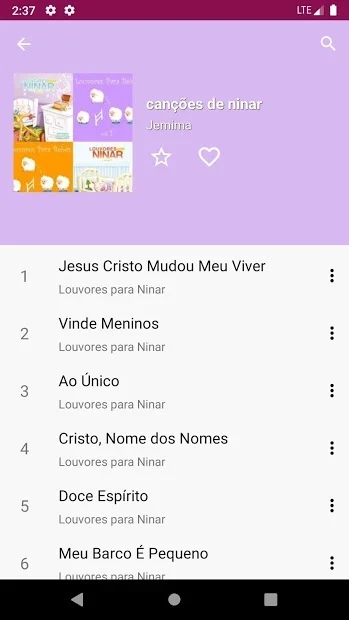
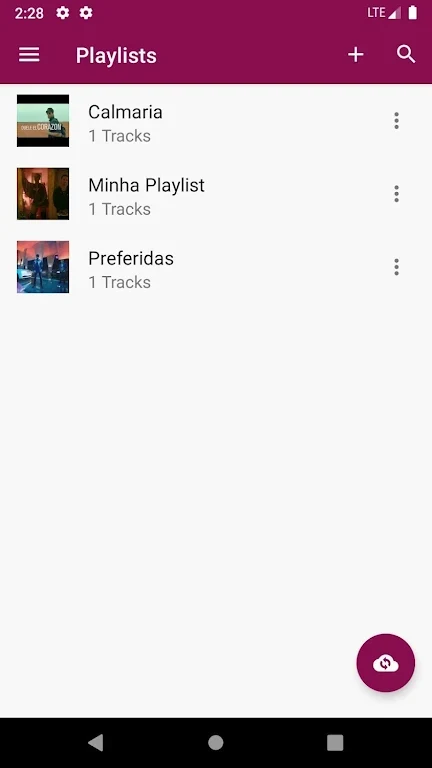
You can create playlists from favorite tracks and customize them around a mood or an artist. These personal collections work alongside the broader library views, offering a way to gather selected songs without changing how the rest of the music is arranged. The built-in equalizer is presented as an accessible tool for adjusting the listening experience, with an emphasis on straightforward operation.
Headphone controls and listening
Headphone control support lets users manage music playback through headphones. The source describes this as useful when you do not want to answer a call and when you need to remain aware of your surroundings. It does not specify which headphone buttons or playback actions are supported, so the exact controls are not detailed.
Search, downloads, and playback
The app description also outlines a search-and-download flow: enter a song or artist name, review matching results, and tap a song to start downloading and play it in the built-in player. This sits alongside the library and playlist features, although the provided information does not explain where downloads are stored or provide further details about the available music sources.