


Streaming for Asian entertainment
WeTV Mod is a video streaming app for finding and watching films, television series, anime, variety programs, news, and live broadcasts from around the world. Its content description places particular emphasis on Chinese, Korean, Thai, and other Asian regional programming, covering genres such as drama, comedy, action, fantasy, period romance, suspense, modern comedy, and animation. This gives viewers several ways to explore entertainment according to language, region, or preferred type of story.
The service is also described as receiving regular content updates, with new episodes and trending titles added over time. The library is intended to bring together both series and individual films, so users can move between continuing a show and discovering a separate title without changing apps. The supplied information also refers to original and popular programs, variety shows, and live content as part of the broader selection.
Search and content discovery
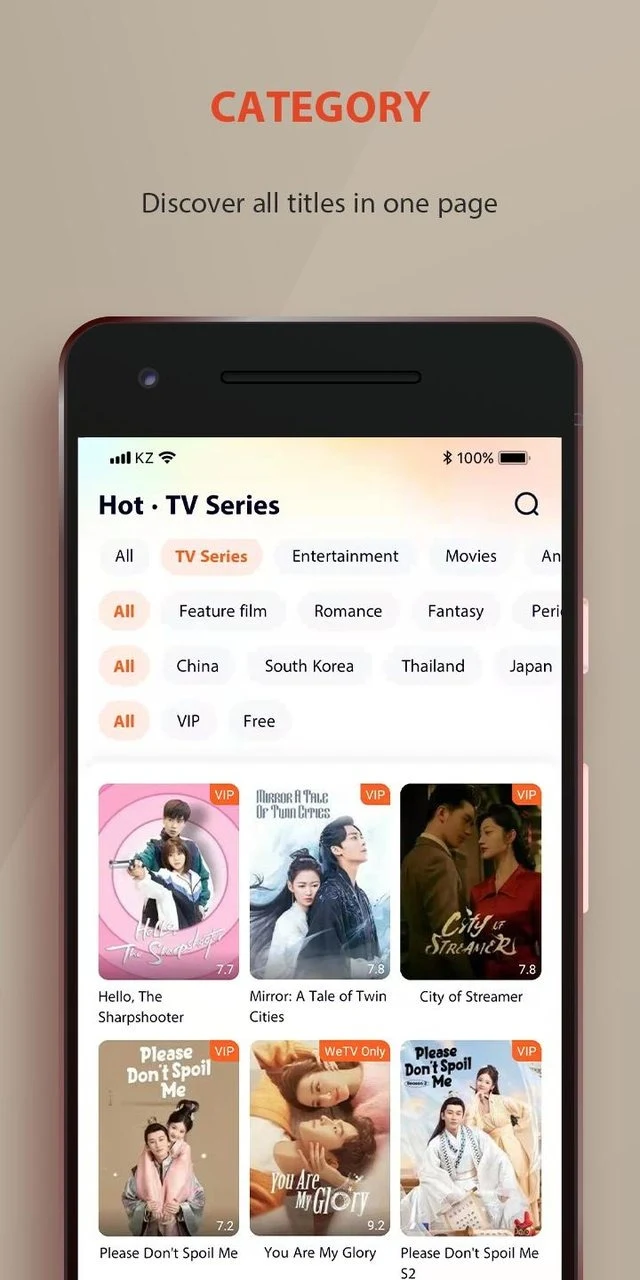
A keyword search function helps users look for a specific film, series, episode, or other program by entering relevant terms. For browsing without a particular title in mind, the app arranges content by genre and presents areas for trending shows, top picks, and new releases. This organization supports different discovery habits: search is available when the viewer knows what to watch, while categories provide a way to explore related titles.
Before playback, viewers can choose a video resolution that suits their connection and data preferences. The described options range from lower resolutions intended to use less data to high-definition viewing. The app is also presented as supporting high-resolution pictures and vivid sound, although the available quality can depend on the selected setting and the content being watched.
Subtitles and language options
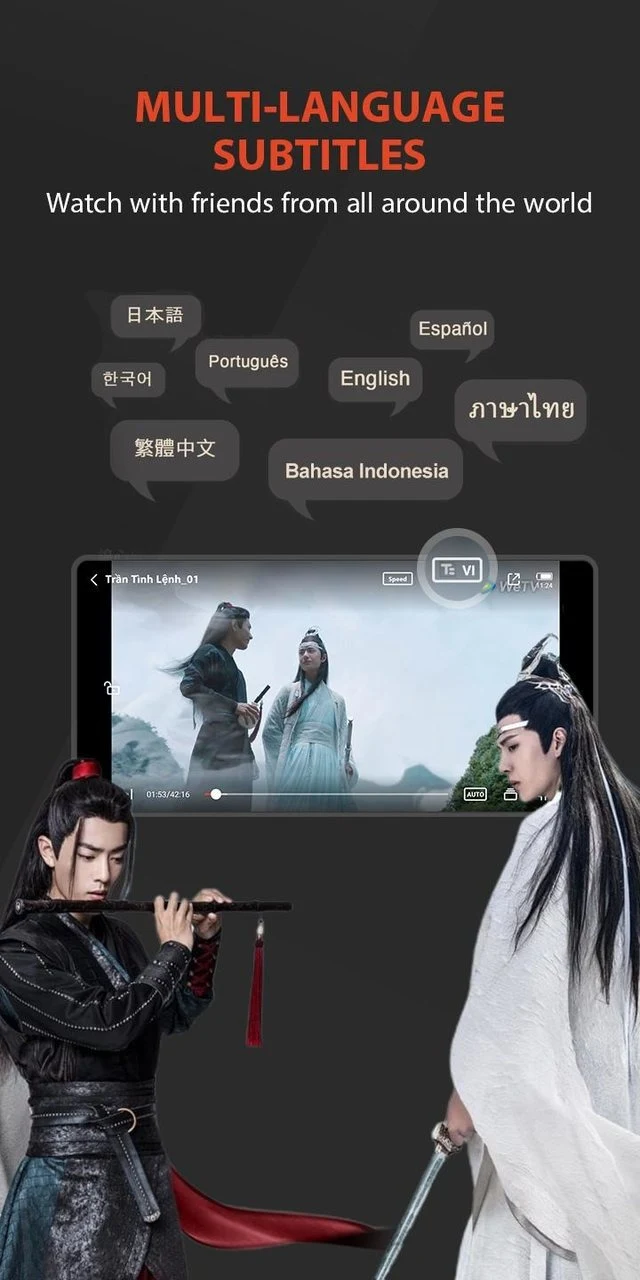
WeTV Mod includes multilingual subtitle support for viewers watching content in languages they may not speak. English and Bahasa Indonesia are specifically mentioned, while another section also identifies Vietnamese among the available interface or language options. Subtitle timing is described as synchronized with the video, helping viewers follow dialogue while watching international programming.
Language support is especially relevant to the app's Asian content selection, where a viewer may want to watch a Chinese, Korean, Thai, or other regional production with translated text. The source material identifies subtitles and multiple language choices as part of the viewing experience, but it does not provide a complete language list for every title or feature.
Saved viewing and offline access
The My List feature allows viewers to keep favorite programs together for later access. A viewing history is also maintained in the profile, providing a record of watched content and helping with content management. Continue-watching support lets users return to unfinished programs from where they previously stopped rather than searching for the same title again.
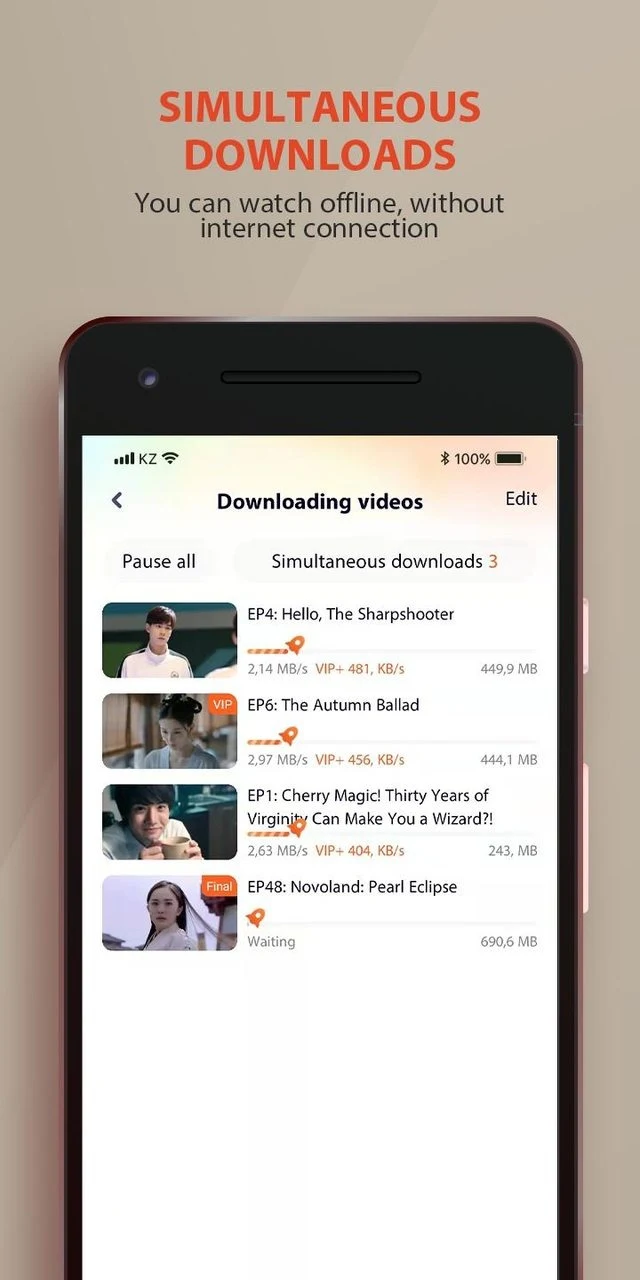
The app description also supports downloading episodes for offline viewing. This can be useful when a viewer expects limited connectivity, such as during a commute or in an area with a weak internet connection. Downloads remain within the app according to the supplied information. The source does not specify how long downloaded content remains available, whether every title can be downloaded, or what storage controls are provided.
Playback and viewing controls
WeTV Mod is described as offering an ad-free viewing mode in its modified version, allowing streams to continue without the advertising interruptions identified in the source. The same material describes a viewing experience with adjustable resolution, subtitles, and high-quality picture and sound options. These functions are presented together so viewers can select how content appears and how much data playback uses.
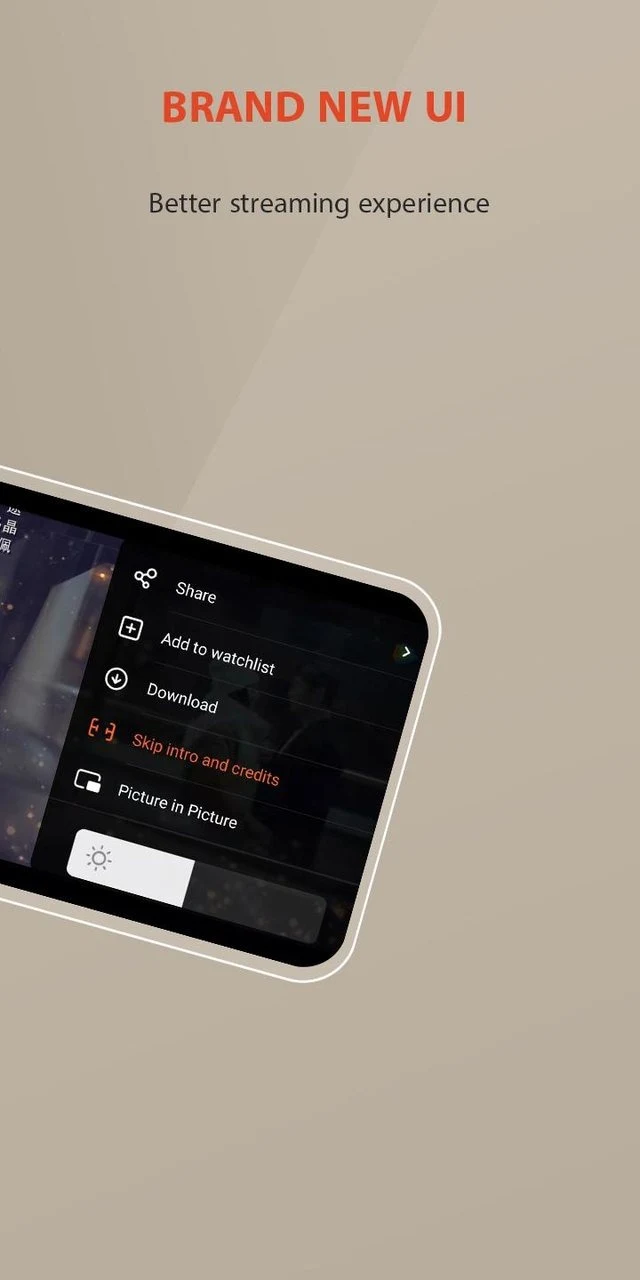
The supplied description also mentions touch controls for volume, brightness, and video playback, operated by swiping on the viewing screen. These controls are intended to let viewers adjust common playback settings while watching. Alongside the search, category, subtitle, history, watchlist, and download tools, they form the main set of controls described for using the app.
A typical viewing flow
After opening the app, a viewer can create an account or sign in, then browse the available categories or enter keywords in search. A title can be selected from the results, followed by a choice of video quality and subtitle language where available. During playback, the viewer can use the described screen controls for volume, brightness, or playback, and can later return through My List, viewing history, or continue-watching access.
For a program intended for travel or another period of limited connectivity, the viewer can download an available episode in advance and access it through the app's offline viewing function. This workflow connects the app's discovery tools with its playback and personal library features without requiring a separate video player.