


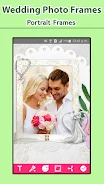

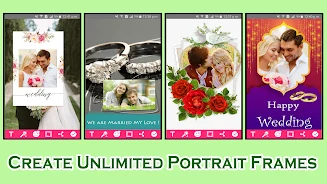

Wedding Frames is designed for creating personalized wedding images when you want to place a memorable photo inside a decorative marriage or wedding frame. You can select an image from your gallery or take one with the camera, then adjust its appearance and position before sharing the finished picture.
Creating a framed wedding image
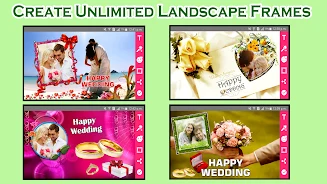
When you have a photo from a wedding or want to prepare a framed image for someone else's special day, the app provides more than 60 landscape wedding and marriage frames to choose from. After selecting a design, you can embed a gallery image or a newly captured camera photo into the frame.
Adjusting the photo to fit
Photo placement can be refined directly in the frame. You can rotate, scale, zoom in, zoom out, or drag the image so it fits the selected design more precisely. These controls allow the subject and surrounding composition to be adjusted before you finish the image.
Adding personal styling and text
Wedding Frames supports visual changes through different colors and photo effects. You can also add text and change its size, color, and font whenever needed, giving the framed image a personalized message or decorative wording.
Sharing the finished design
Once the image is customized, you can share it with friends and family on social networks. The source also describes the app as usable without an internet connection, so the framing and editing tools do not require an internet connection according to the provided description.