
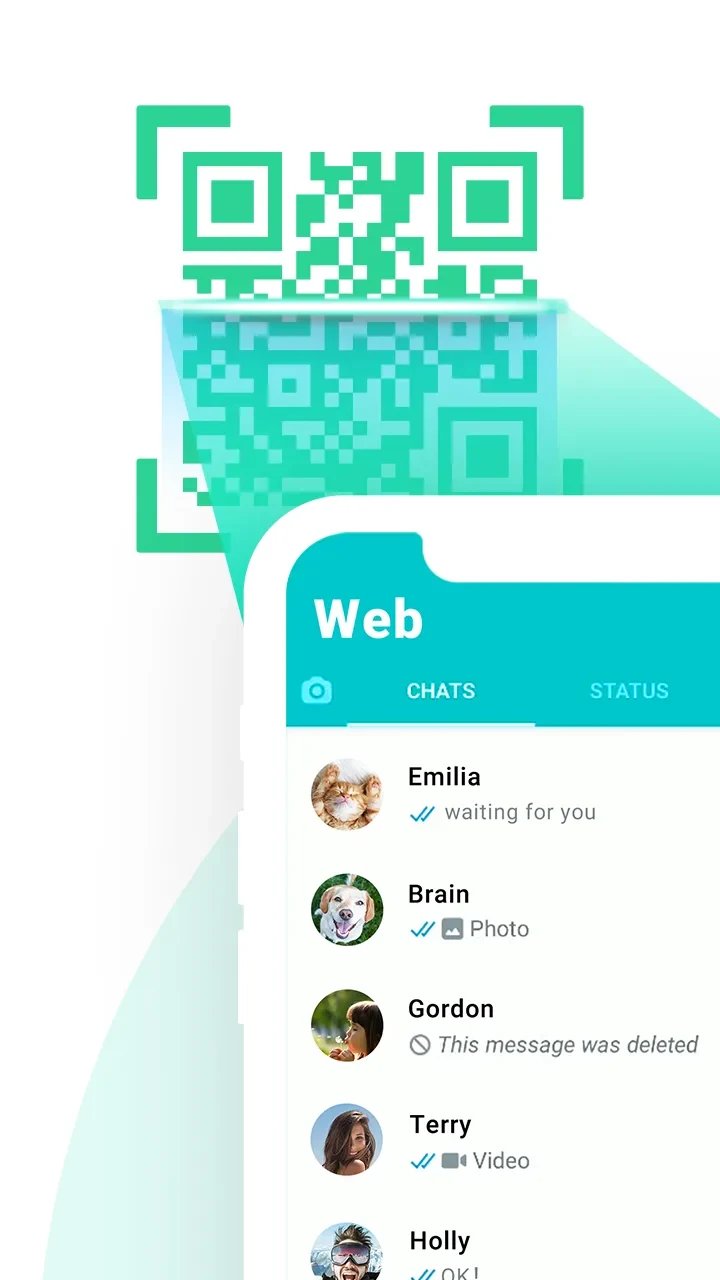
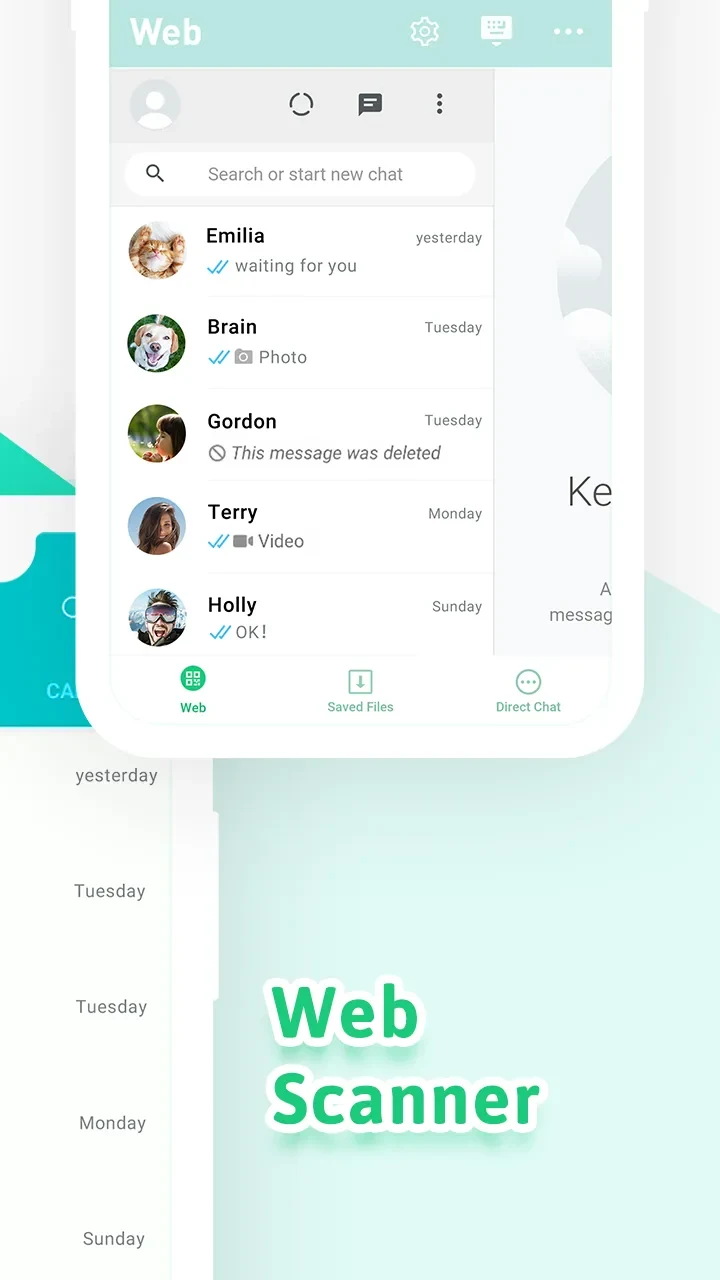
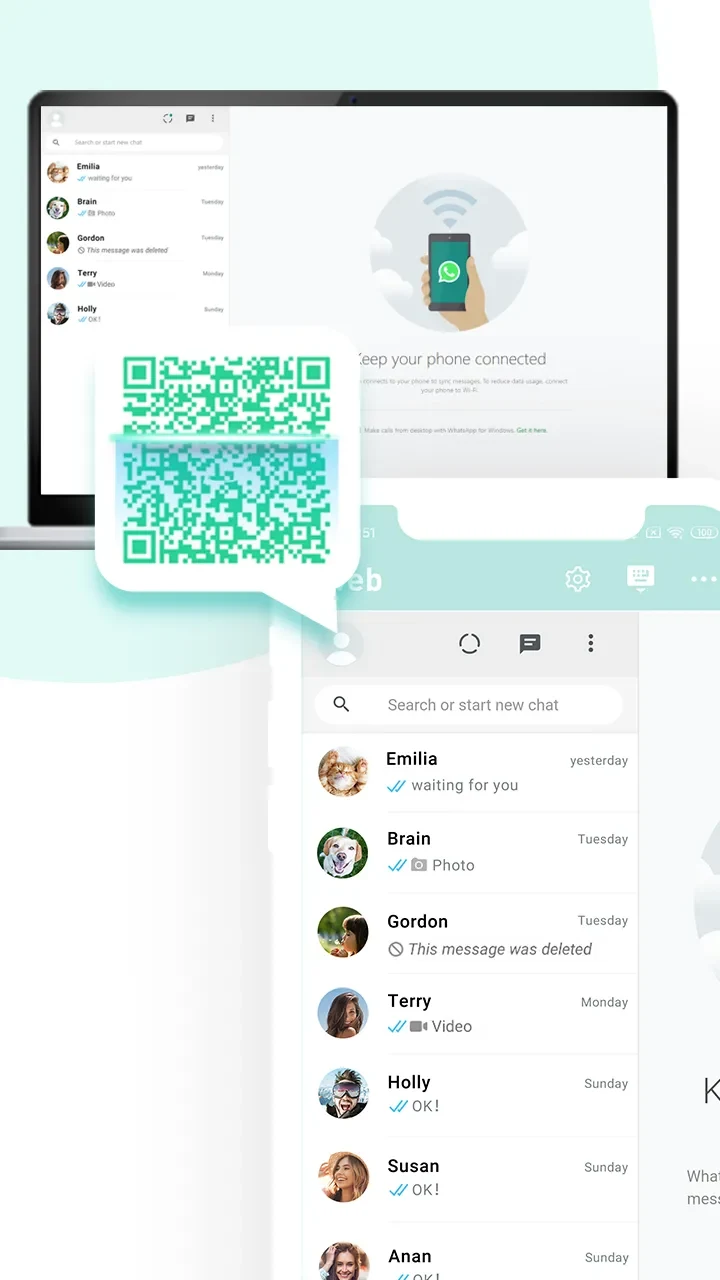
Web Scanner App (WScanner) apk brings together web-based account linking, status media downloads, and messaging tools. It can link an account by scanning a QR code displayed on a web page, and it also provides ways to save status images and videos, start direct chats, and manage files downloaded through the app.
Web account access and messaging
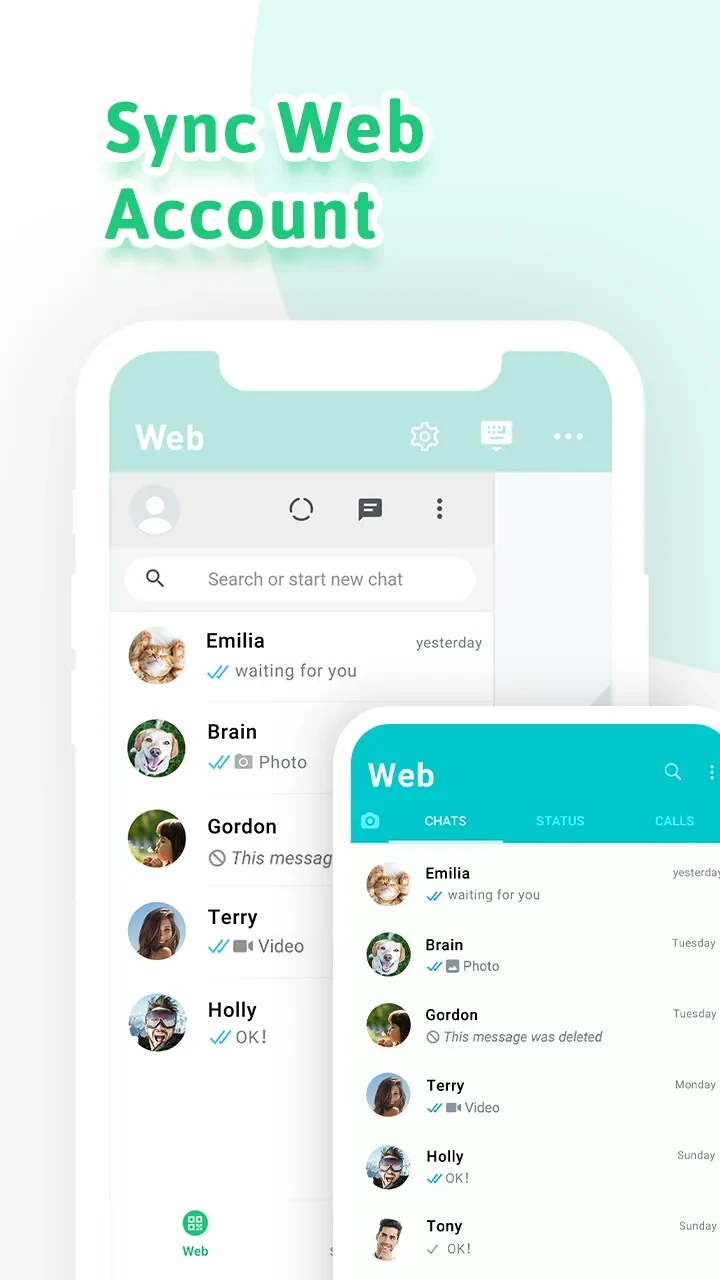
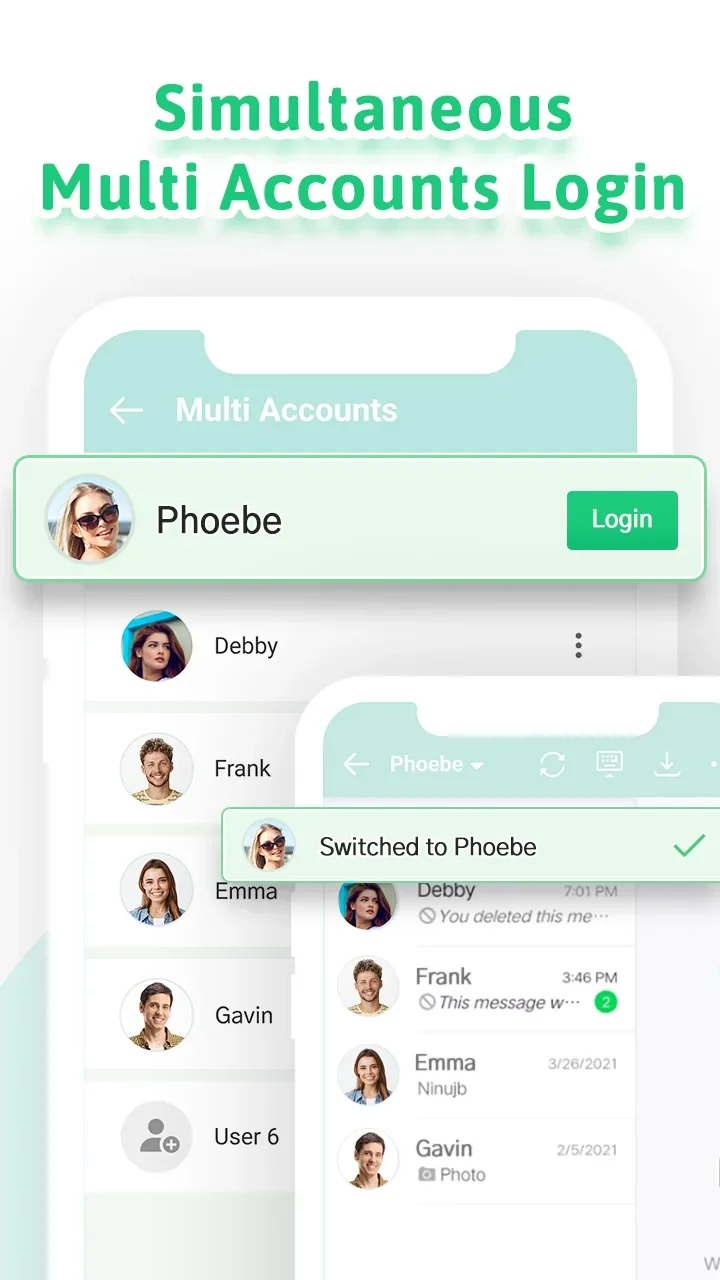
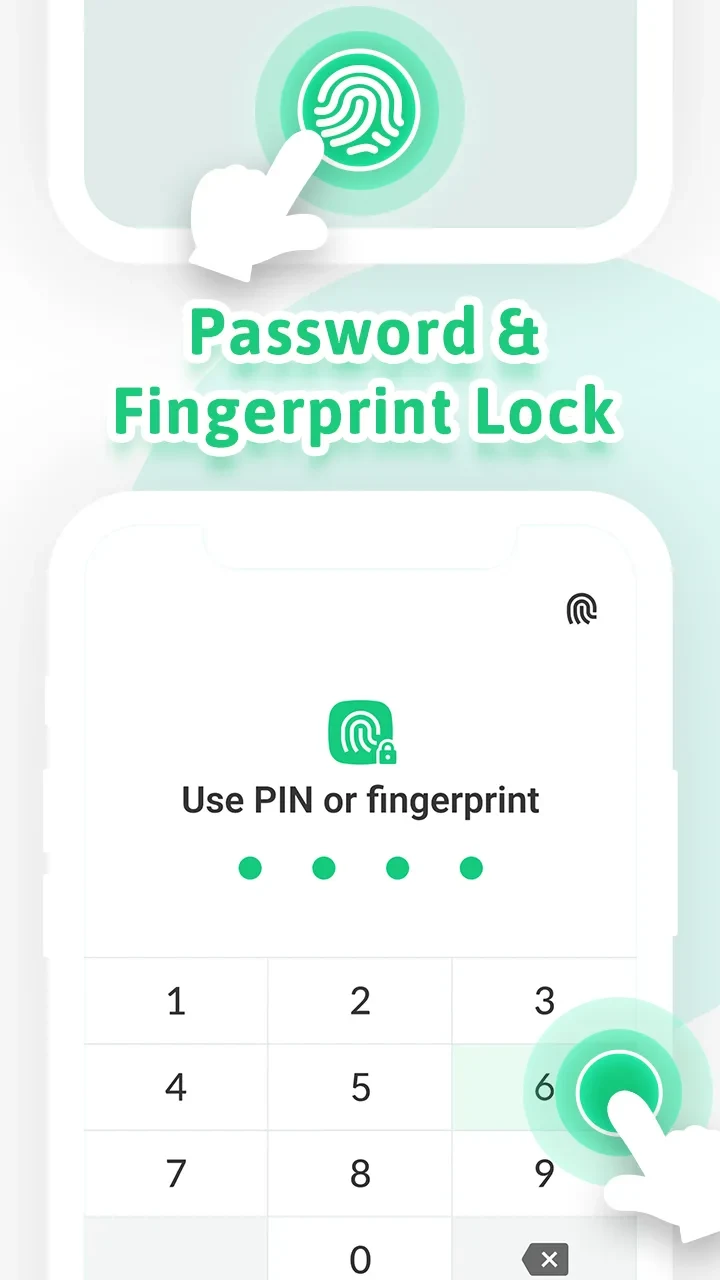
To link an account, the app uses a QR code on a web page to clone the account on another device. The listing also describes support for simultaneous multi-account login, allowing users to switch between accounts without repeatedly logging out. A password or fingerprint lock is available as an app feature.
Direct chat lets users start a conversation without first saving a phone number in their contacts. The app also supports downloading chat files. These functions bring account access, conversations, and chat-file handling into the same application.
Status downloads and saved files
The status saver can download images and videos from statuses. After downloading, files are scanned and organized in the device library, where they can be searched as the collection grows. The app also provides shortcuts for accessing saved media, so users can open stored files from within its file-access tools.
Devices and display options
Web Scanner App (WScanner) apk lists support for Android tablets as well as a mobile phone interface. The display can switch between horizontal and vertical screen orientations. These options describe its device and layout support; the source does not specify a minimum Android version.
Overall, the app combines account linking and account switching with direct messaging, status saving, and file management. Its listed tools cover both downloaded media and chat files, while the password or fingerprint lock provides an additional way to restrict access to the app.