


vpnmaster free speedvpn - flashvpn proxy is a VPN app for changing server locations while browsing the internet, streaming content, downloading files, or using online services. Its main task is to provide an alternative connection through different servers, which can help users reach region-restricted content and choose a location that suits their activity. The app also states that it masks the user’s IP address and encrypts internet traffic. A user-friendly design is intended to make server switching accessible to both experienced and novice users.
How does unlimited server switching work?
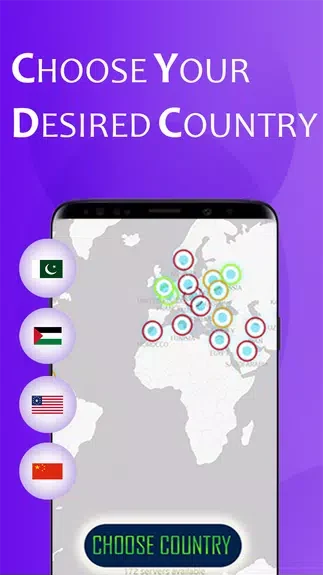
The app lets users connect to different servers across the globe and switch between them without a stated limit. Changing locations may help with geographical restrictions, and exploring several locations can also help users look for a suitable connection for browsing or other online activities.
Server selection can be adjusted according to the user’s purpose. The source specifically identifies streaming content, online gaming, and downloading files as activities for which users can choose a server that provides the performance they want.
Can it help protect online activity?
vpnmaster free speedvpn - flashvpn proxy states that it enhances privacy by masking the user’s IP address and encrypting internet traffic. According to the supplied information, these functions are intended to help protect online activity from hackers, internet service providers, and government surveillance.
The app also describes its connection as suitable for public Wi-Fi networks, where users may want an added layer of privacy while browsing or using online services. These are the app’s stated security and privacy functions; the source does not provide independent test results or technical specifications.
What can users do to manage the connection?
The interface is described as sleek and intuitive, with navigation designed to make it easy to switch between servers. Users can explore locations in different countries, select a server for a particular activity, and use the app’s auto-connect option.
When enabled, auto-connect is intended to connect the device to the VPN whenever the user accesses the internet. This setting is aimed at maintaining a VPN connection without requiring a manual connection each time.
Who may find this app useful?
The app may be useful to people who want to change VPN server locations, access content subject to regional restrictions, or add stated IP-masking and traffic-encryption features when using the internet. It may also suit users who want one interface for browsing, streaming, gaming, downloading, and connecting through public Wi-Fi.
Its clearest appeal is the combination of unlimited server switching, activity-focused server selection, auto-connect, and a simple design. Users should assess whether those stated functions match their needs, as the supplied information does not document compatibility details, independent performance testing, or specific server locations.