

Vpn UC Browser provides a virtual private network for browsing through a selected country or server location, with the stated purpose of protecting online activity and helping users reach websites blocked by an internet service provider. The app is presented as a tool for private browsing across several common mobile network types.
Connecting through a server location
The main function is routing the internet connection through a chosen location. Users can select a server location that provides access to a restricted site, then browse through that connection. The supplied description also advises choosing a location with a good level of security when using the app.
Accessing restricted websites
Vpn UC Browser is described as helping users bypass restrictions imposed by an ISP. This can be used to open websites or other content that may be blocked on the current connection. The documented process is to connect to the app, choose a location where the site is accessible, and continue browsing through that connection.
Privacy and connection support
The app description refers to strong encryption protocols and says they are intended to keep browsing activity private and protected. It also states that the app can be used with WiFi, 4G, LTE, and 3G connections, so the available network can vary between wireless and mobile data.
Interface and connection guidance
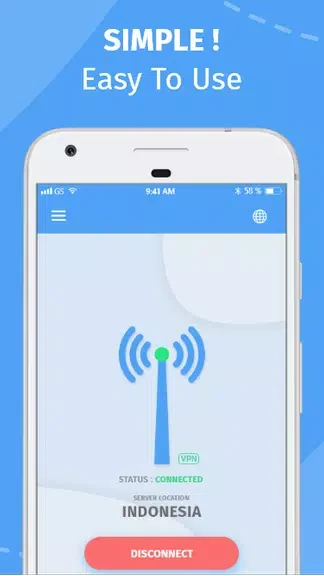
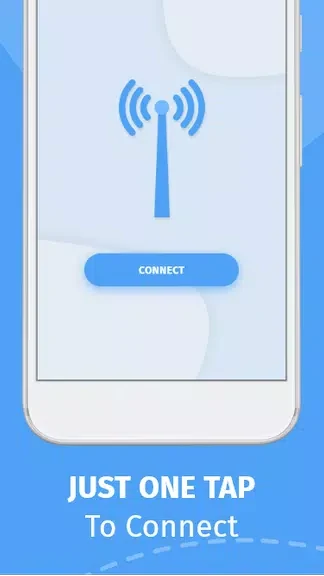
Vpn UC Browser is described as having a visually appealing, easy-to-use interface intended to be approachable for beginners. The supplied guidance recommends maintaining a stable, reliable network connection to help avoid interruptions or slow speeds while browsing through the app.