


What the app is designed to do
VPN Touch Proxy Unblock Master is a VPN app for Android from developer Slick King, listed in the Tools category at version 1.0. According to its description, the app creates a VPN connection on a phone or tablet so that websites and apps can be reached as if the device were in another country. The listing names several situations where this may be useful: unblocking websites, bypassing blocked apps, securing connections on WiFi hotspots, and browsing privately. It also specifically mentions firewalls and restrictions at school or work.
Starting a connection and choosing a server
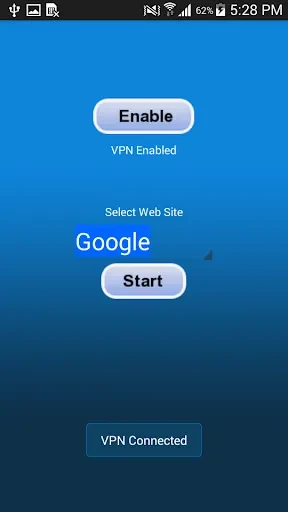
The listing presents a one-click workflow. The user taps the start button, and the description says the app then connects automatically to what it calls the fastest and most secure server. Users who want a particular location can select from multiple proxy servers located in different countries. The description advises choosing a server in a country where access to a blocked site or app is allowed, which is how it explains bypassing a restriction.
Privacy and encryption claims
The description states that the connection is encrypted, that it hides the user's IP address, and that it helps prevent online activity from being tracked. These are the developer's stated claims rather than results independently verified here. Readers who need a specific level of privacy or security should review the details themselves before relying on the app.
Setup requirements
According to the listing, the app does not require system root access, registration, or login. It also comes with pre-configured settings, so the user does not need to adjust complicated options before starting. The description further states that there are no login, password, or bandwidth restrictions. These points are presented by the developer and are not accompanied by additional terms in the source material.
Interface and gaps in the listing
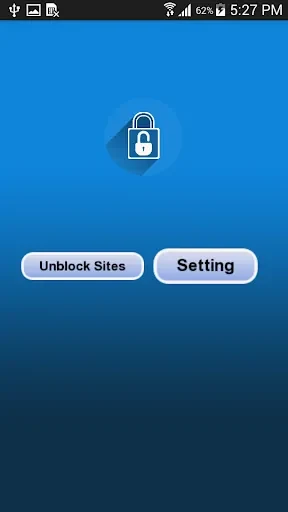
The description characterizes the interface as user-friendly and says the app is fast to run. The source does not document app permissions, offline behavior, supported Android versions, data handling, or whether advertising is present, so these points are not covered in this description. Anyone who needs those details should check the store page or the developer's documentation before installing.