

VPN Tethering helps users share an active VPN connection with other devices over a Wi-Fi hotspot. This can be useful when several devices need to use the same VPN but setting up a separate VPN connection on each one is inconvenient. The app’s workflow is to open it, connect to a VPN server, and then turn on the hotspot for other devices to join. Root access is required, so the app is intended for rooted Android devices rather than phones without root.
Set up the shared connection
Start by connecting the phone to the VPN server you want to use. Once that connection is active, turn on the phone’s hotspot so other devices can connect through Wi-Fi. The app is designed to share the existing VPN connection, meaning the connected devices do not each need an individual VPN setup. The source does not provide additional configuration steps beyond this sequence.
Root access and VPN compatibility
A rooted device is necessary to use VPN Tethering. The app is described as working with most VPN servers, but some servers may impose restrictions or require configurations that are incompatible. Checking whether a chosen server works with tethering can help avoid issues when setting up the shared connection.
When sharing may be useful
Sharing one connection can be a practical alternative to configuring the VPN separately on each device. It may also reduce the need for separate VPN accounts, depending on the VPN service and its terms. Devices connected to the hotspot use the shared VPN connection, so the app’s purpose is to extend VPN access beyond the phone itself; it does not describe separate VPN controls for each connected device.
What to try if it does not work
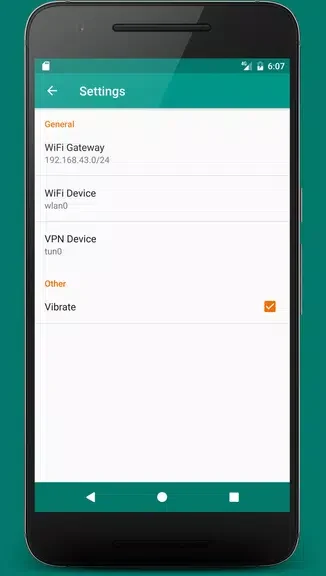
If the app is not working as expected, review its settings and check that they are configured correctly. Reinstalling the app is another suggested troubleshooting step. If the problem continues, the source recommends contacting the support team. Server restrictions or configurations may also affect whether a VPN connection can be shared.